
Can Companies Contact Me Too?
Respond to company inquiries in the Jobs tab by viewing position details, messaging recruiters, and setting interview availability.
On Instaffo, companies have the opportunity to contact you directly if your profile matches their open positions. In this article, you'll learn how to find and respond to company inquiries.
Tip: If you're interested in a position that you haven't received a company inquiry for yet, reach out to the companies proactively. This shows initiative and is necessary if the company isn't actively recruiting talent themselves.

Finding and Opening Company Inquiries
-
View inquiries in the Jobs section
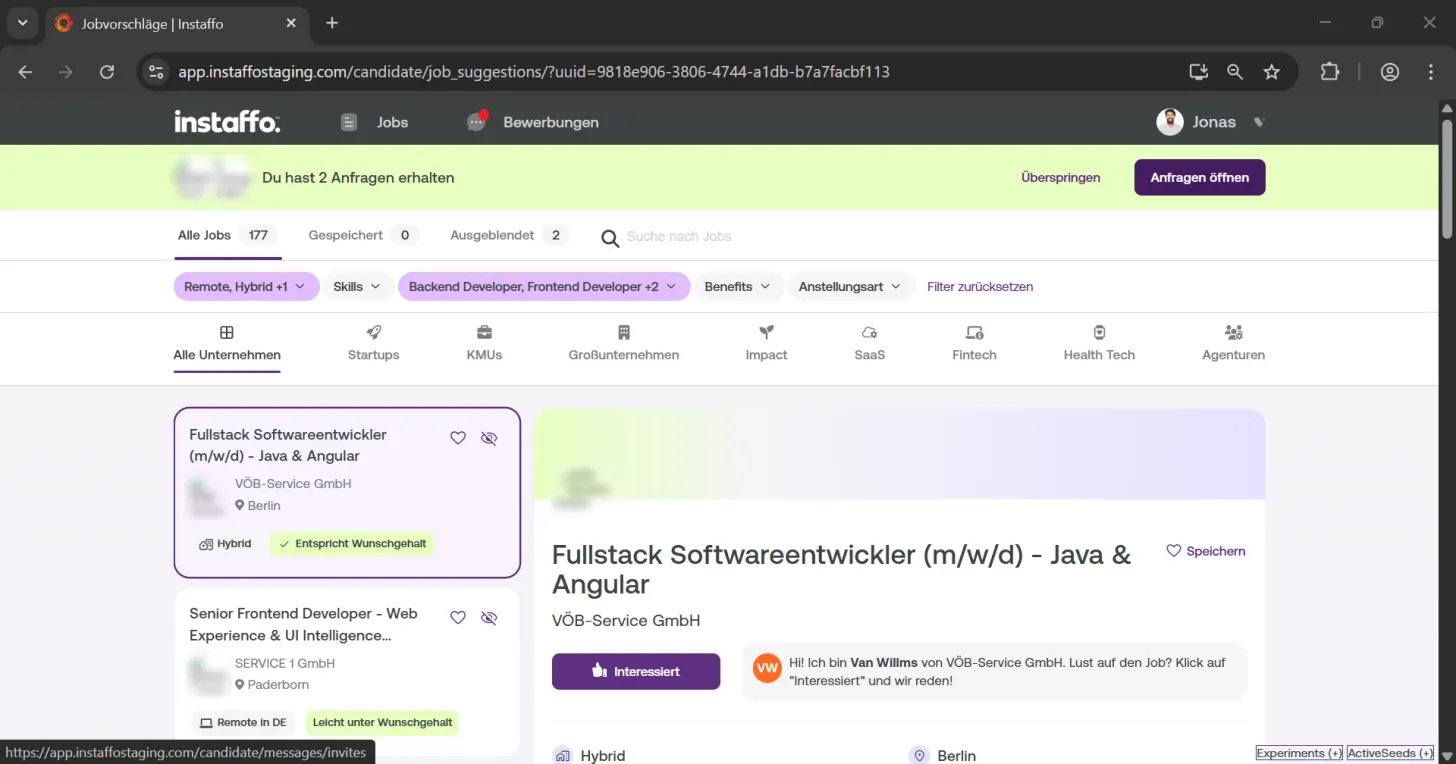
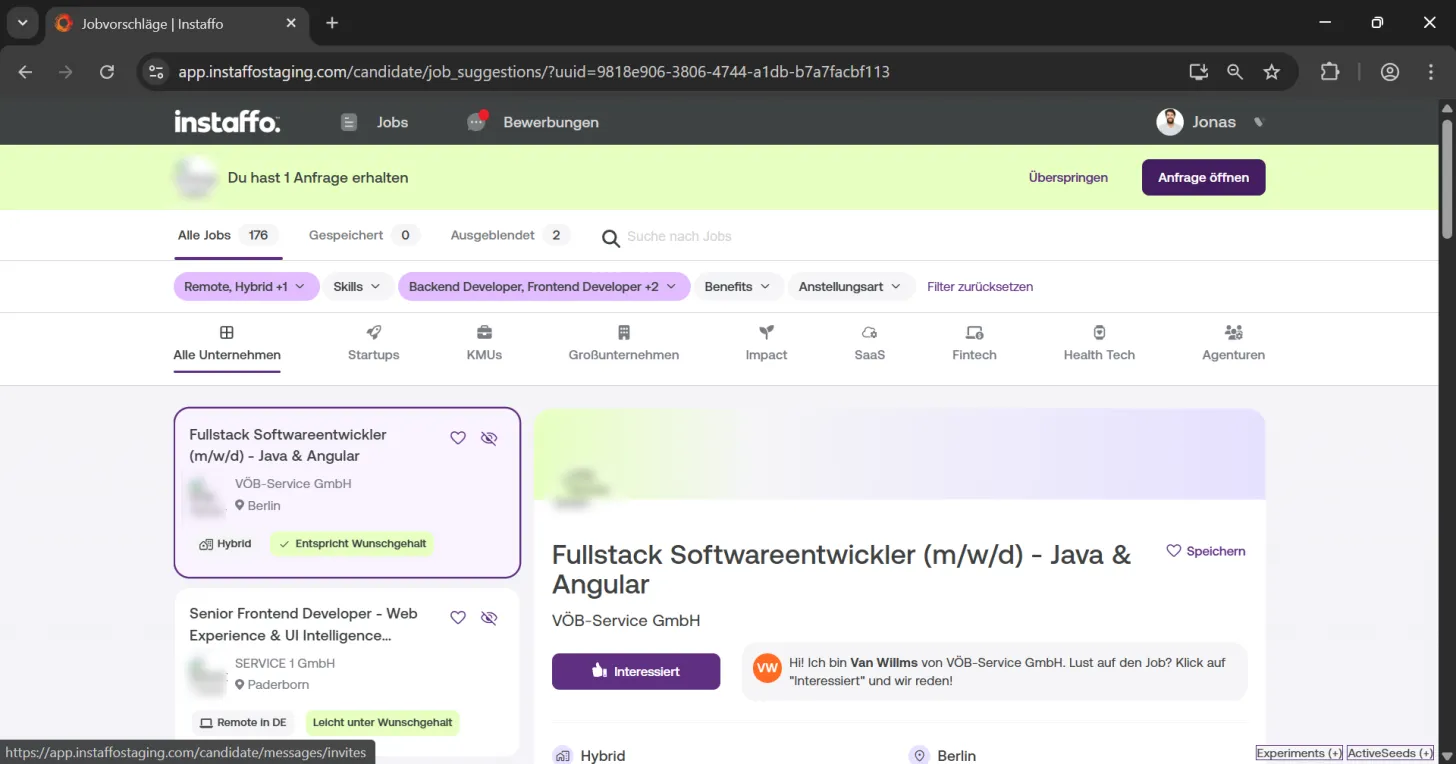
When you log into Instaffo, you'll find your company inquiries in the "Jobs" tab. Companies see your profile in anonymized form once it matches their positions. The number of new inquiries is displayed in a green highlighted bar. -
Open inquiries
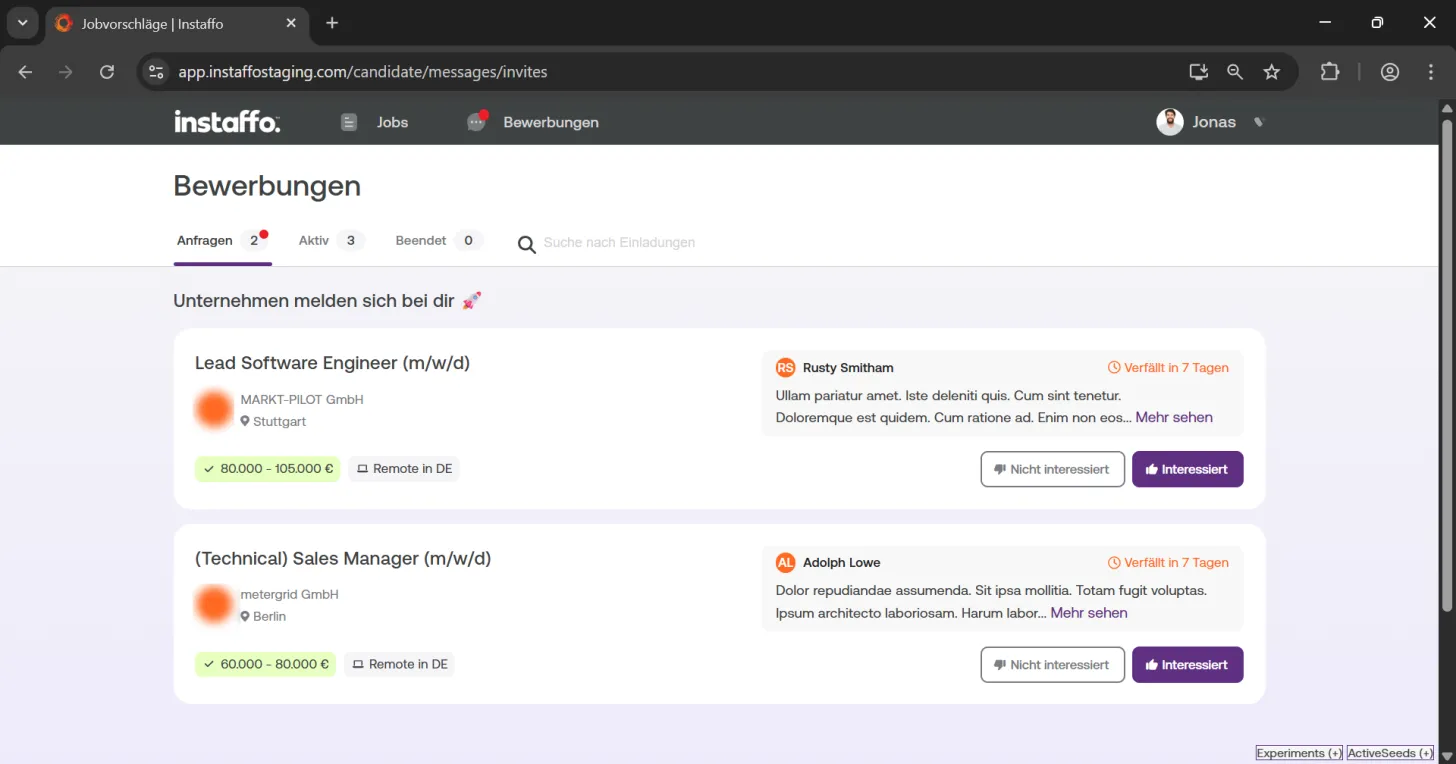
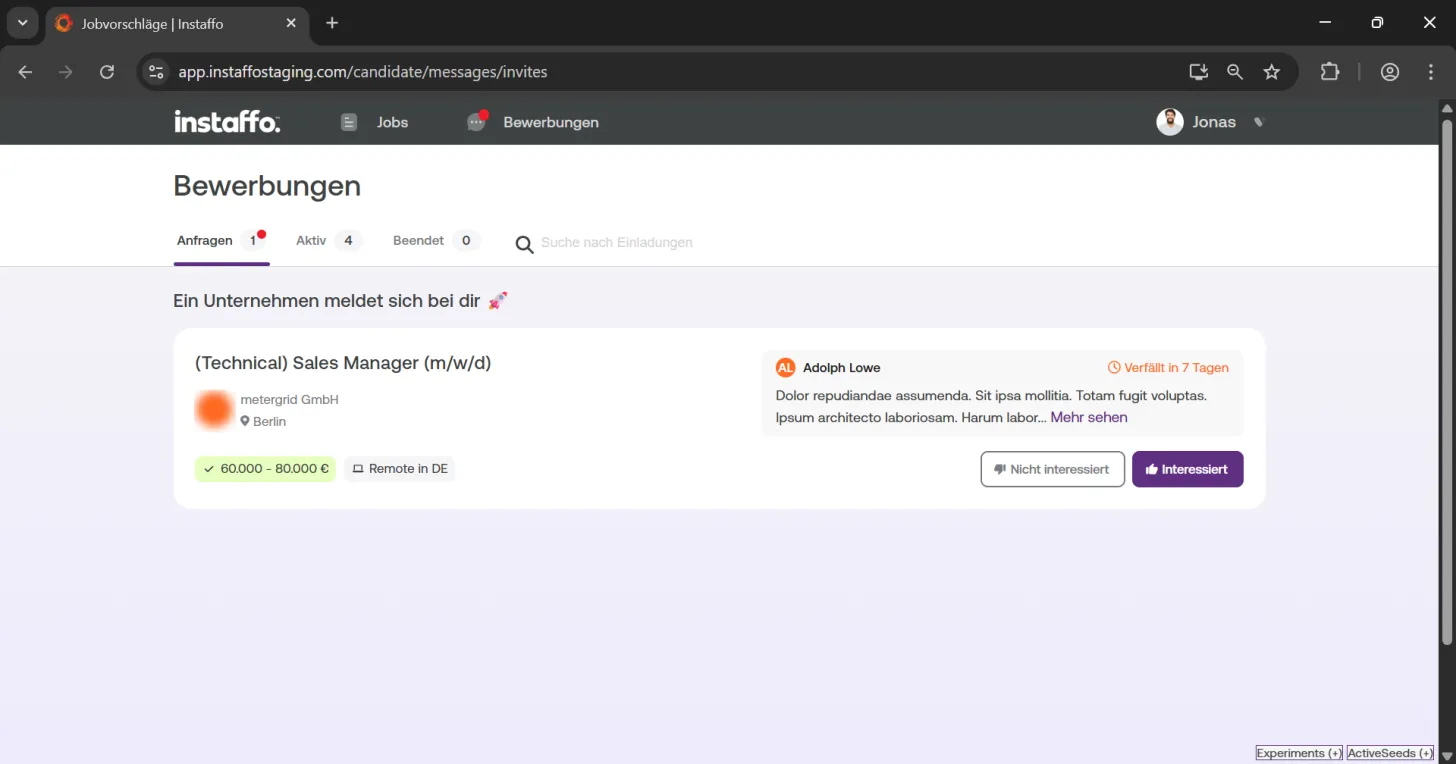
Click the "Open inquiries" button to view all company inquiries. Here you'll get an overview with important information about each position:- Job title and company
- Salary range
- Job location
- Beginning of the message from the respective contact person
Responding to Inquiries
-
Check position details
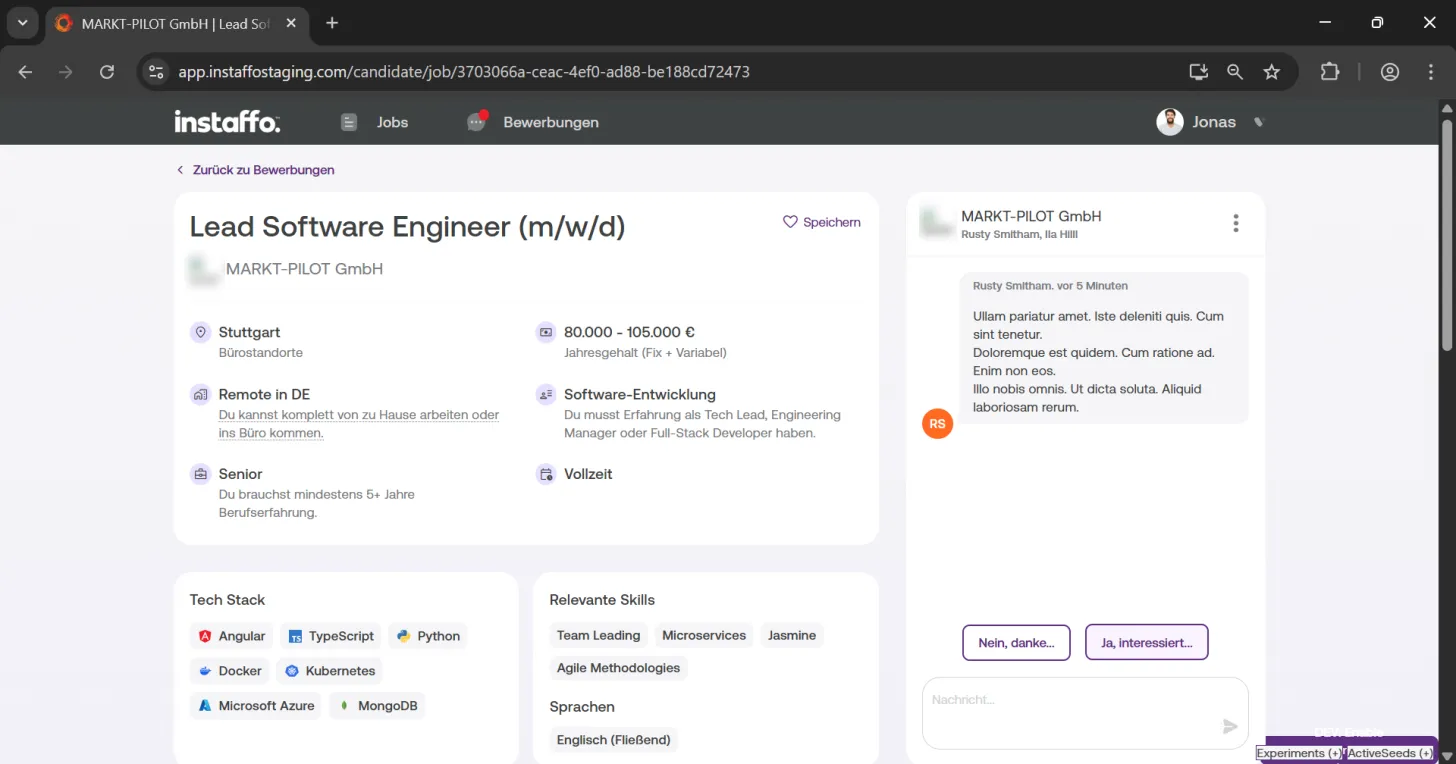
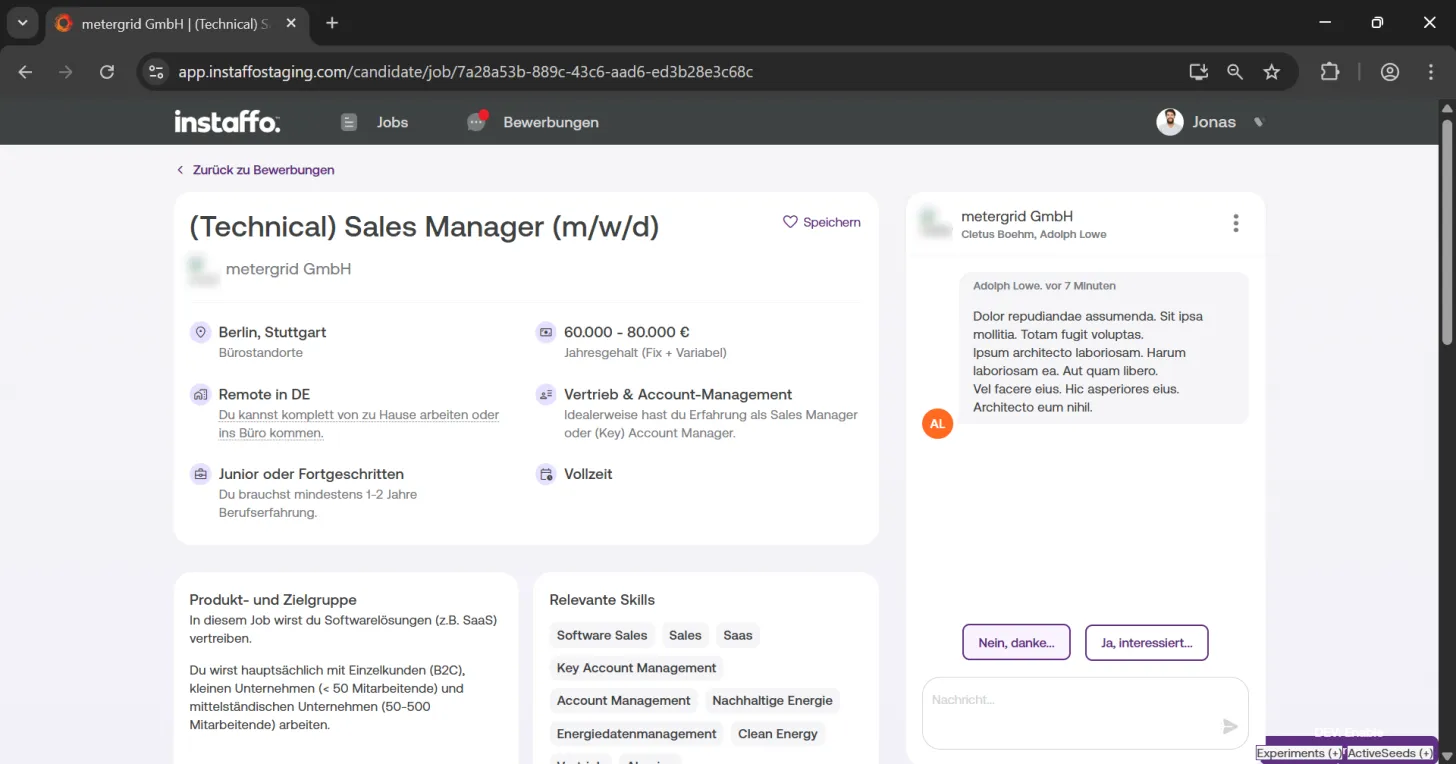
Click on a position to see the full details. You can take your time reading through all the information before you decide. -
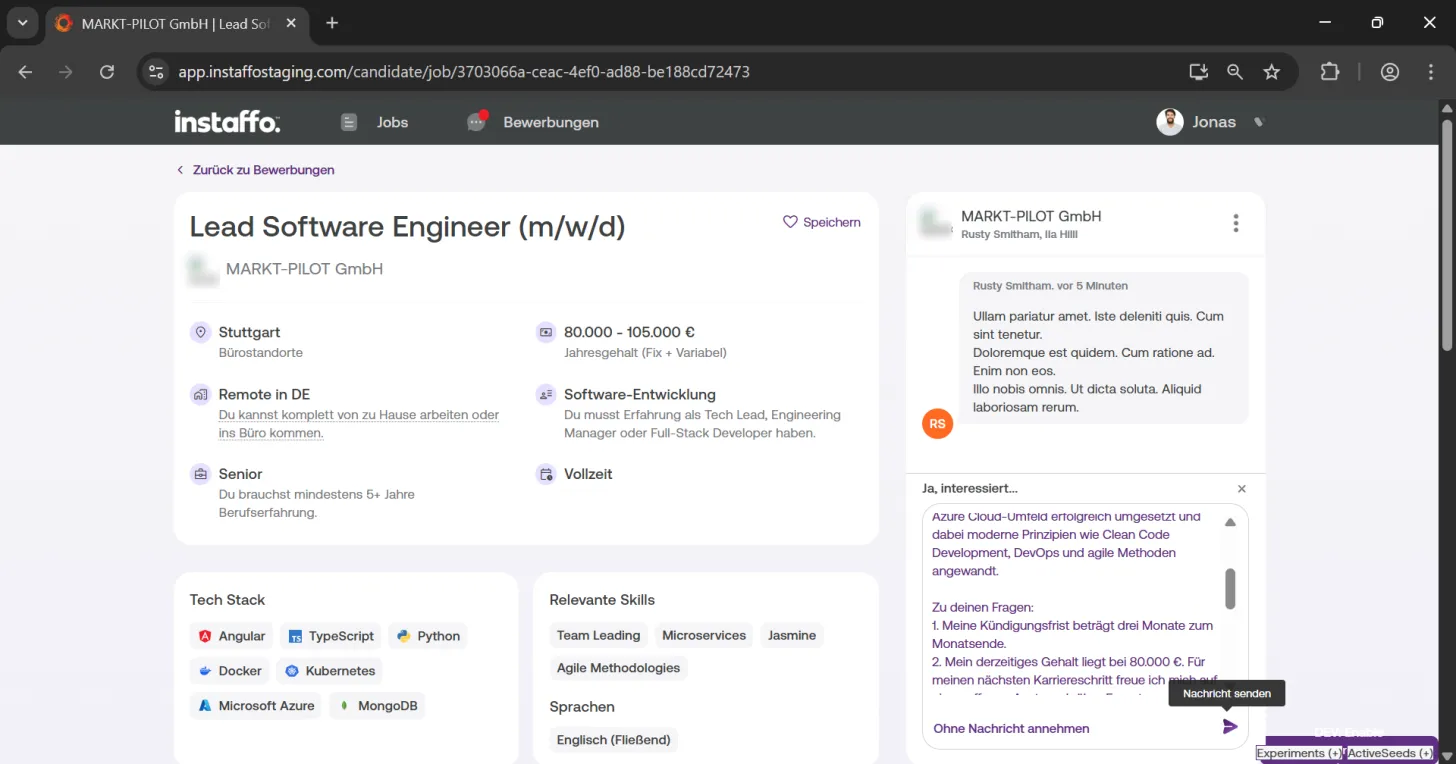
Respond if interested
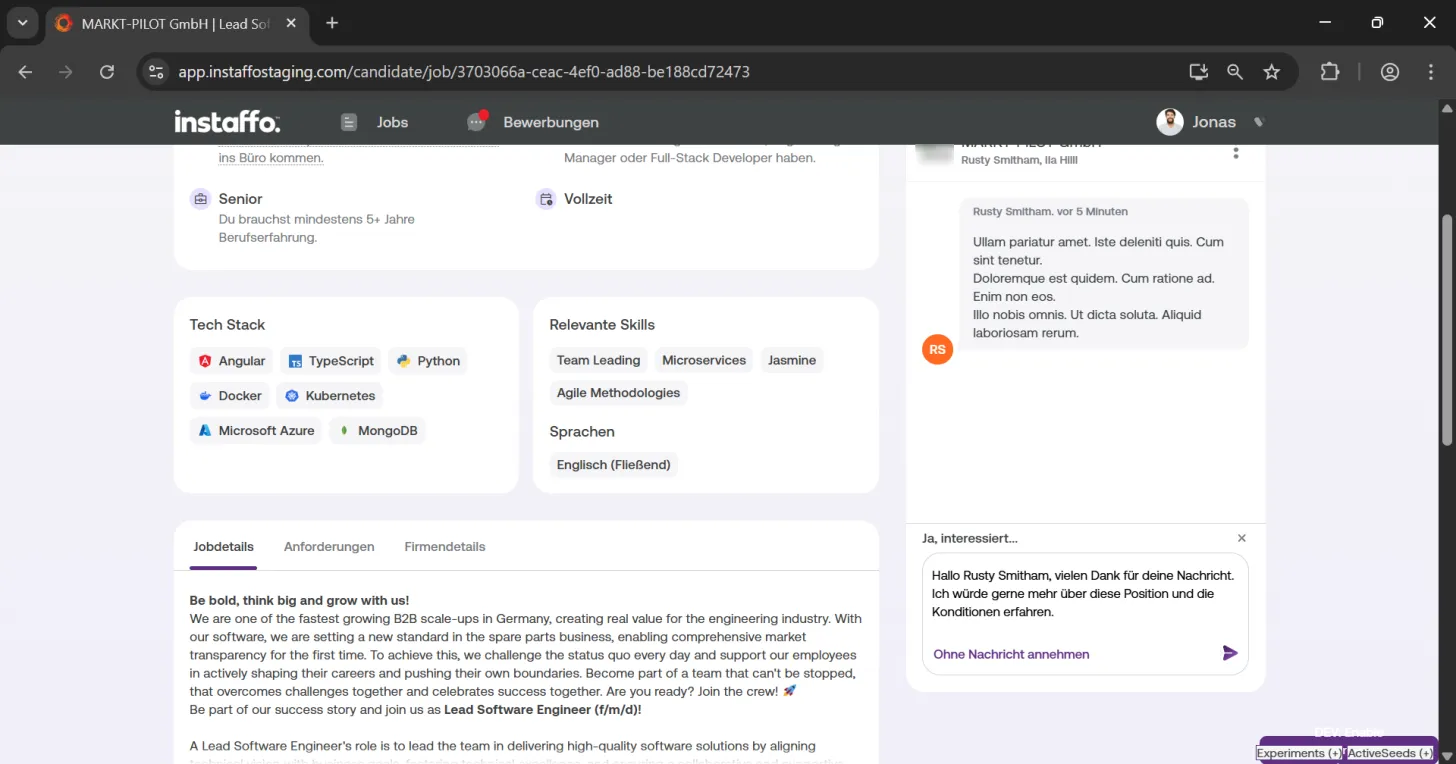
If you're interested in a position, click "Yes, I'm interested...". You can then write a personal message to the contact person. -
Write and send your message
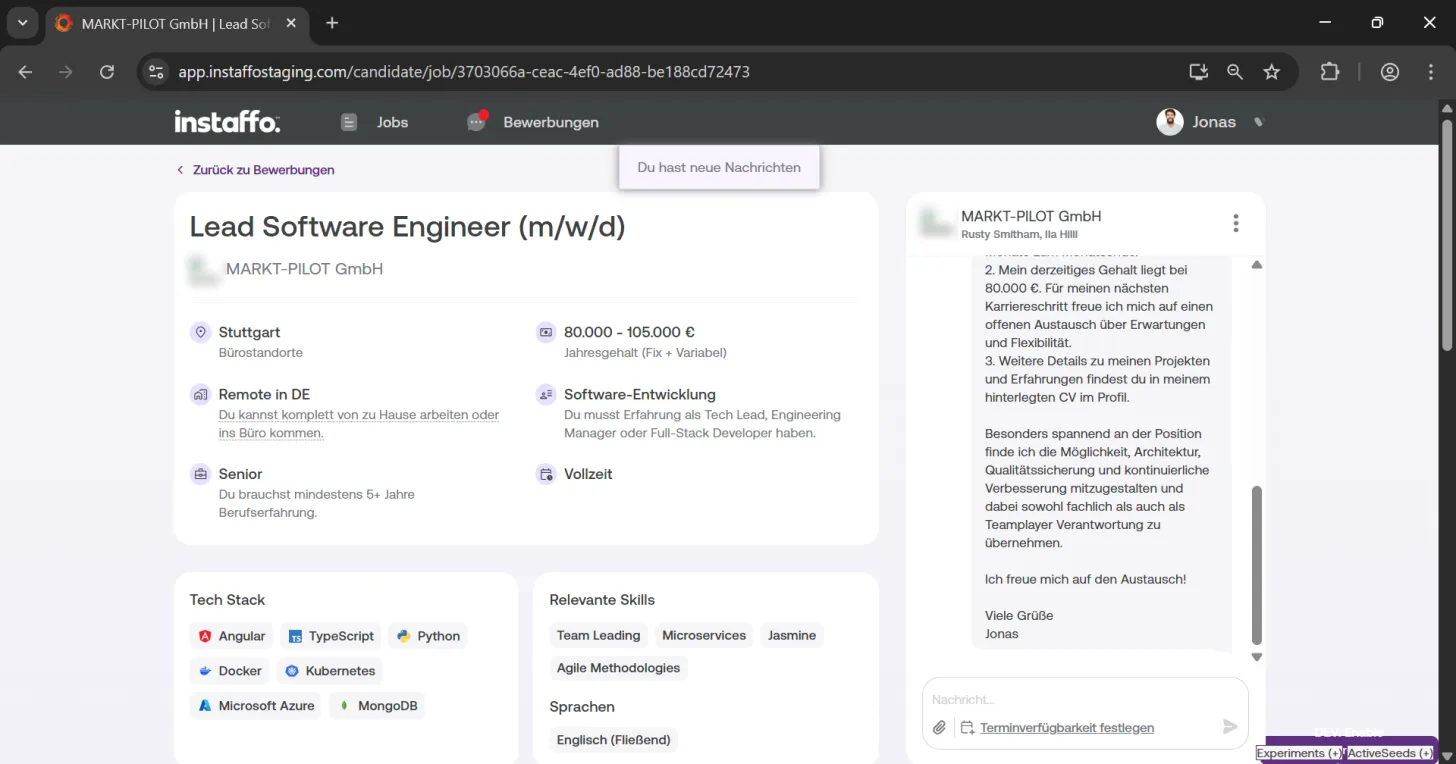
Type your message in the text field and click "Send message" to reply to the respective contact person. -
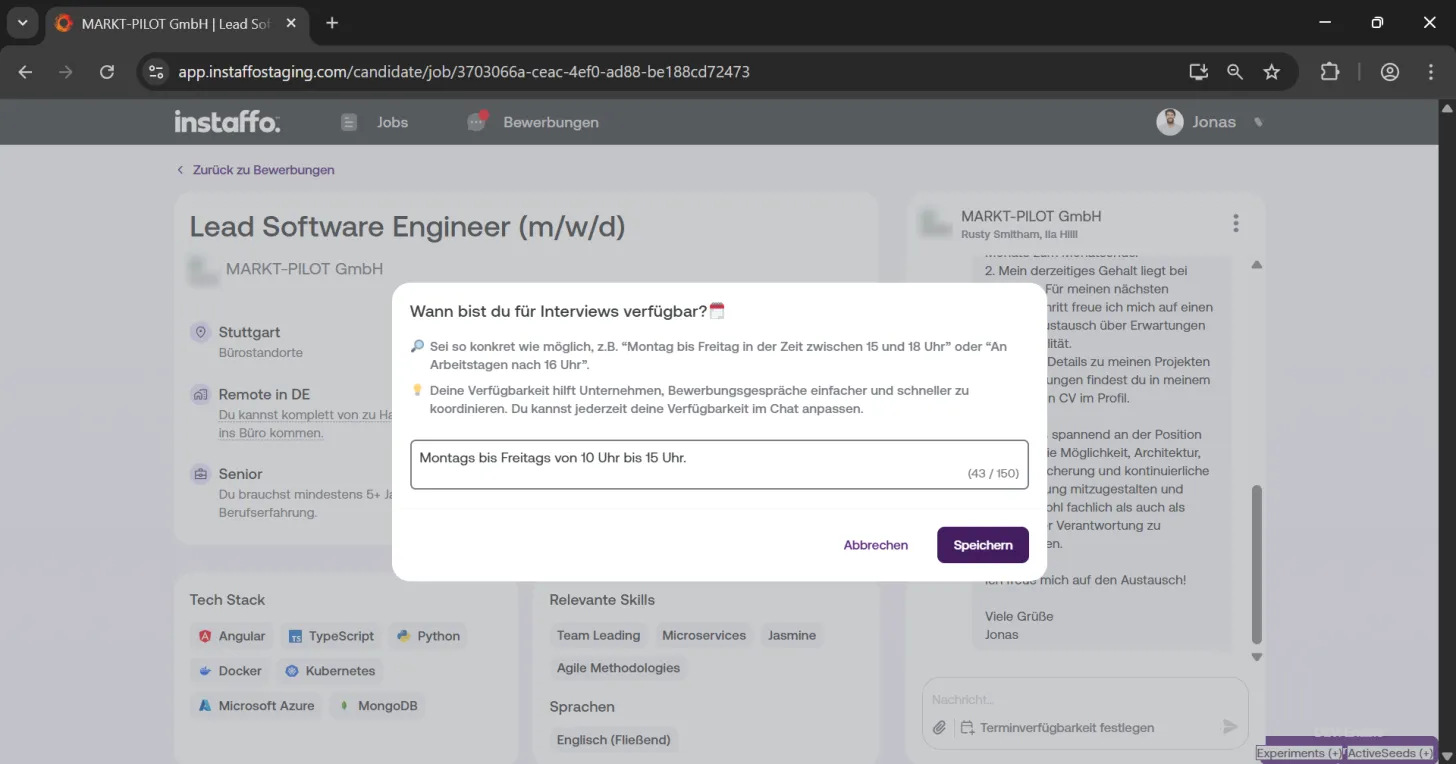
Set your interview availability
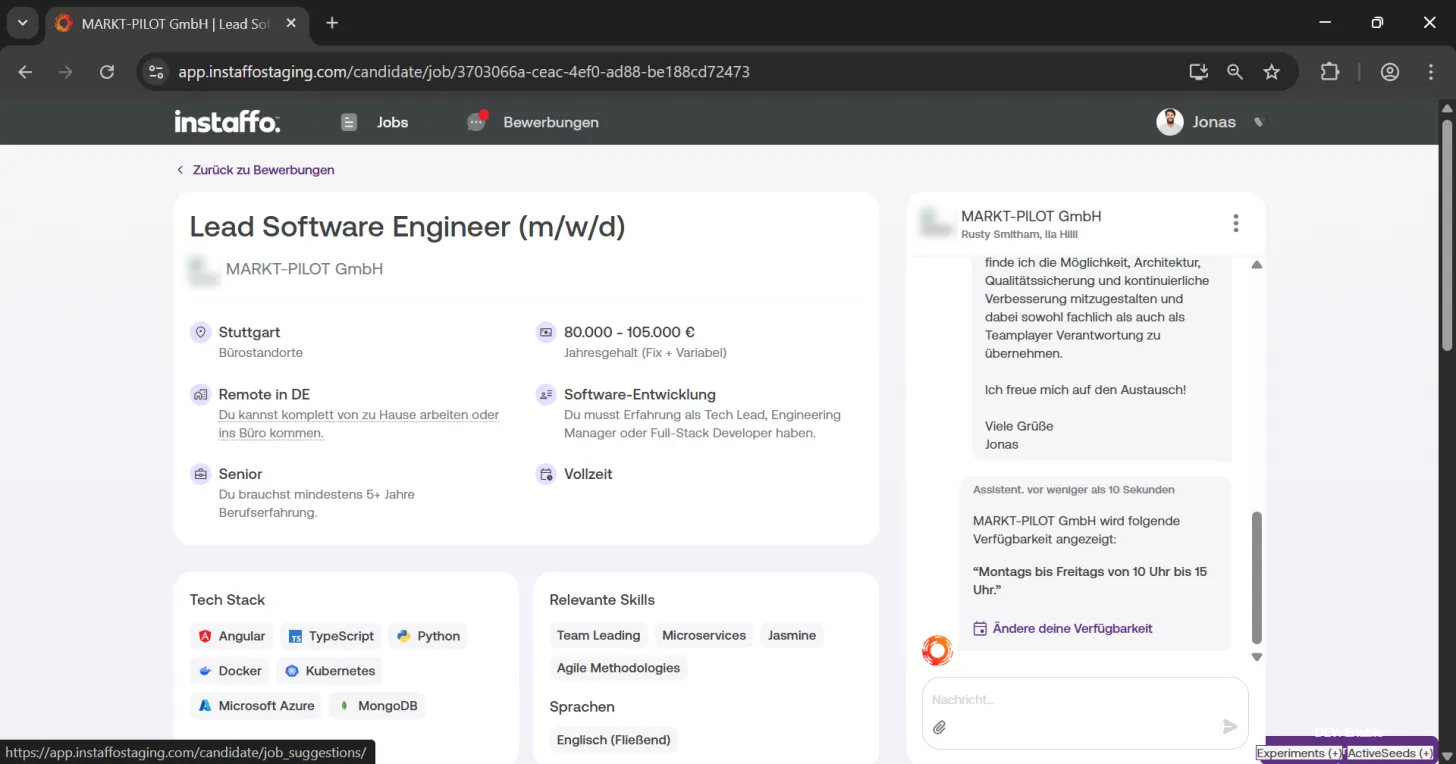
After sending your message, you can indicate your availability for interviews. To do this, click "Set your availability" and let the contact person know when they can reach you (for example, "Monday to Friday from 10 AM to 3 PM"). Save your entry afterwards. -
Change your availability if needed
You can adjust your availability at any time by clicking "Change your availability".
Declining Inquiries
-
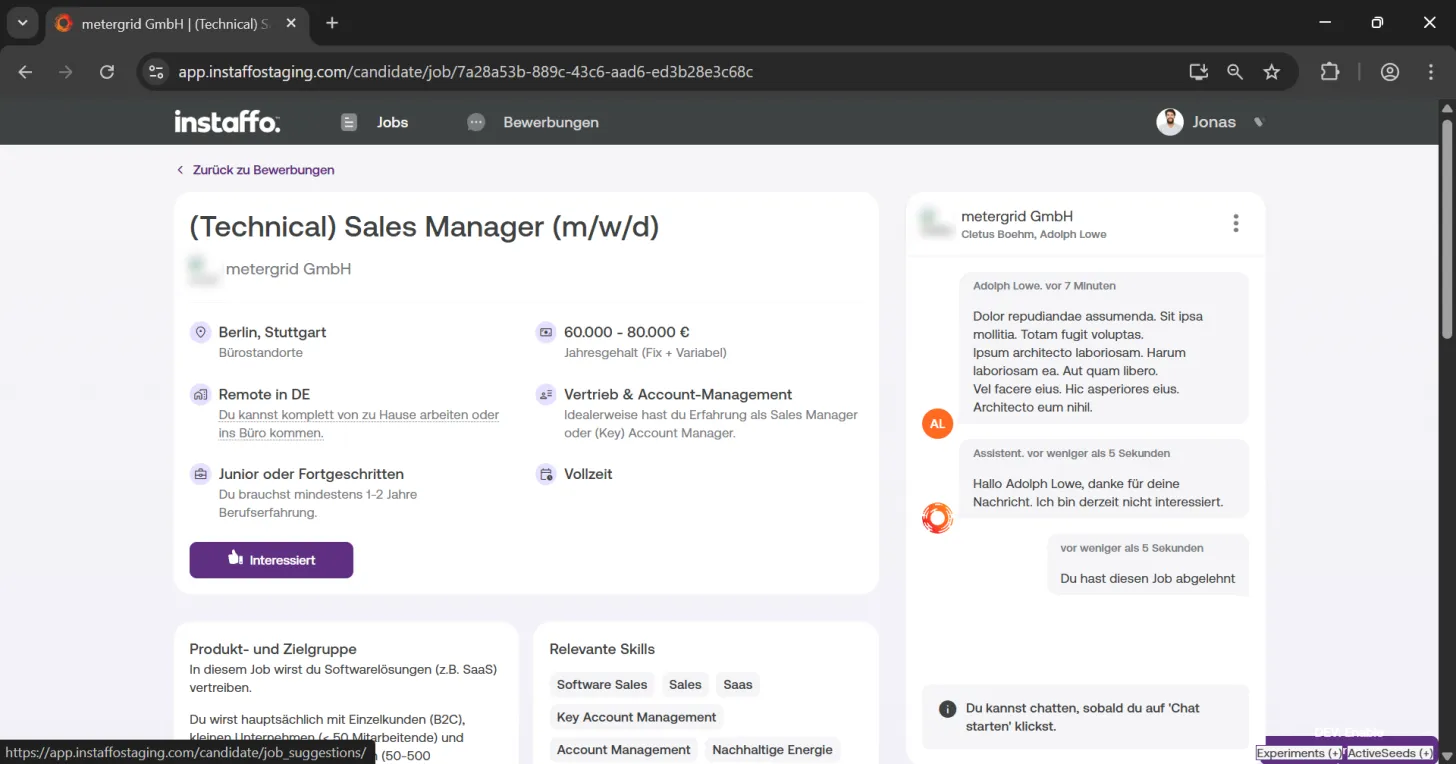
Not interested in a position
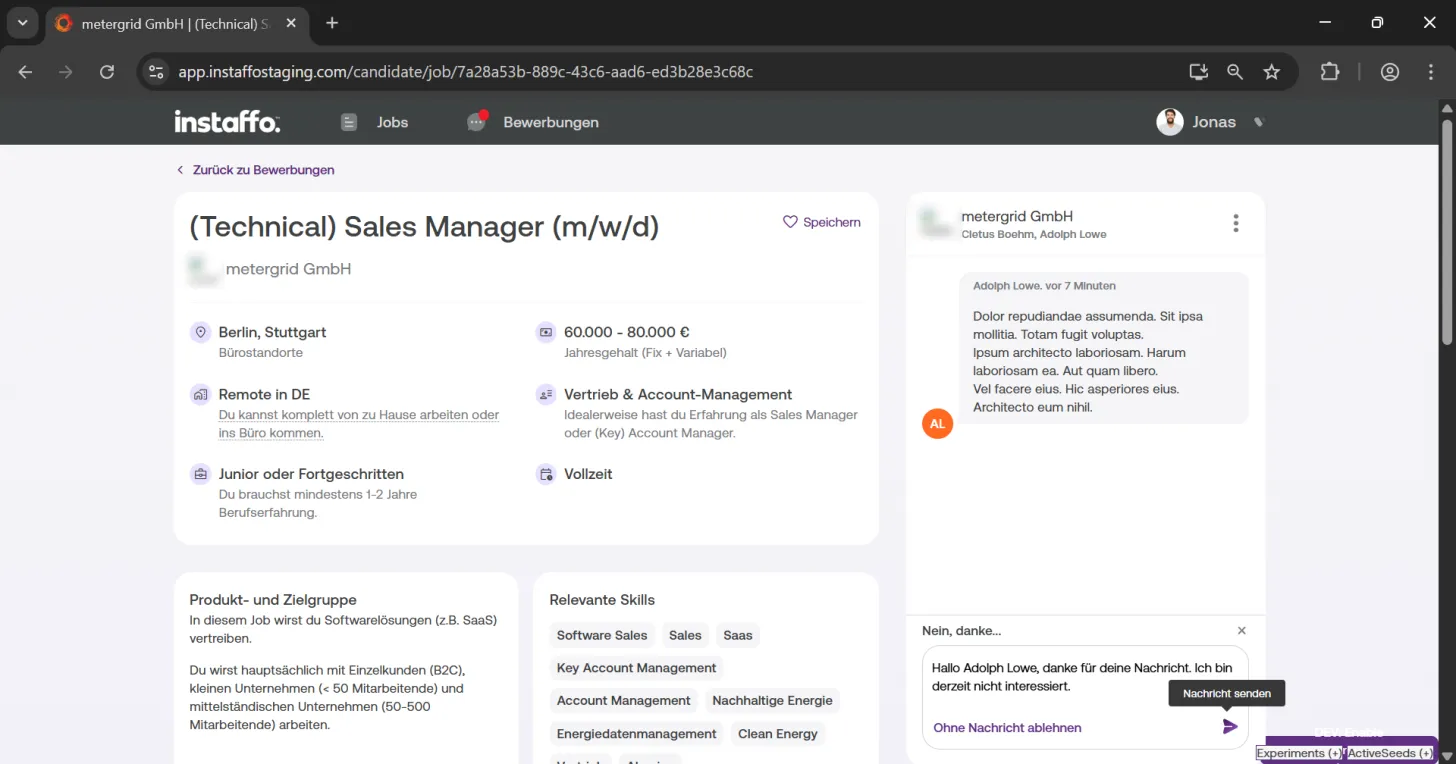
If you're not interested in a company inquiry, you can either click "Not interested" directly in the overview menu or click "No, thanks" after viewing the position details. -
Decline with a message
You also have the option to write a polite rejection and send it via "Send message". The chat will be closed and the inquiry will be removed from your profile.
Once you've accepted the chat, sent an initial message, and set your availability, it's the company's turn. You can sit back and relax, look through your other job suggestions, or simply wait for the company to write back to you.
 Powered by happysupport.ai