
I want to save/hide a job.
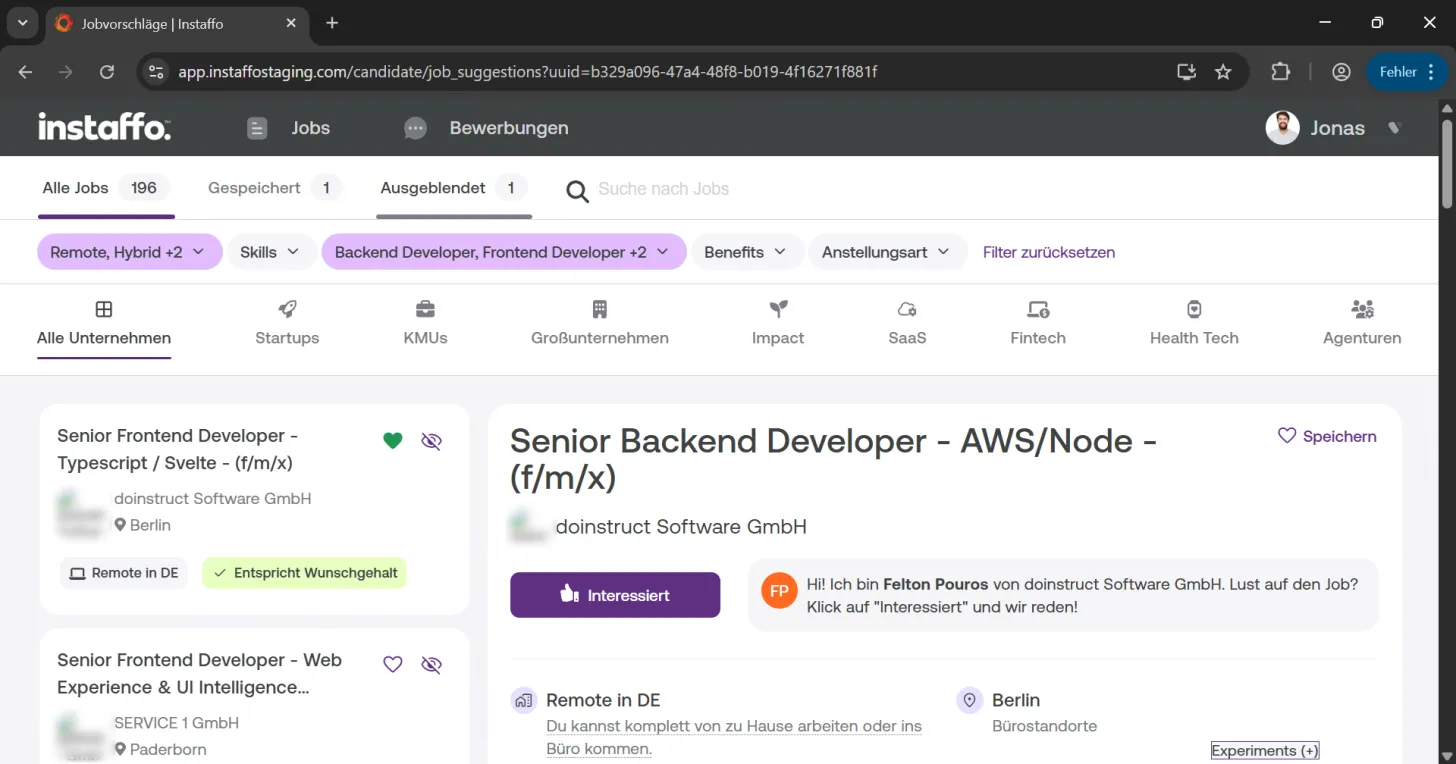
Save jobs using the heart icon or hide unsuitable positions with the eye icon to organize your job search and manage suggestions on Instaffo.
In this article, you'll learn how to save or hide job suggestions on Instaffo. These features help you bookmark interesting job offers for later or remove unsuitable jobs from your view.

Saving and hiding jobs
-
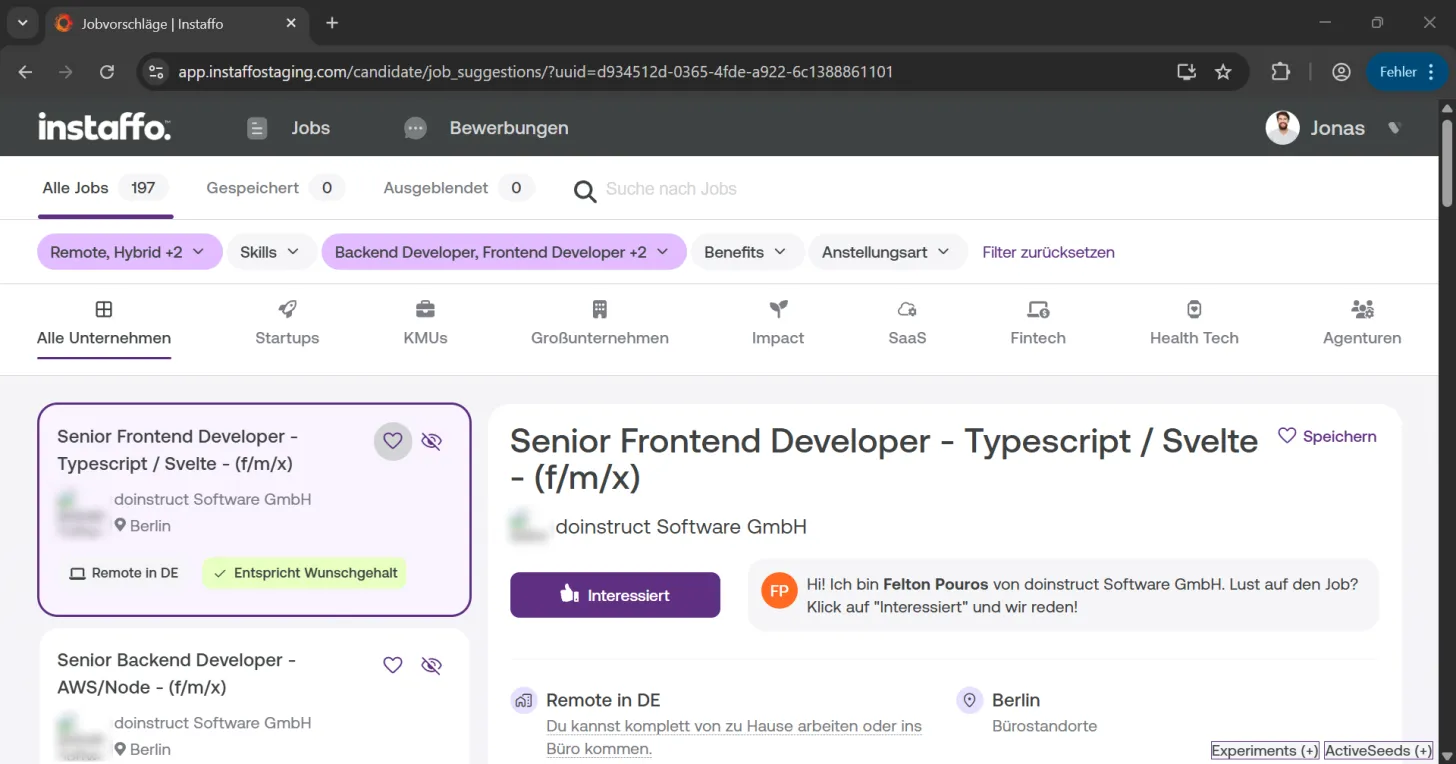
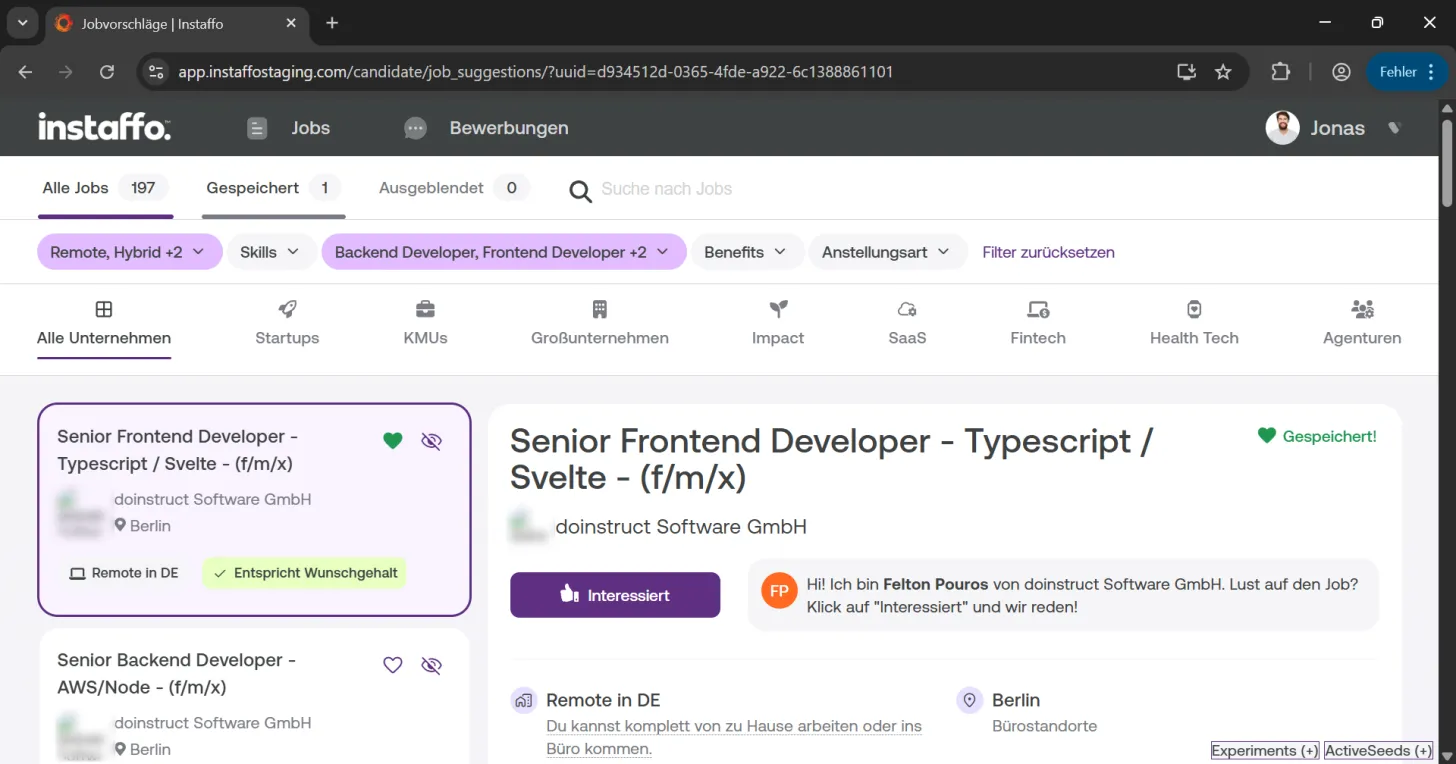
Save a job for later
When you find an interesting job but don't want to apply right away, you can save it for another time. Just click on the heart icon on the job card. Your saved job will be marked with a green heart. -
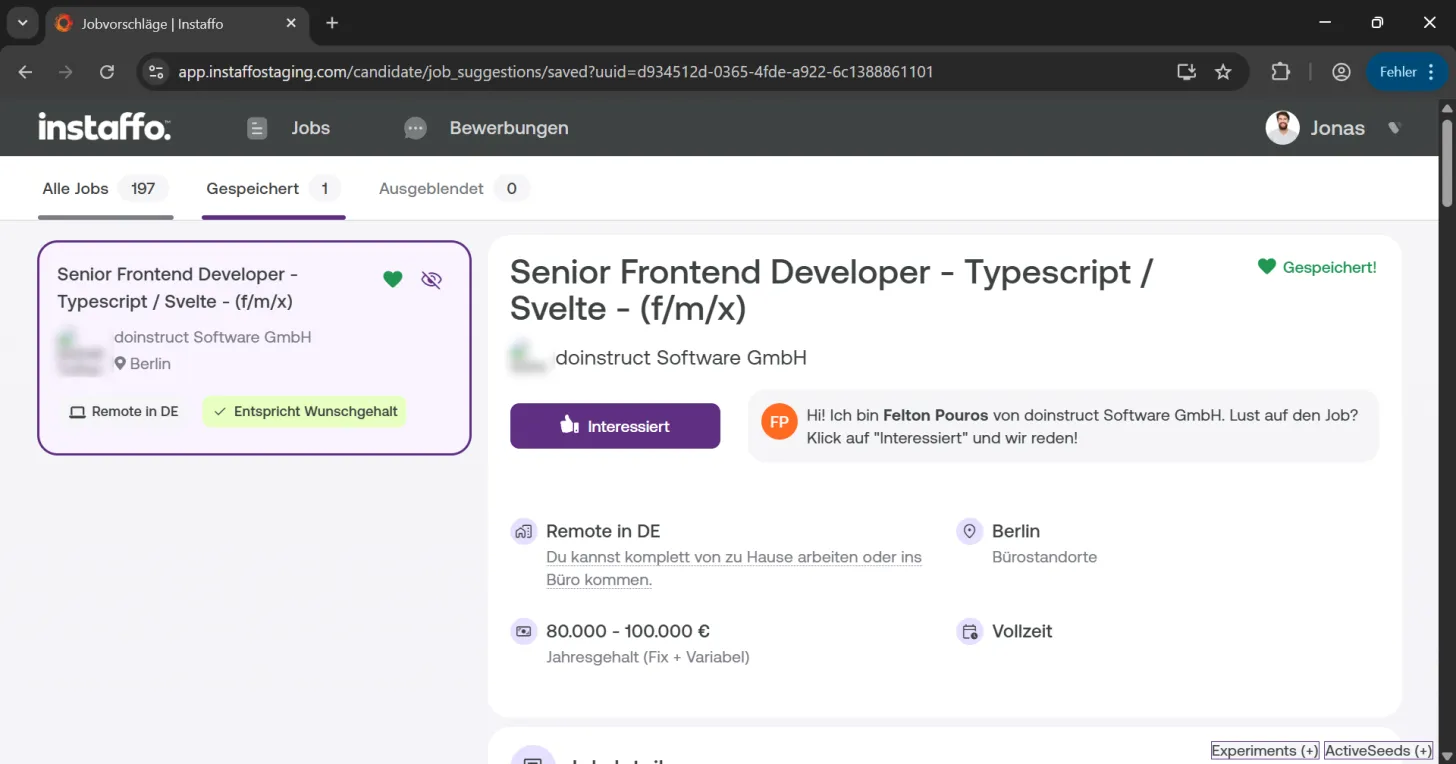
Find your saved jobs
You can find all your saved jobs under the "Saved" tab. From there, you can start your application anytime. -
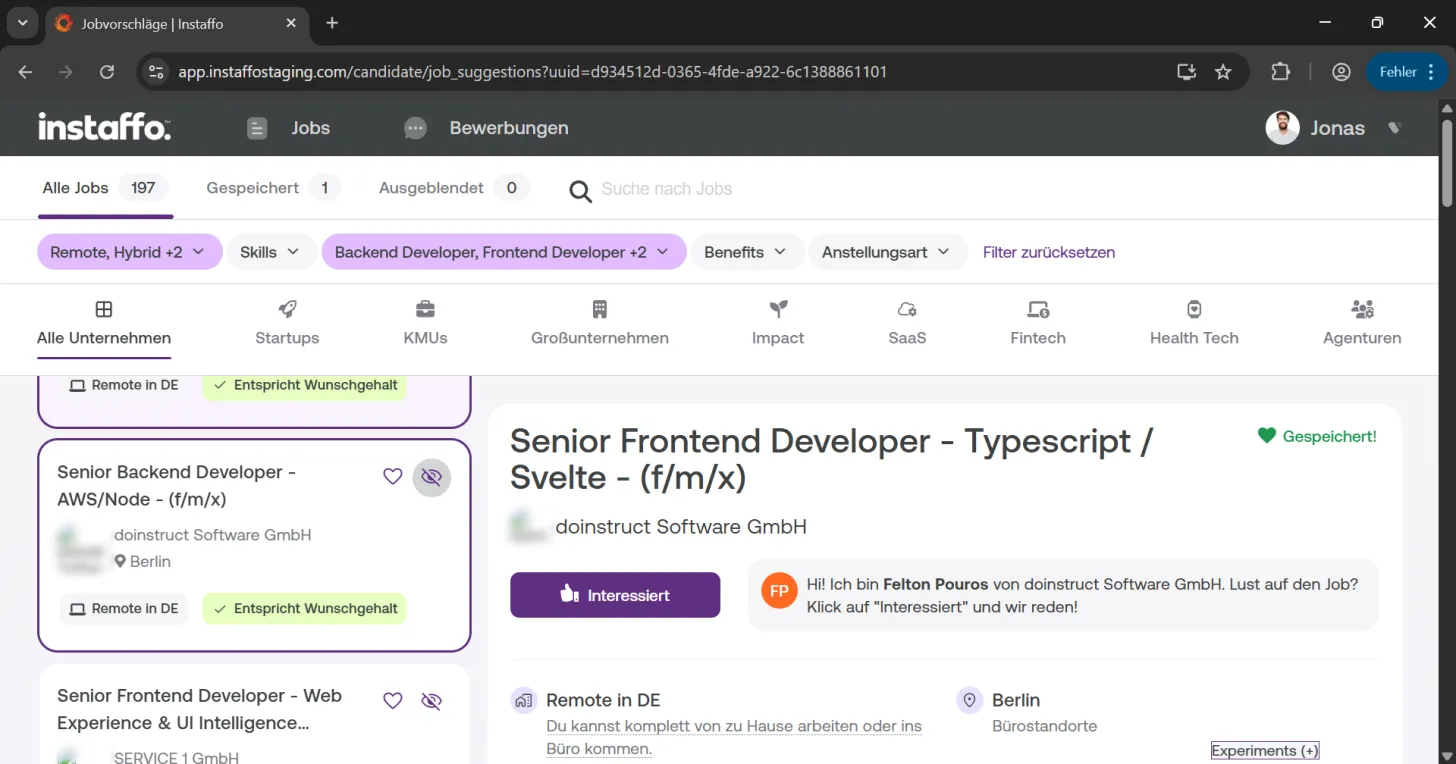
Hide unsuitable jobs
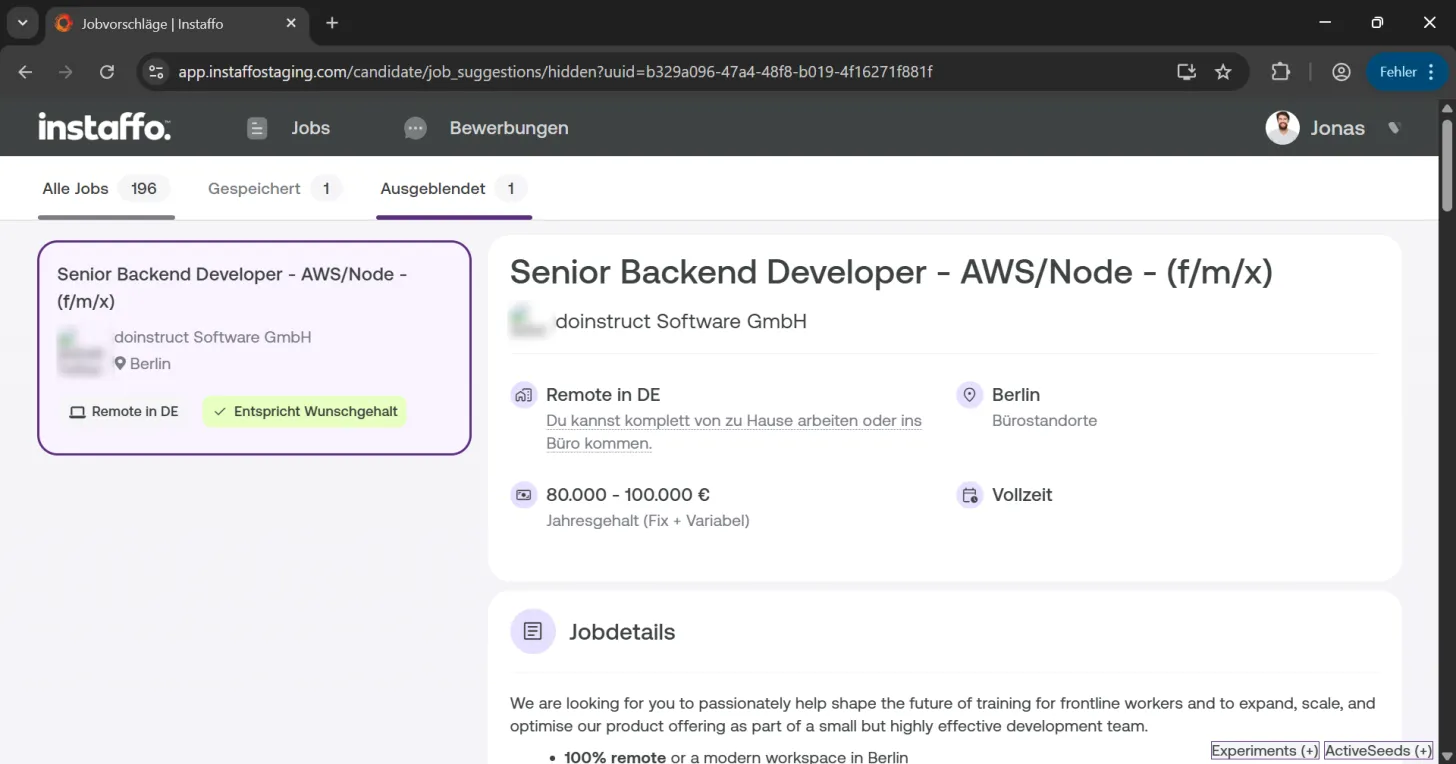
If you come across a job in the job suggestions that doesn't suit you or that you don't want to see in your suggestions anymore, you can hide it using the crossed-out eye icon. Hidden jobs won't appear in your job suggestions anymore, and you won't receive any newsletters about these jobs.
Managing hidden jobs
-
View hidden jobs
If you want to check which jobs you've hidden at any point, you can find them under the "Hidden" tab. -
Back to all jobs
To see an overview of all your job suggestions, you can click the "All Jobs" tab anytime.
With these features, you can organize your job search on Instaffo efficiently and keep track of interesting job offers as well as positions you've already reviewed and ruled out.
 Powered by happysupport.ai