
How can I filter my jobs?
Filter Instaffo jobs by location, work mode, skills, job roles, benefits, and employment type using dropdown filters and search fields.
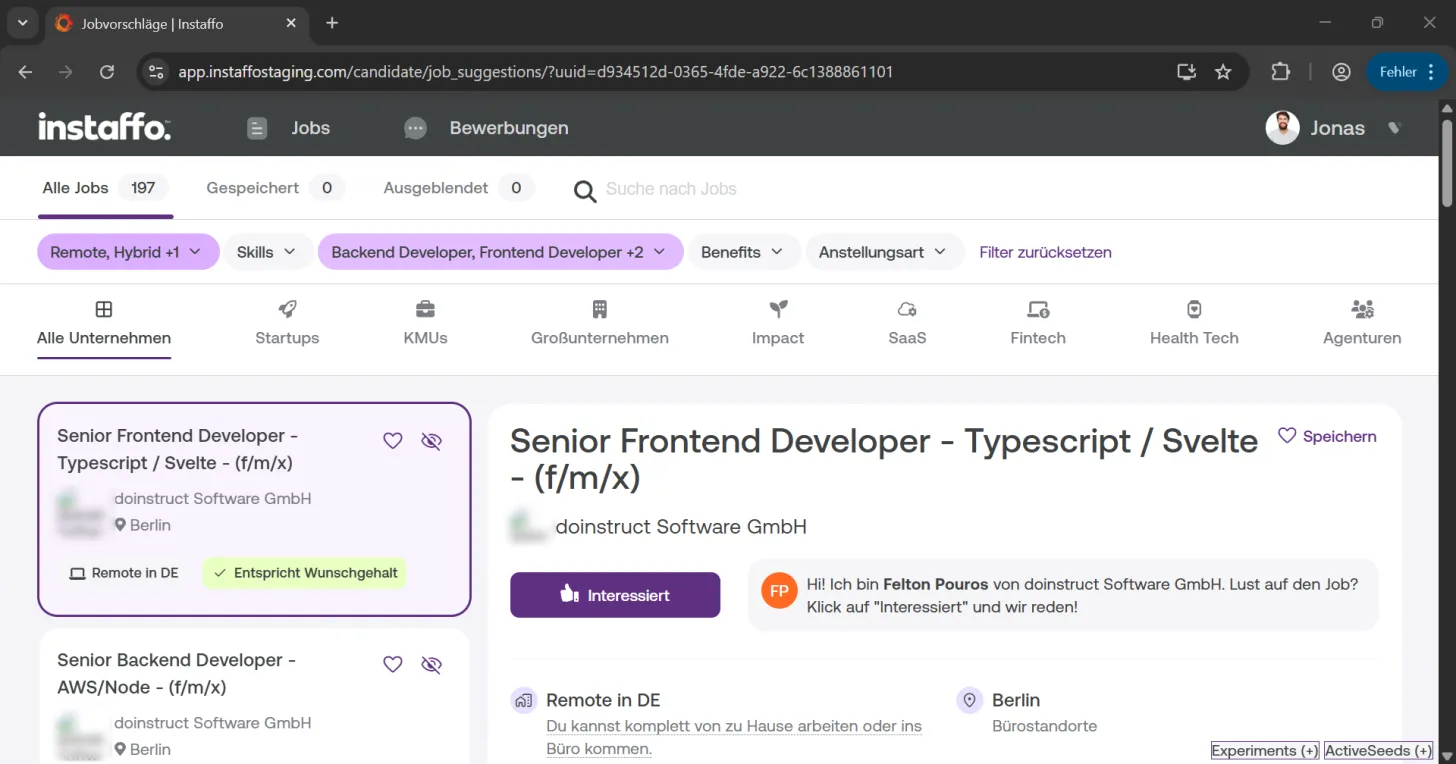
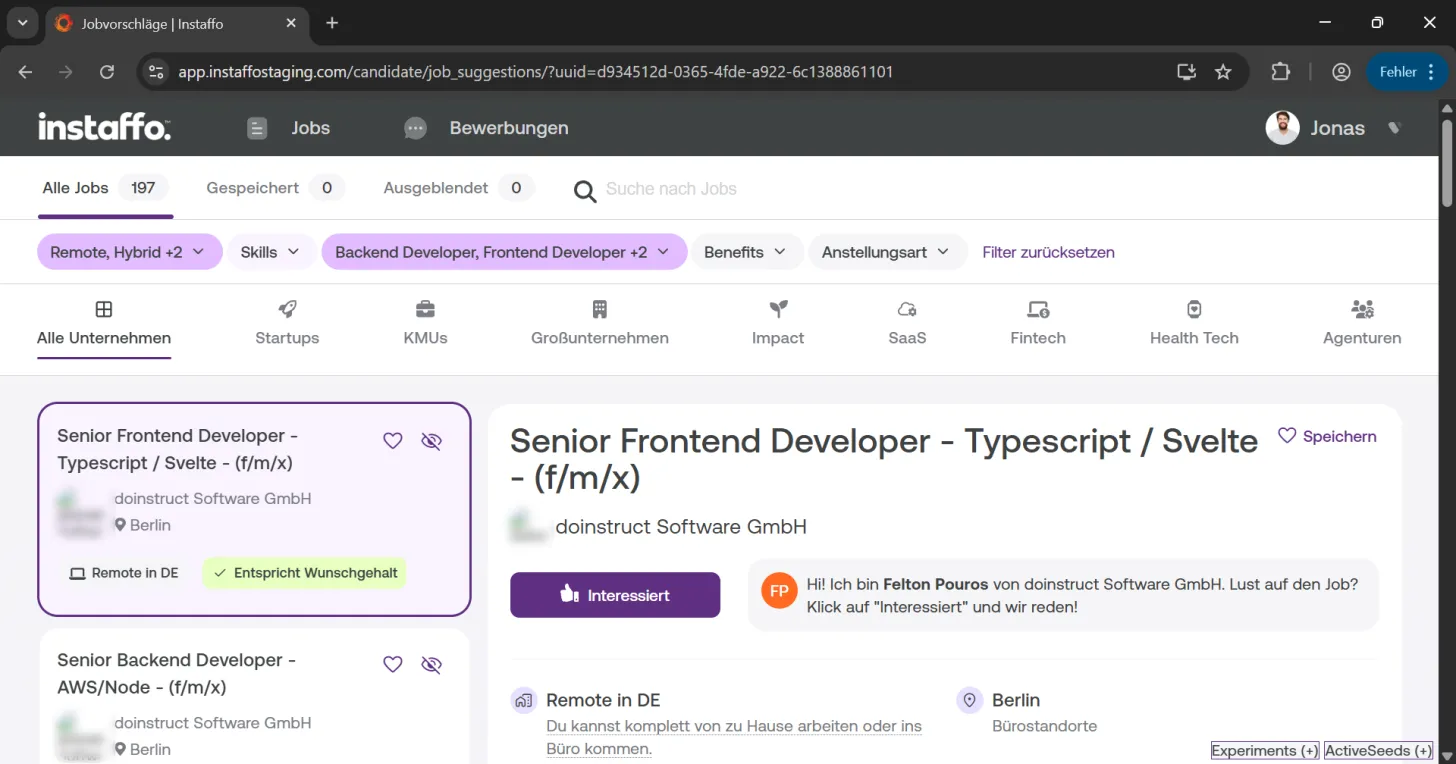
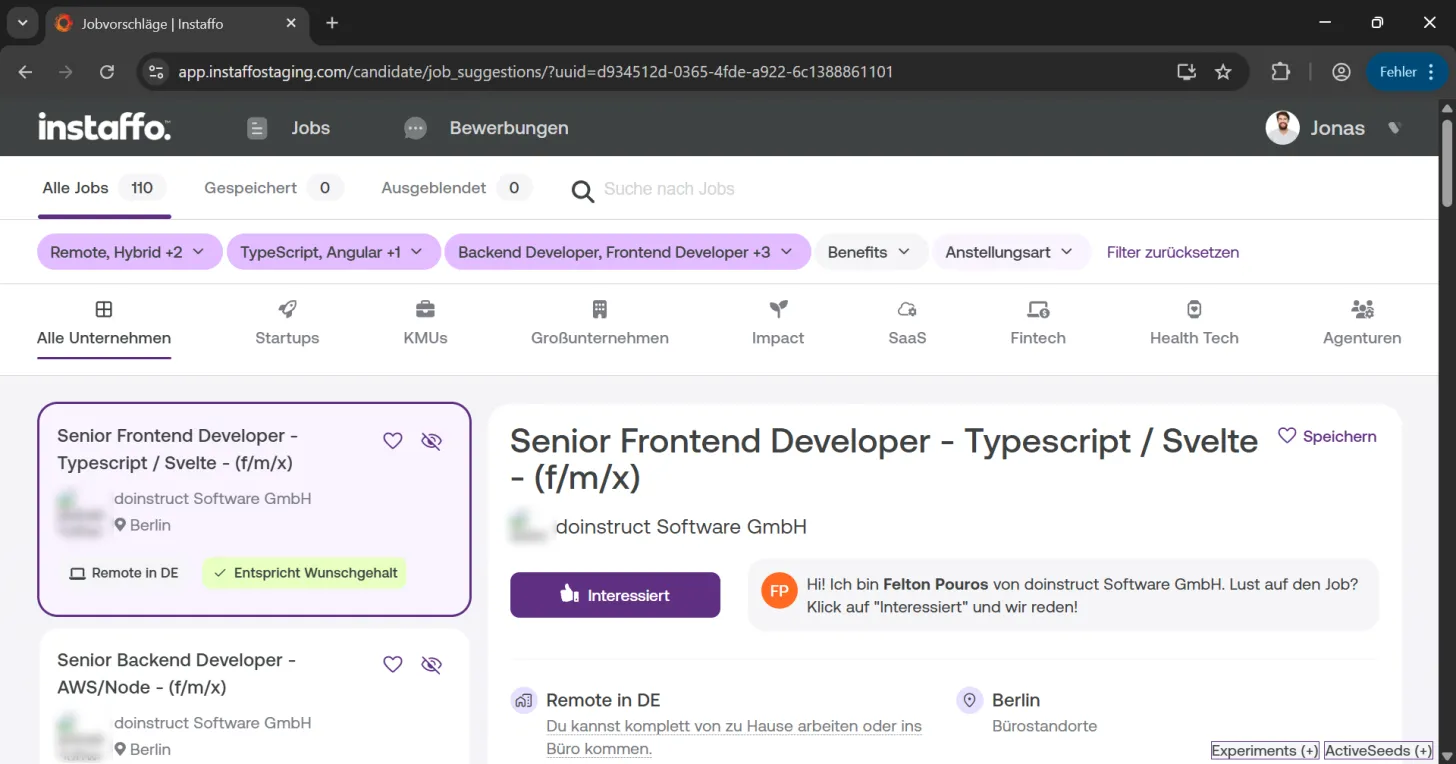
On Instaffo, after logging in, you'll find your job suggestions right on the first page. These are based on the information in your profile. To tailor the displayed jobs even more specifically to your needs, you have various filtering options available.

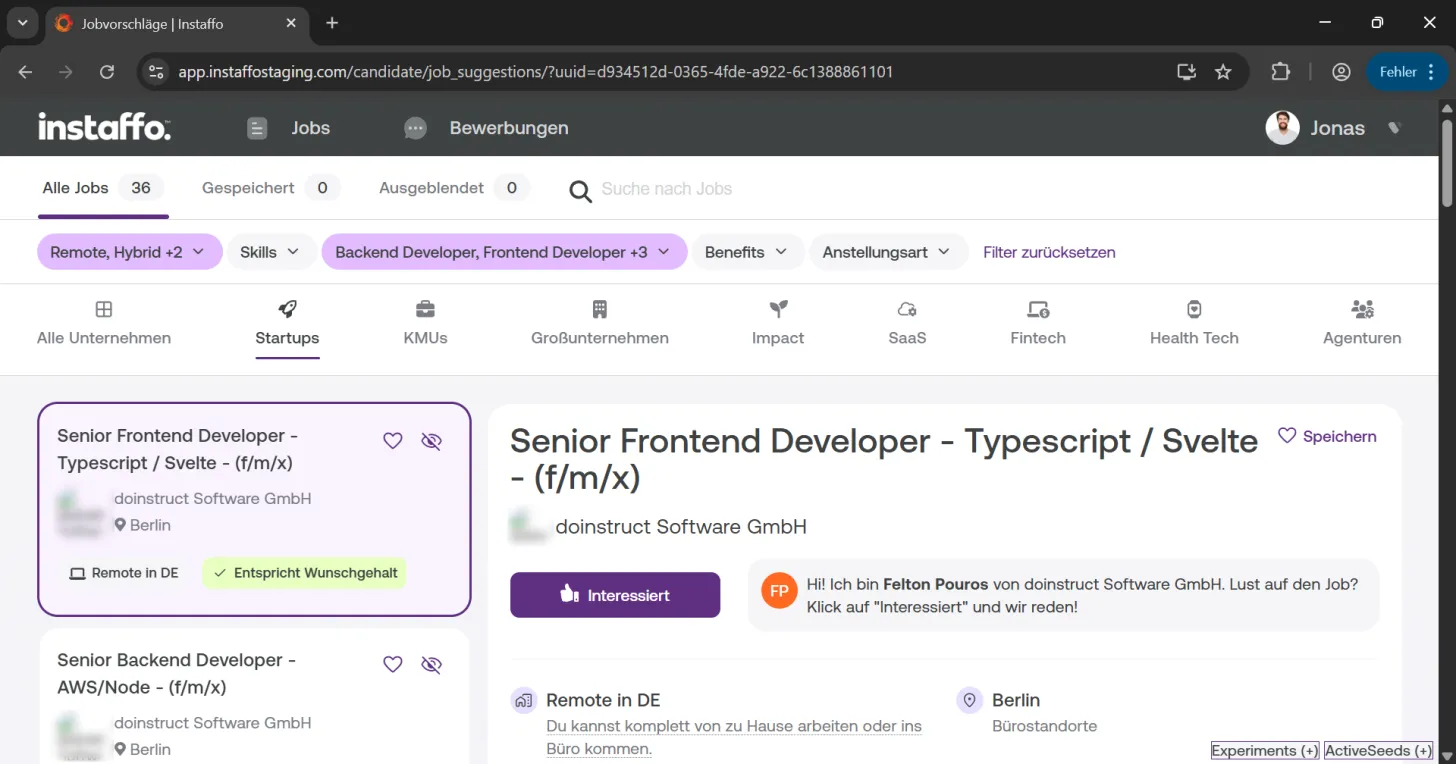
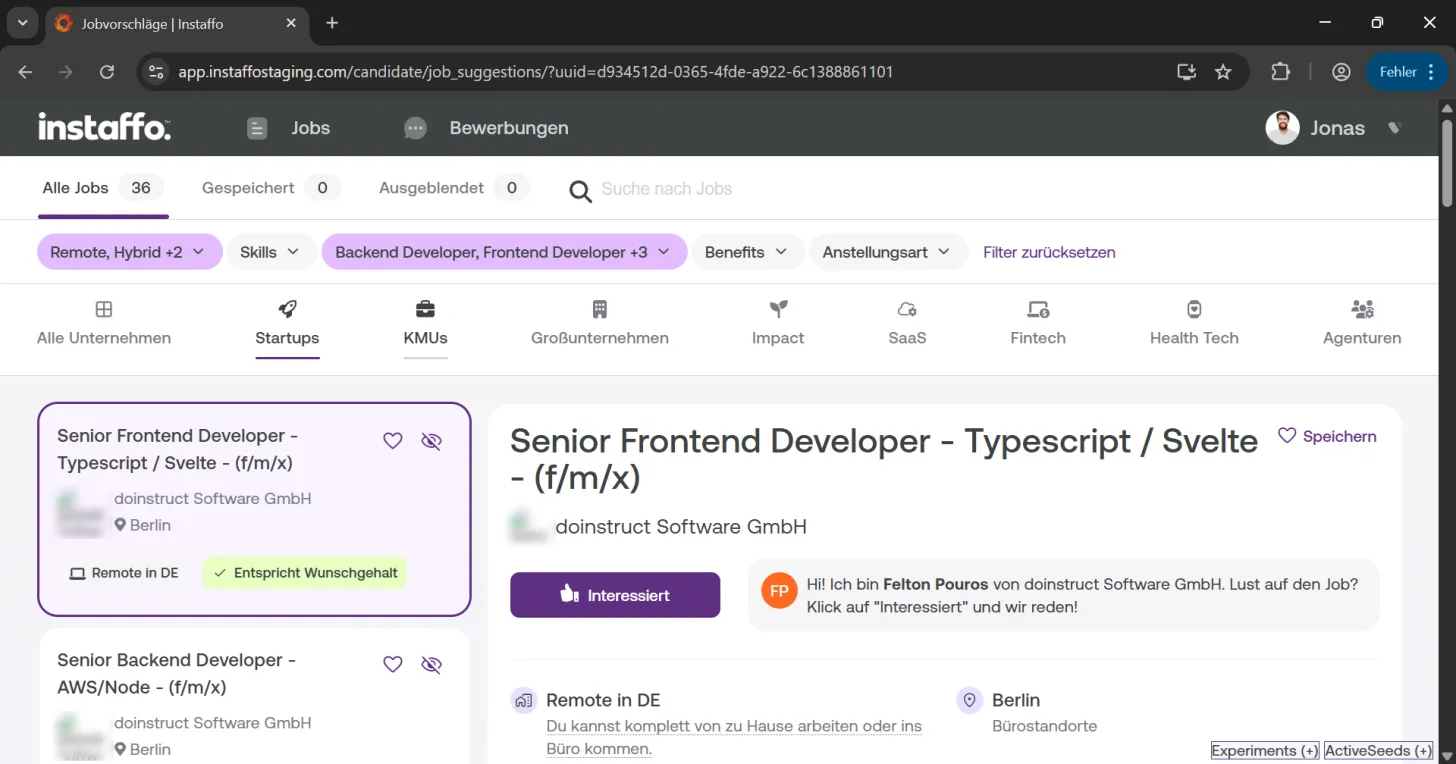
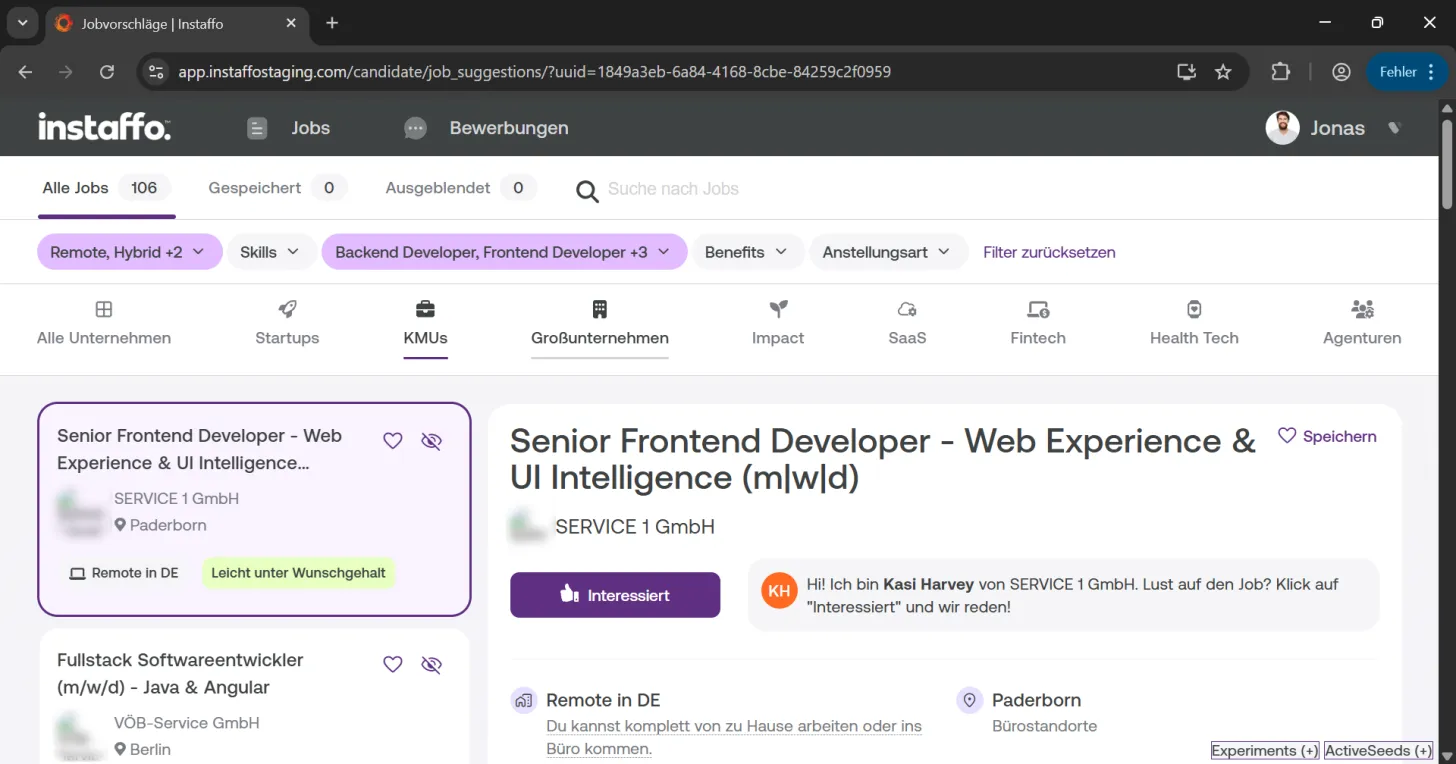
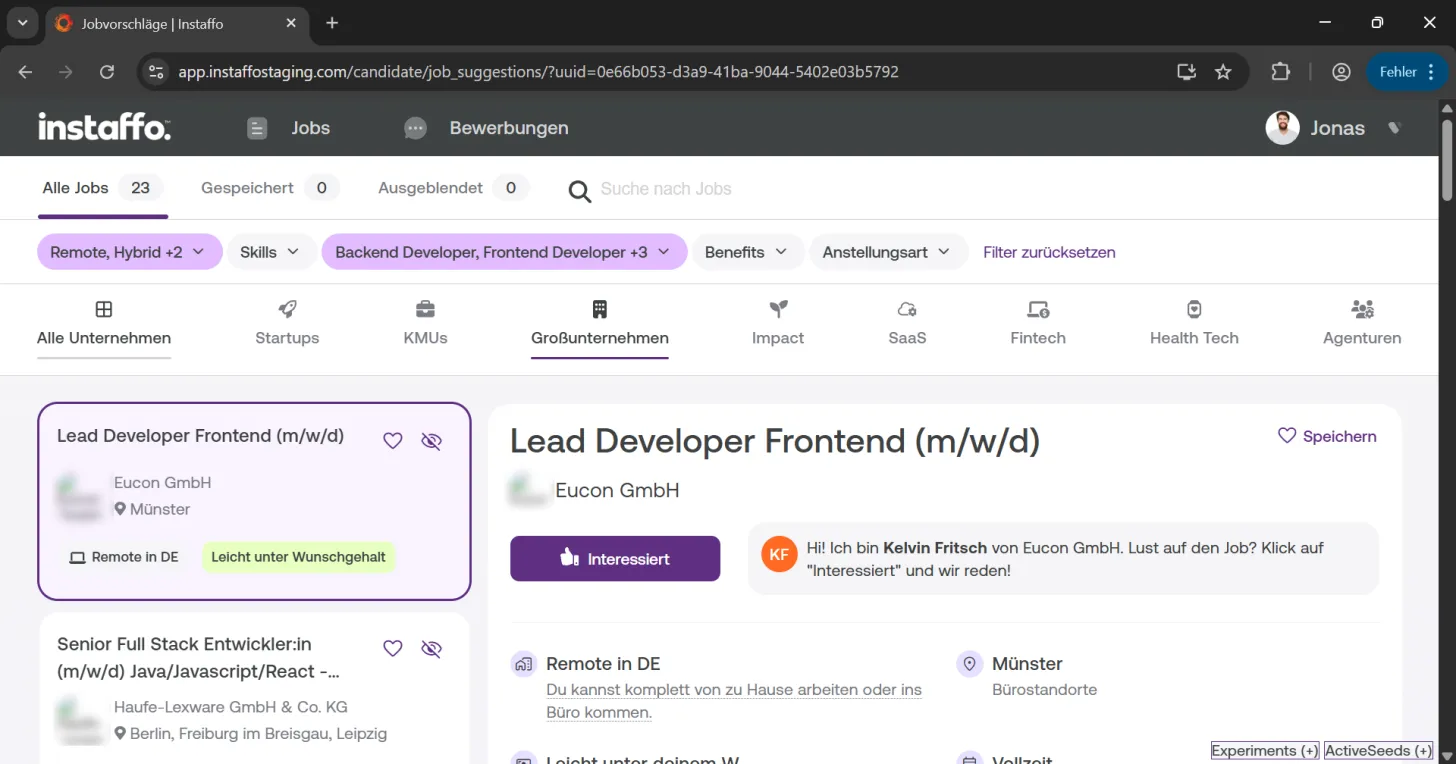
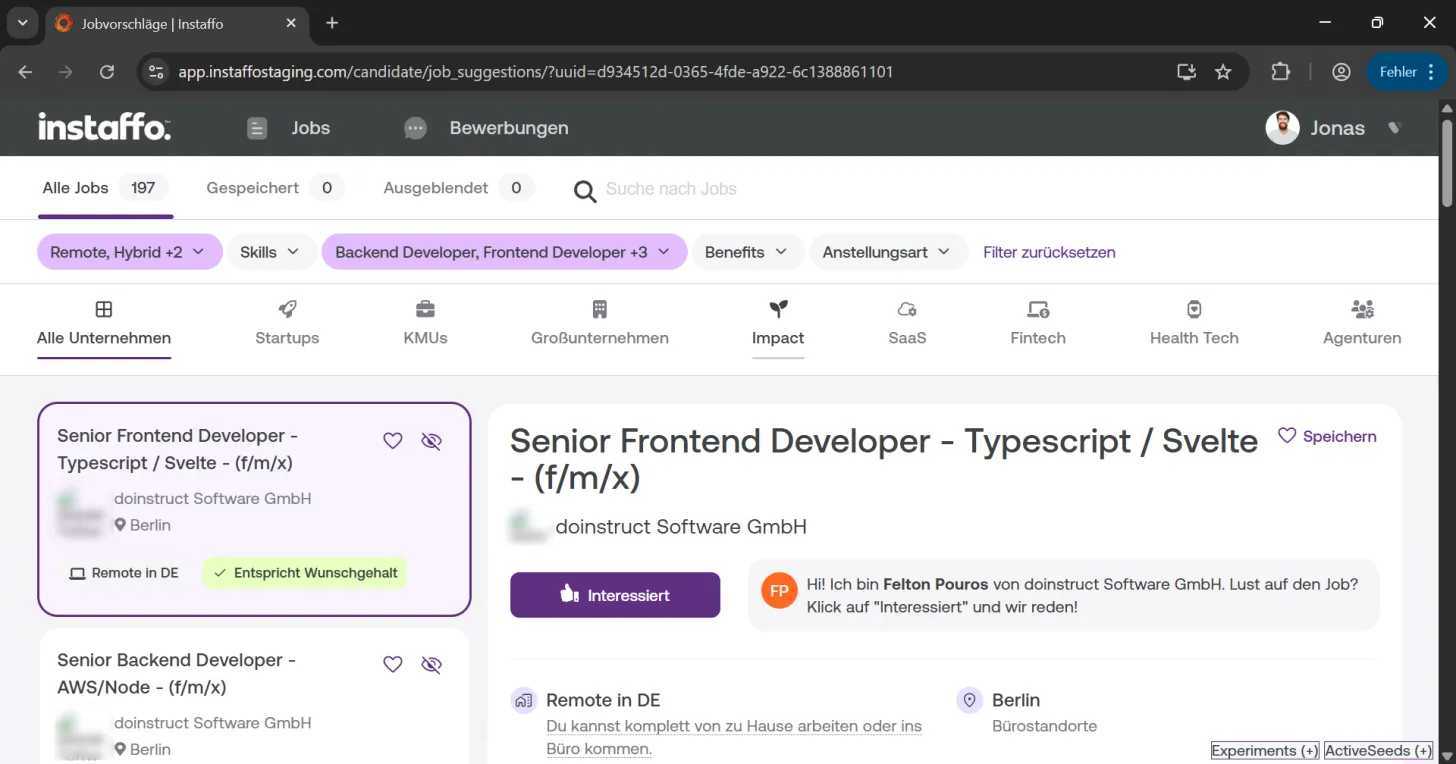
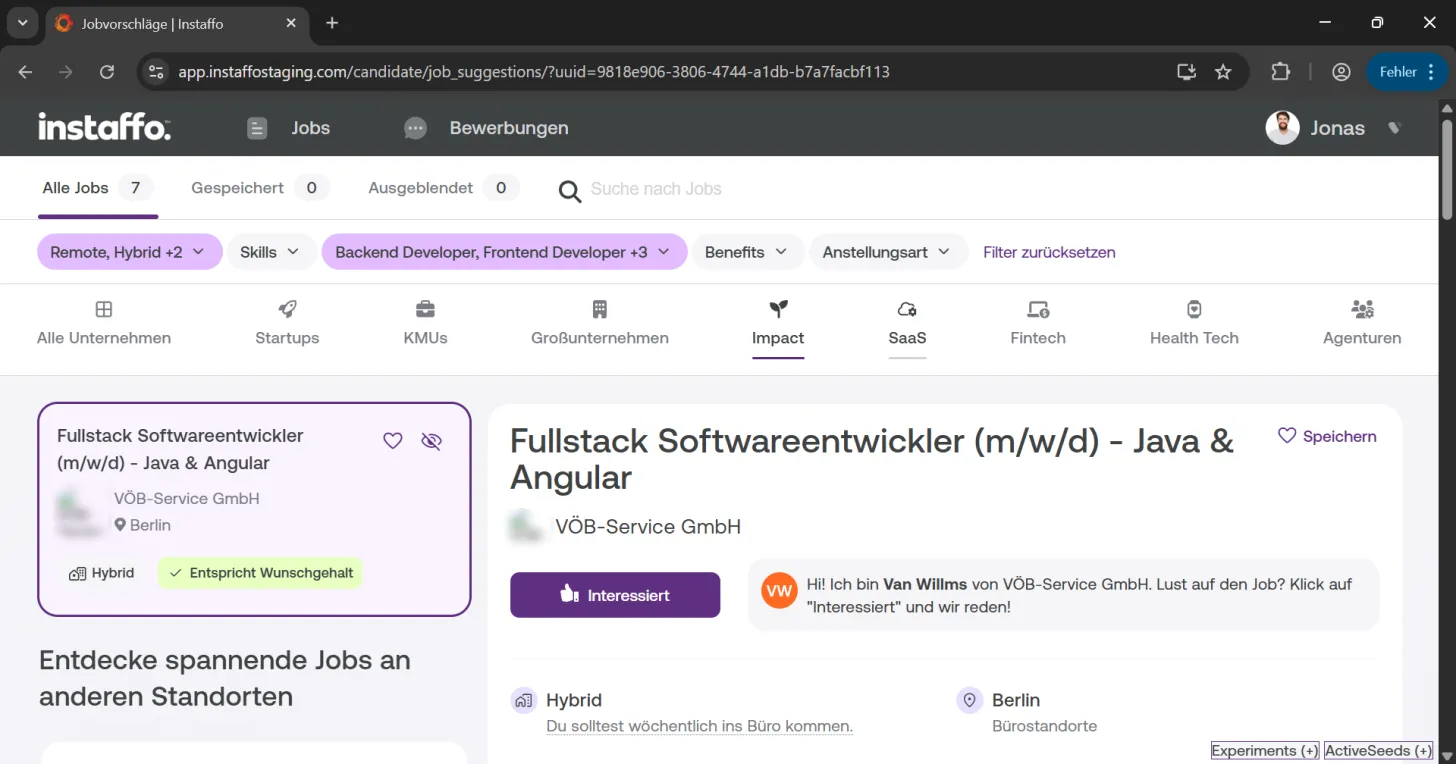
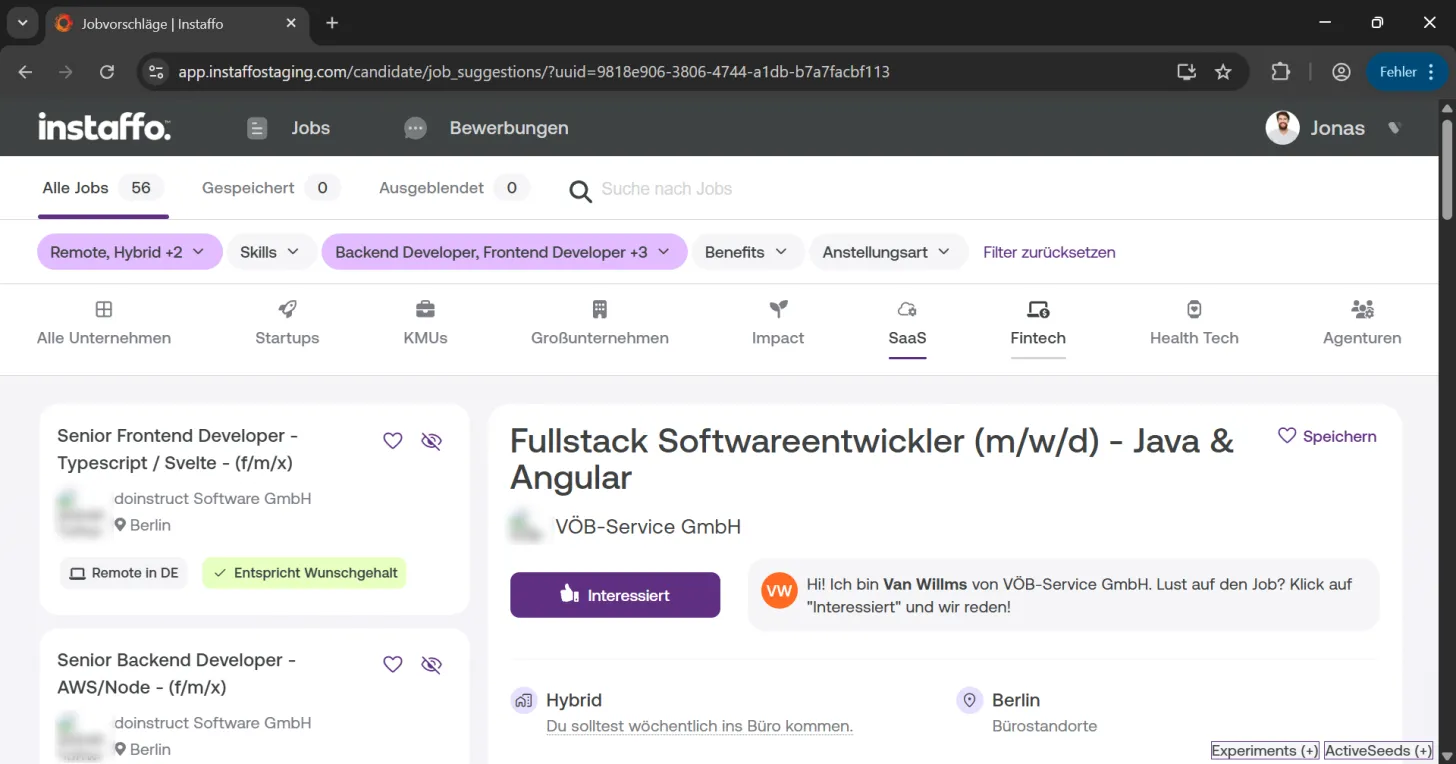
Adjust work location and work mode
-
Use the location filter
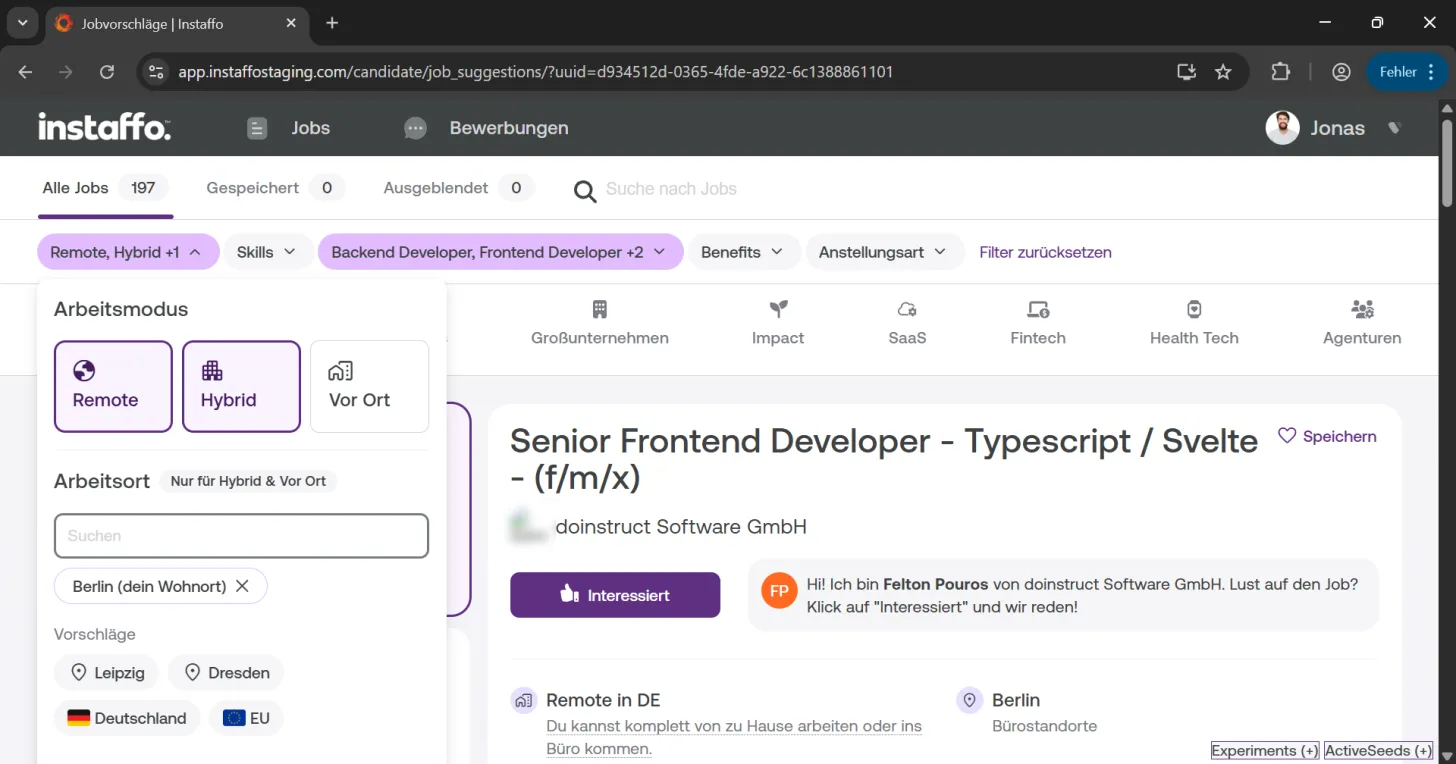
Click on the "Remote, Hybrid +1" filter at the top of the page. Here you can adjust your previously set location preferences. -
Select your work mode
In the "Work Mode" dropdown menu that opens, you can choose between Remote, Hybrid, and On-site. Additionally, you can add more work locations by searching for cities in the search field. -
Add more locations
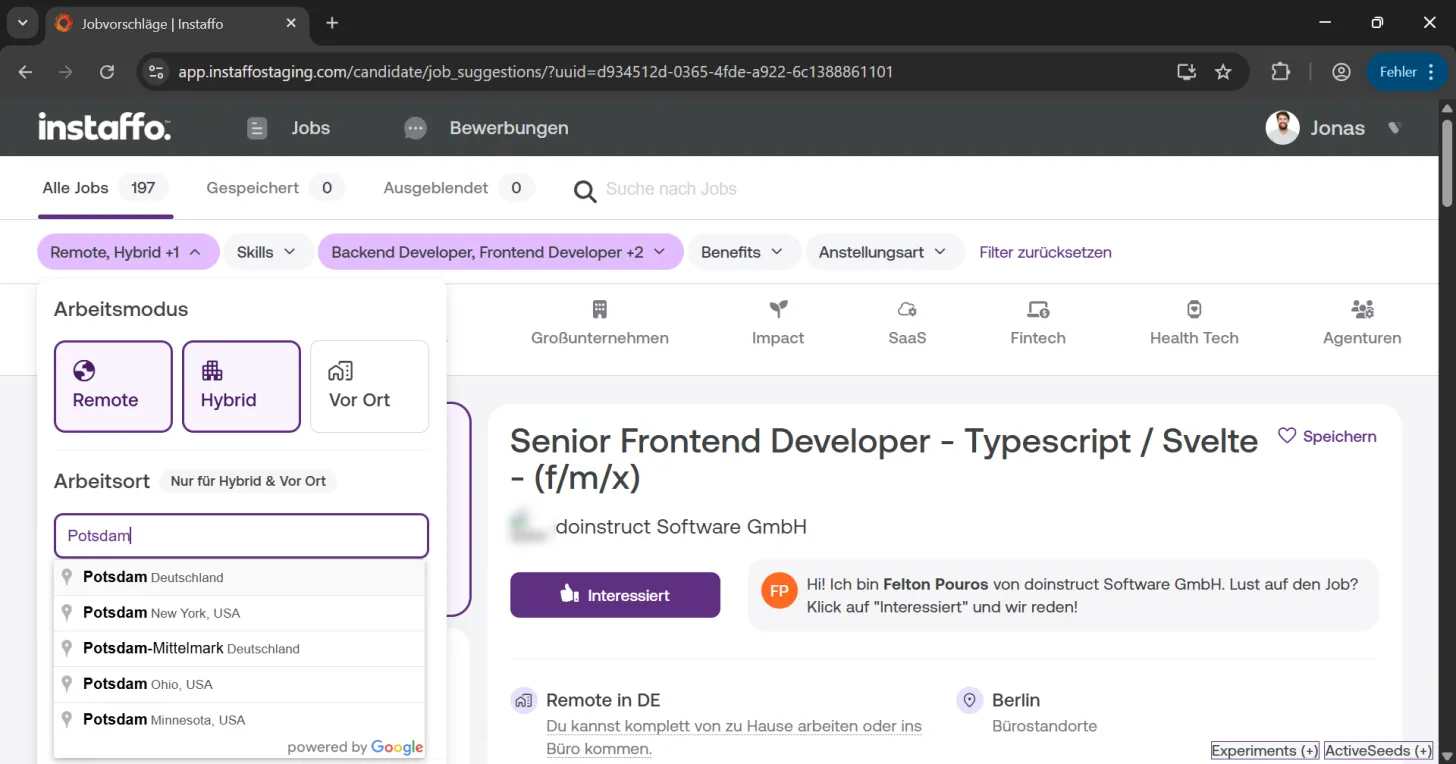
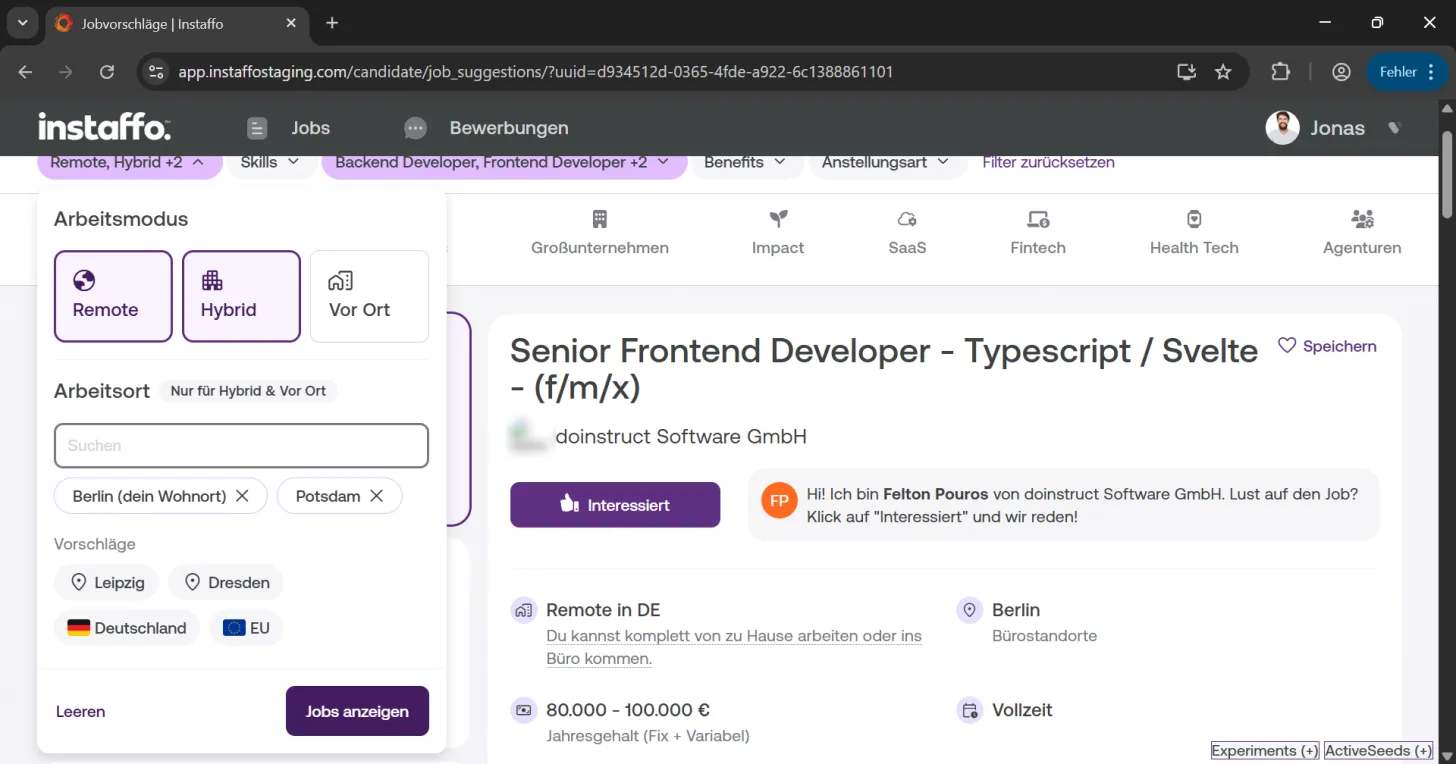
Enter a location like "Potsdam" in the search field and select it from the suggestions list. You can select multiple locations to expand your job search. -
Apply the filter
Click on "Show Jobs" to update the job suggestions with your new filter settings.
Filter by skills
-
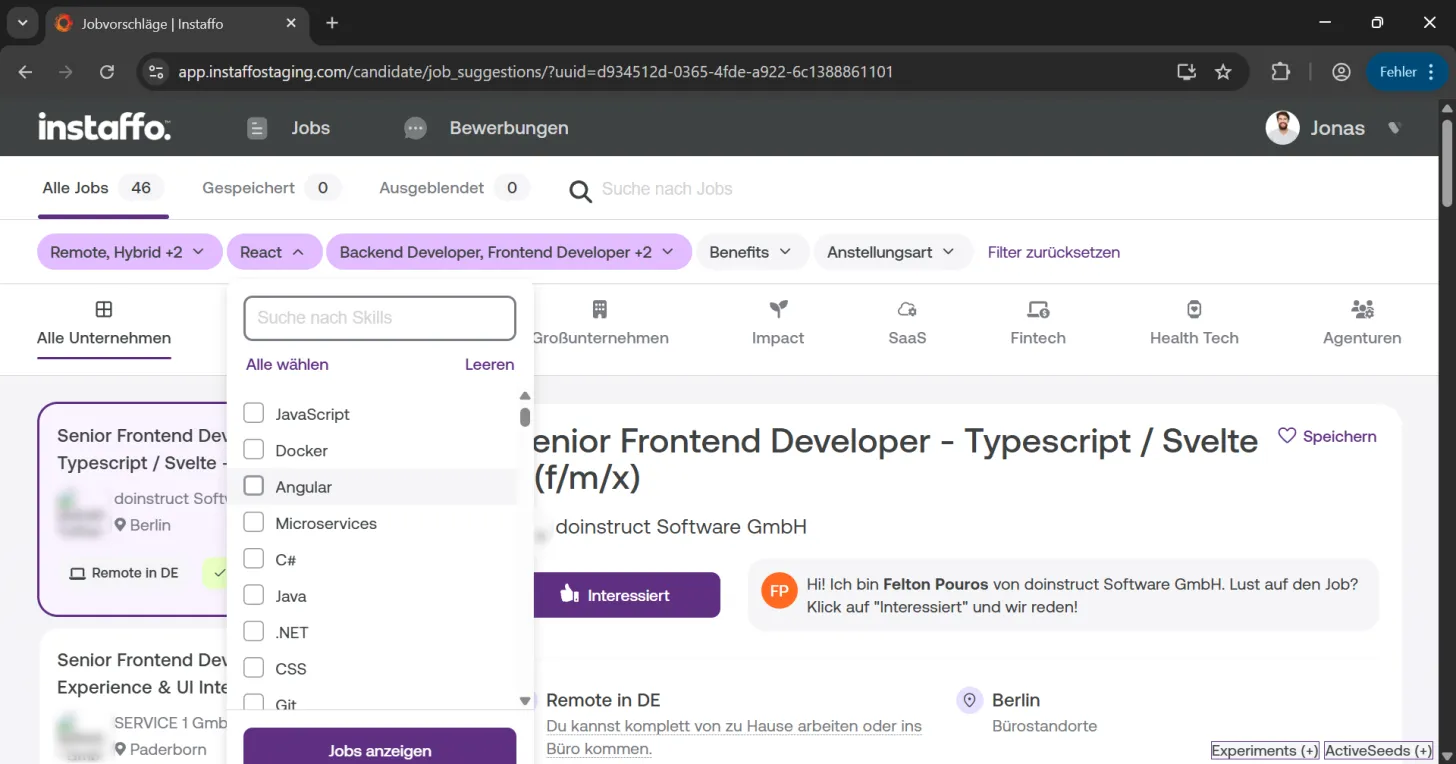
Open the skills filter
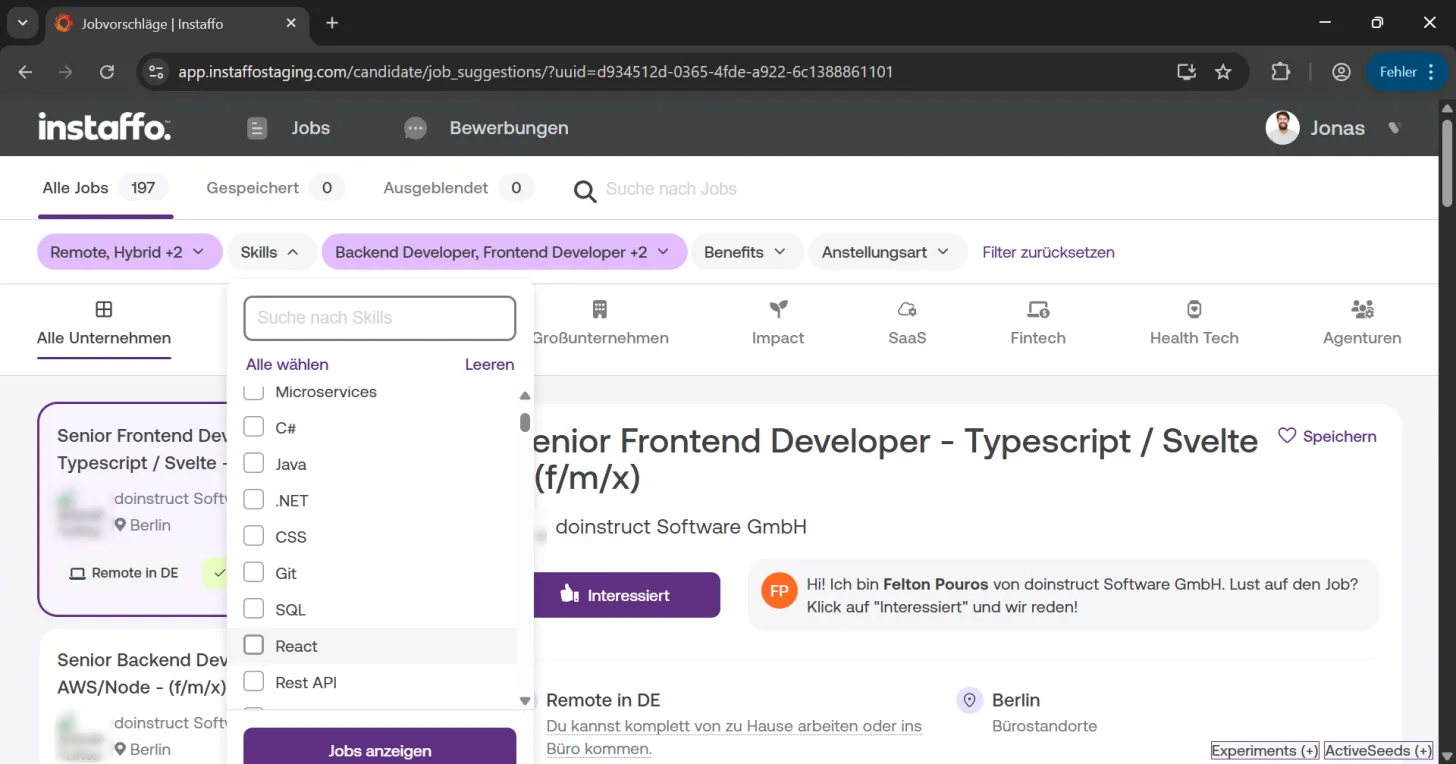
Click on the "Skills" filter. Here you'll see skills that appear in the available positions. -
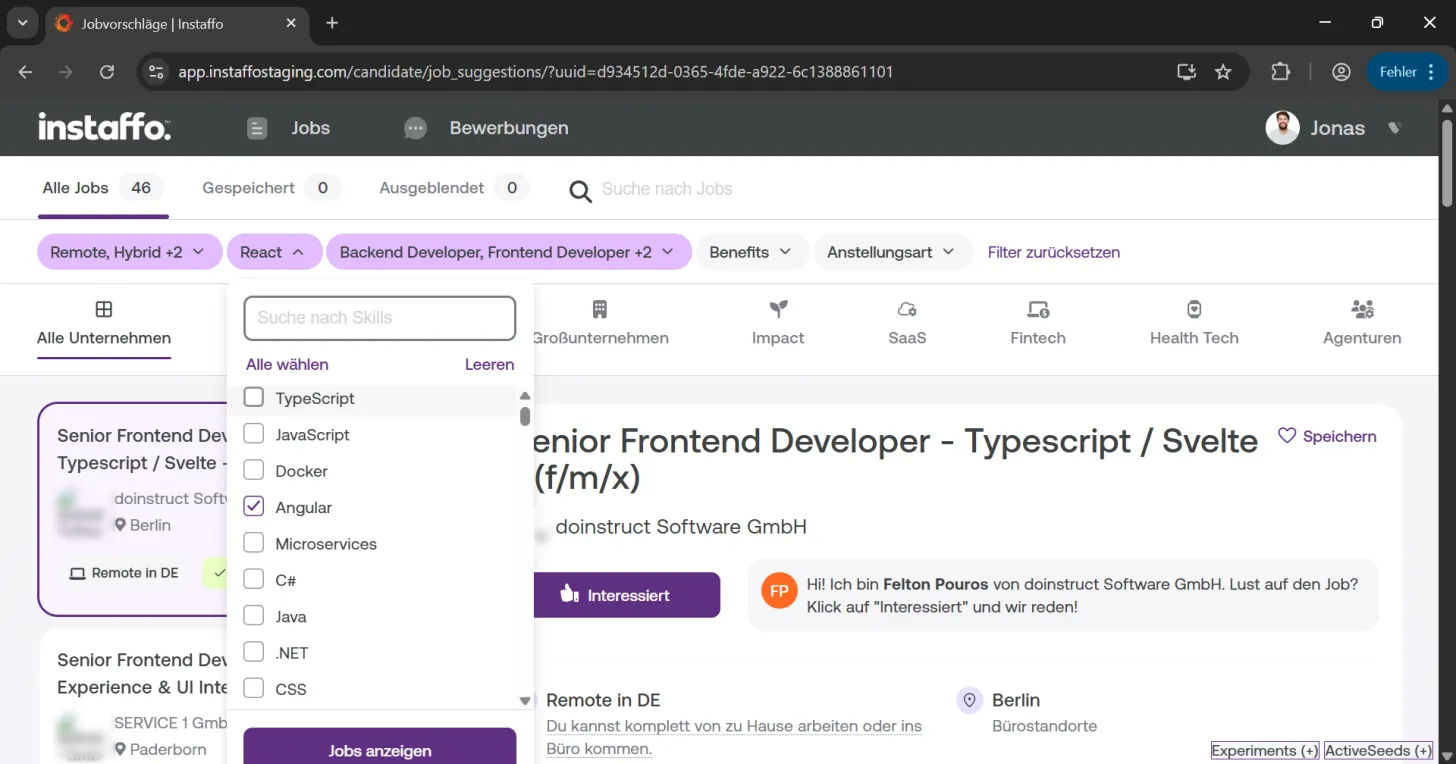
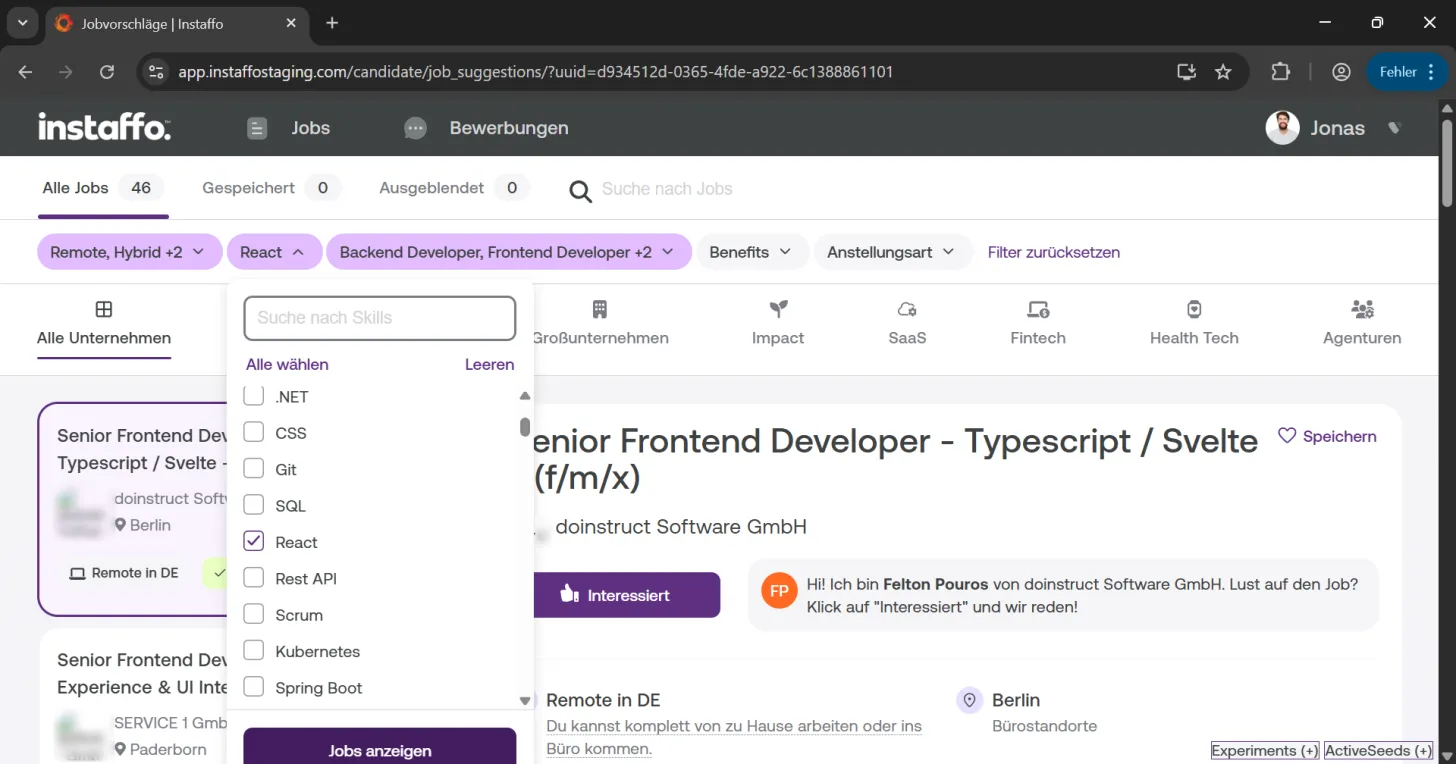
Select your desired skills
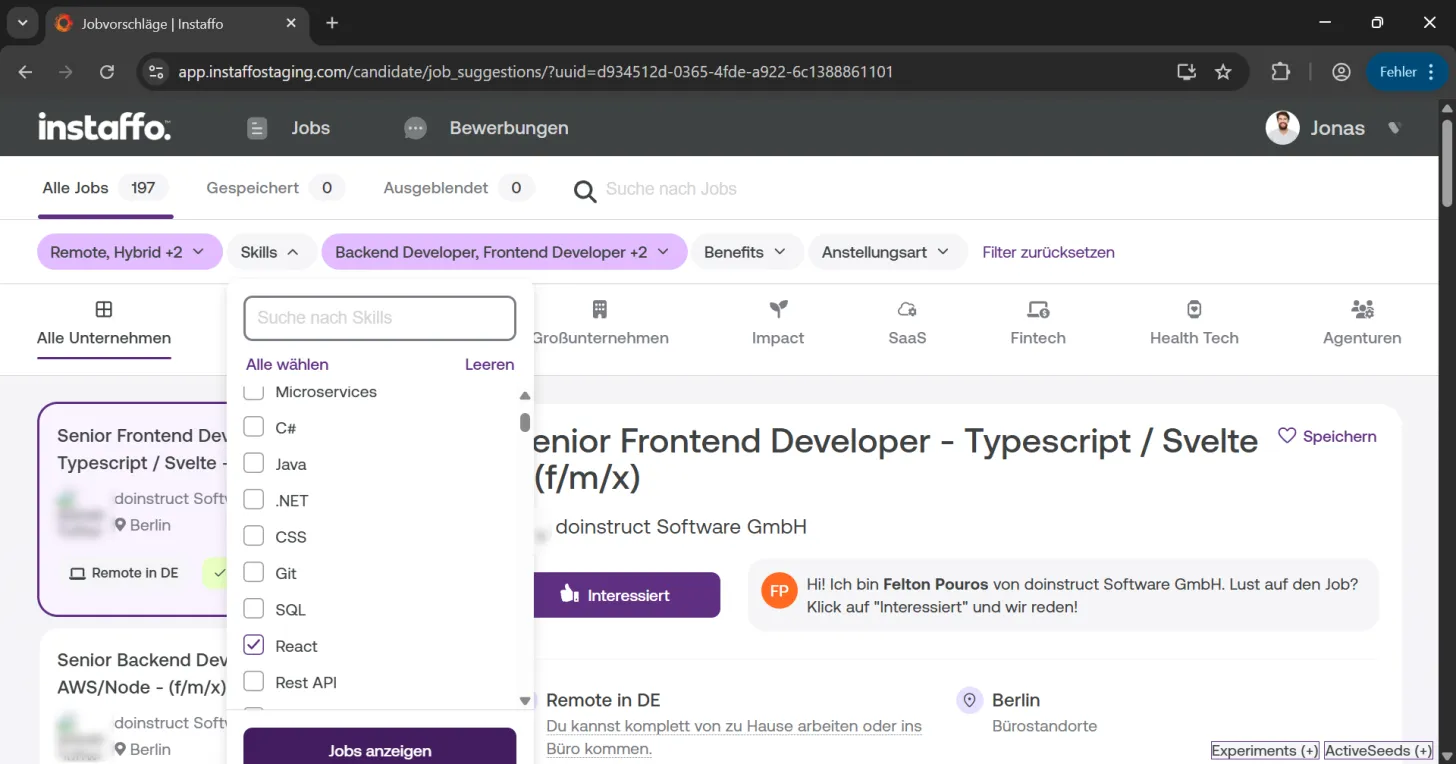
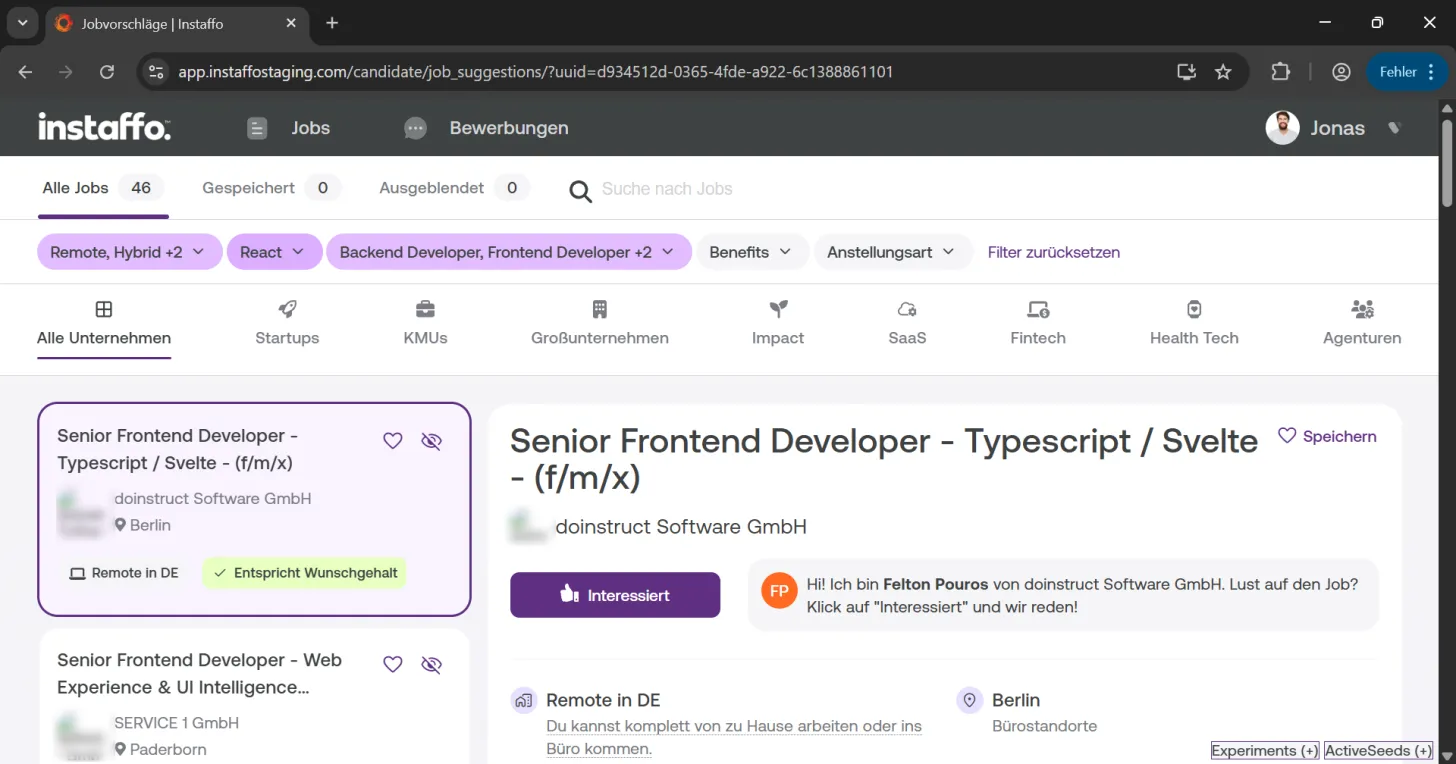
Choose the skills that are relevant to you, for example "React". The filtering works as an OR operation - you'll see jobs that contain at least one of the selected skills. -
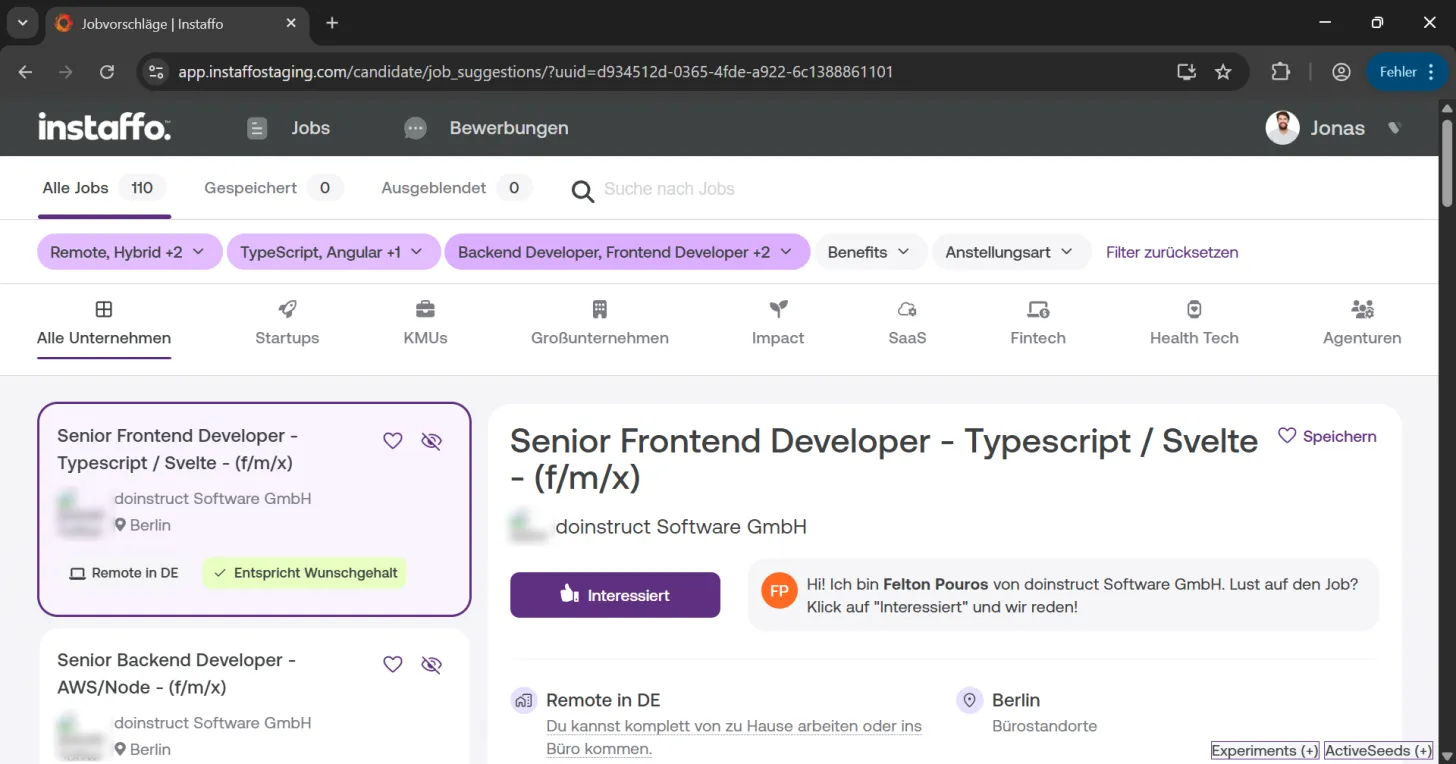
Combine multiple skills
You can select as many skills as you want, like TypeScript, Angular, or React. The displayed jobs will then contain either TypeScript, Angular, or React in their requirements.
Specify job roles
-
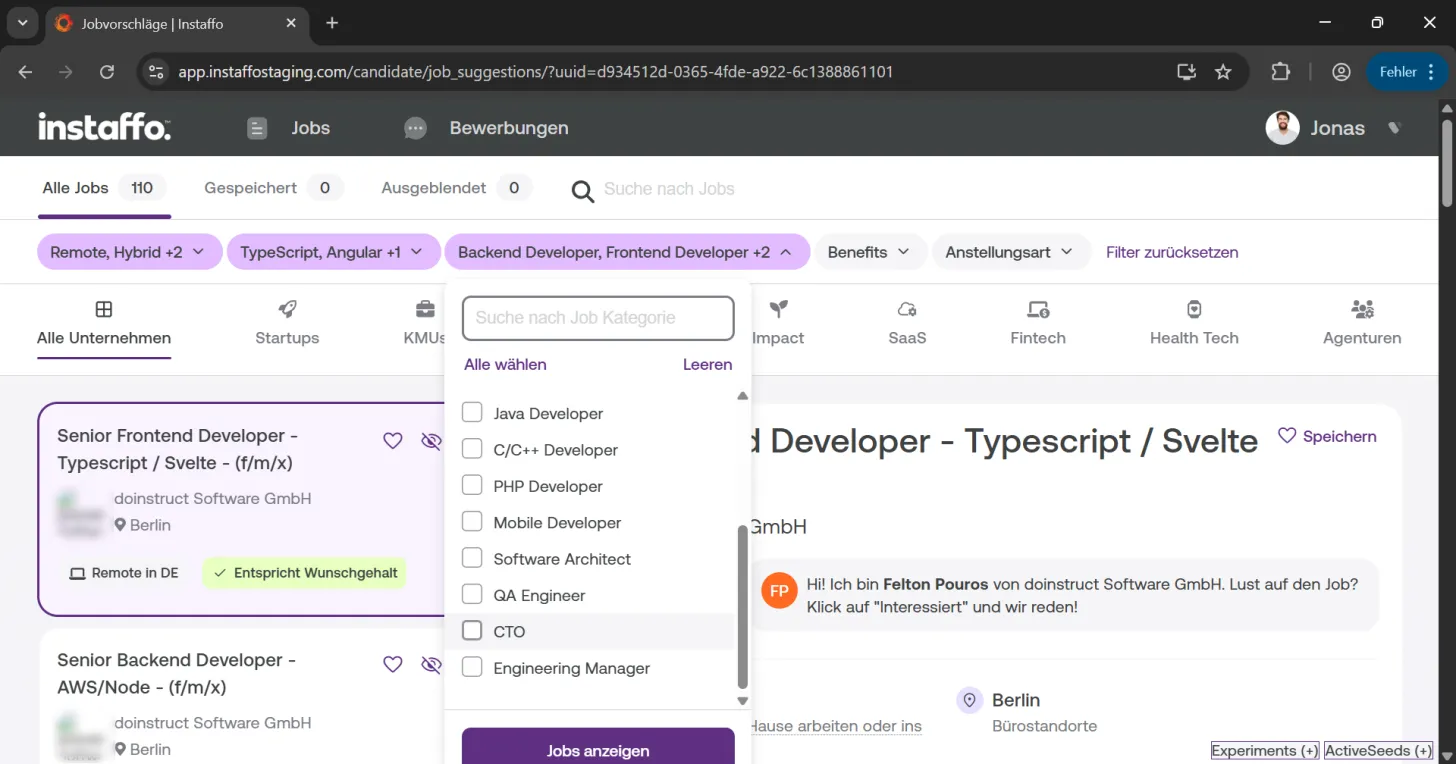
Use the job roles filter
Click on "Backend Developer, Frontend Developer +2". Here you'll see additional job roles in the area of your already selected roles. -
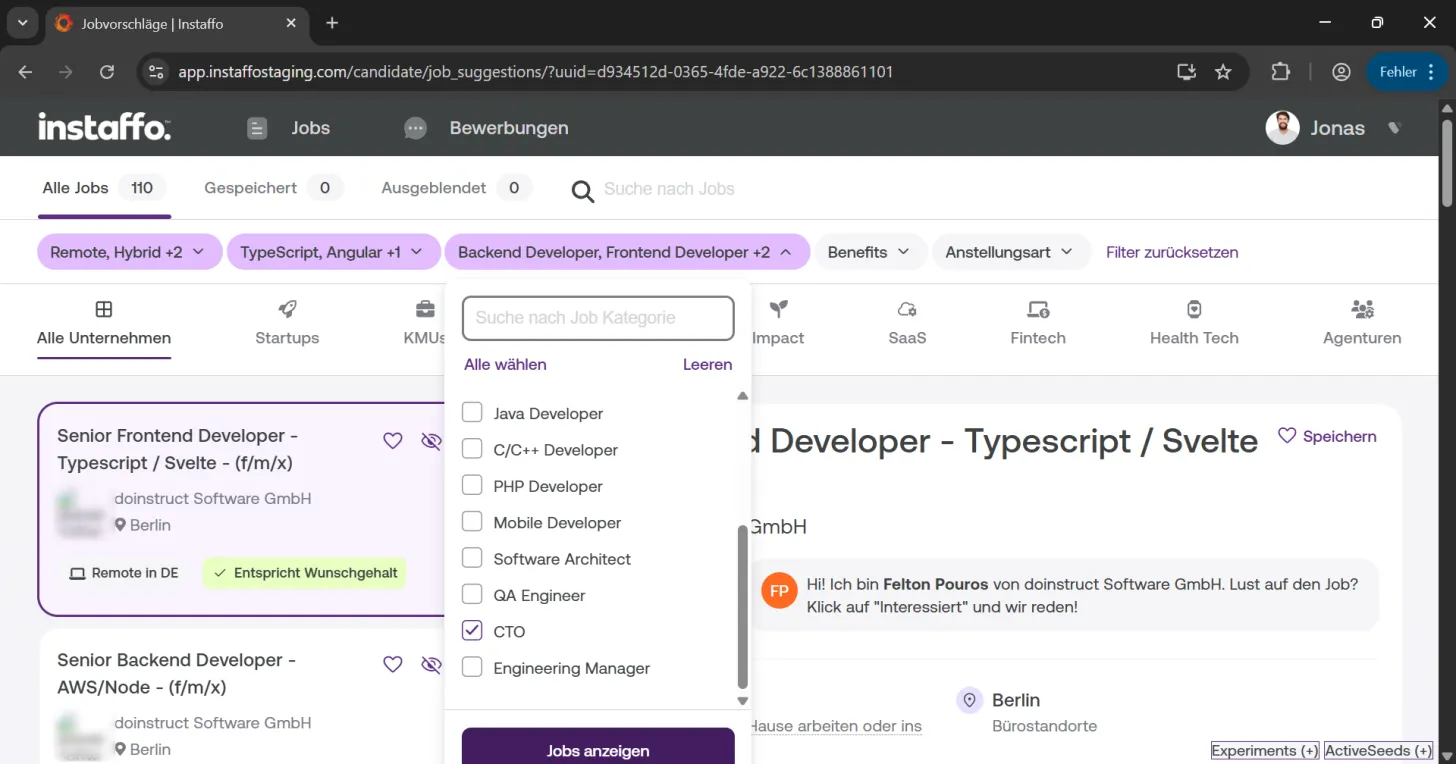
Search for specific roles
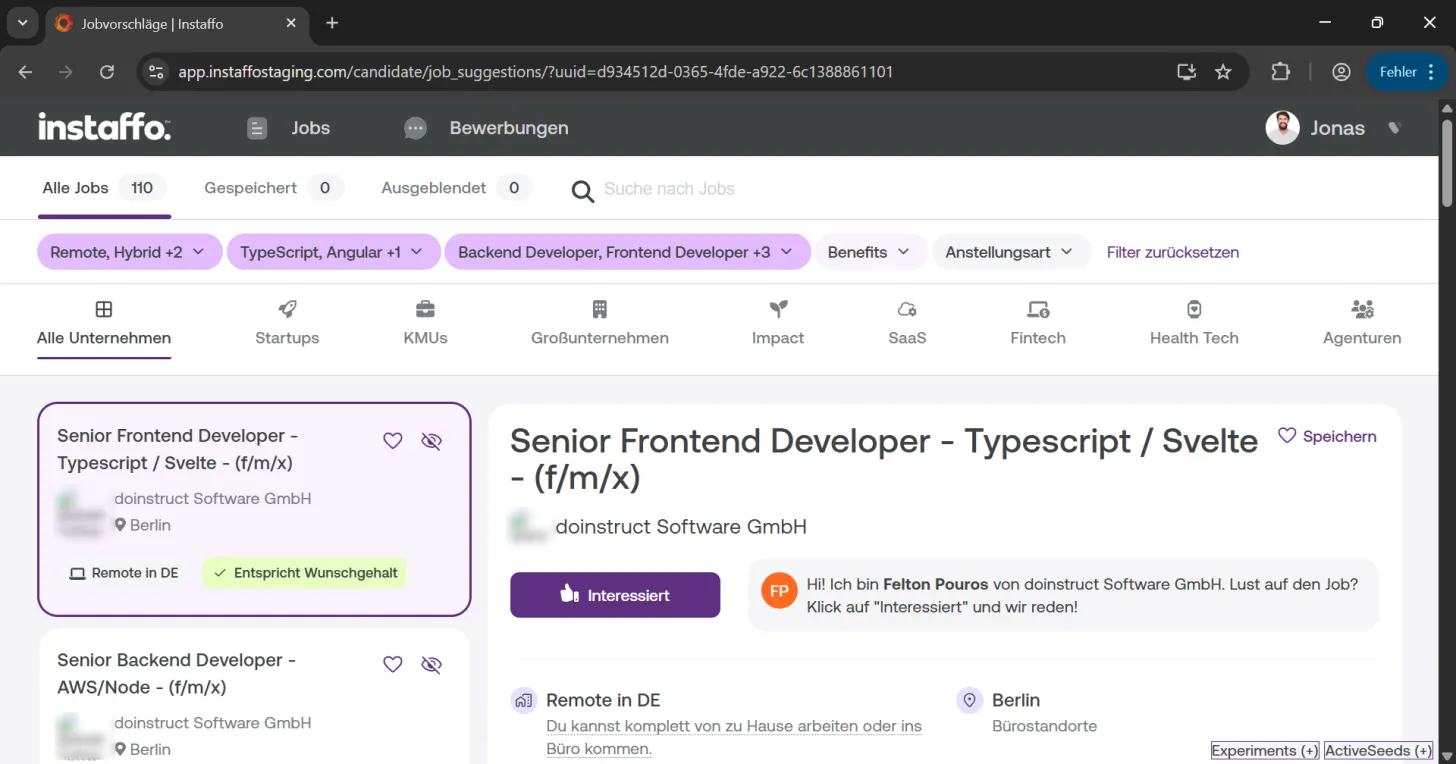
In the "Search by job category" search field, you can specifically search for positions like "CTO" and select them to expand your job suggestions accordingly.
Benefits and employment type
-
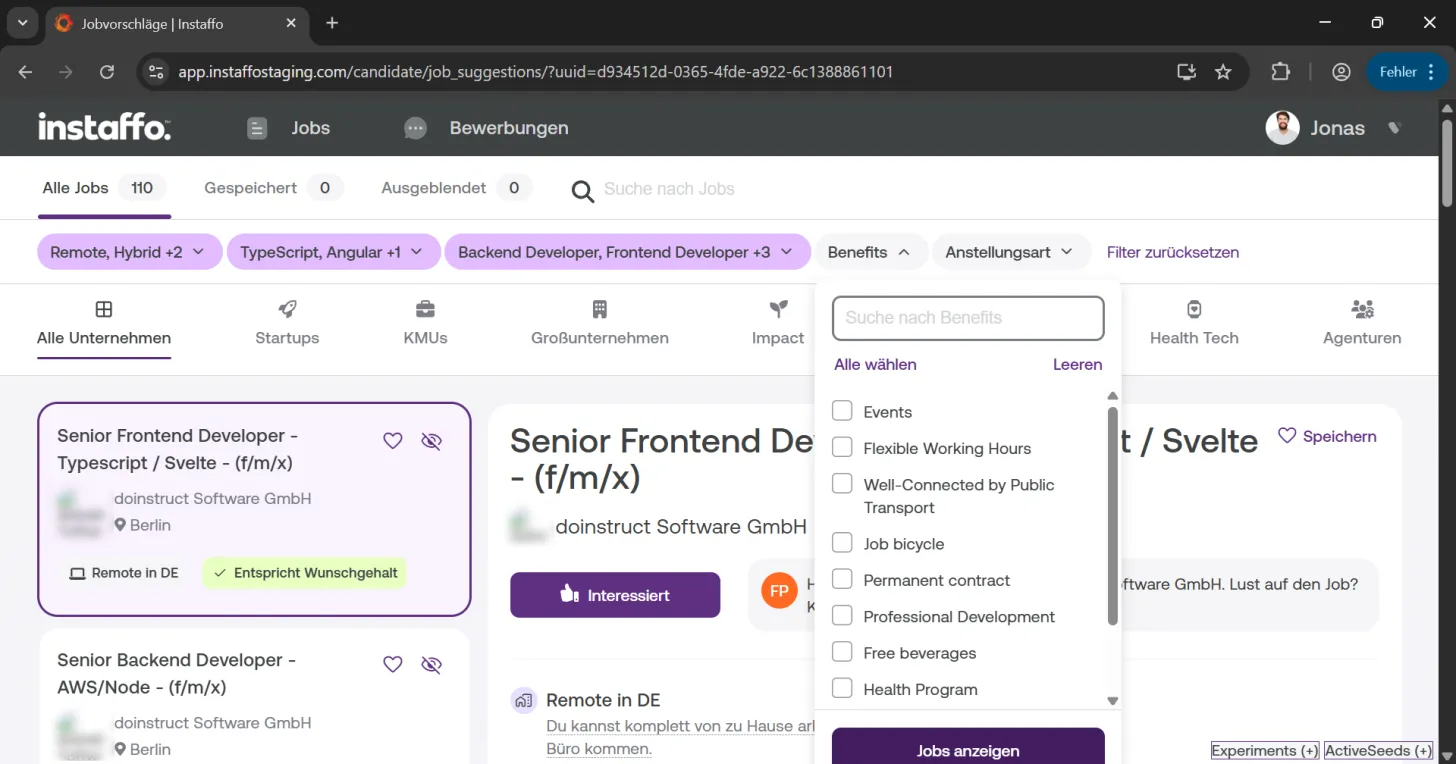
Filter by benefits
Through the "Benefits" filter, you'll find benefits provided by companies. These are divided into different categories, for example "Events". -
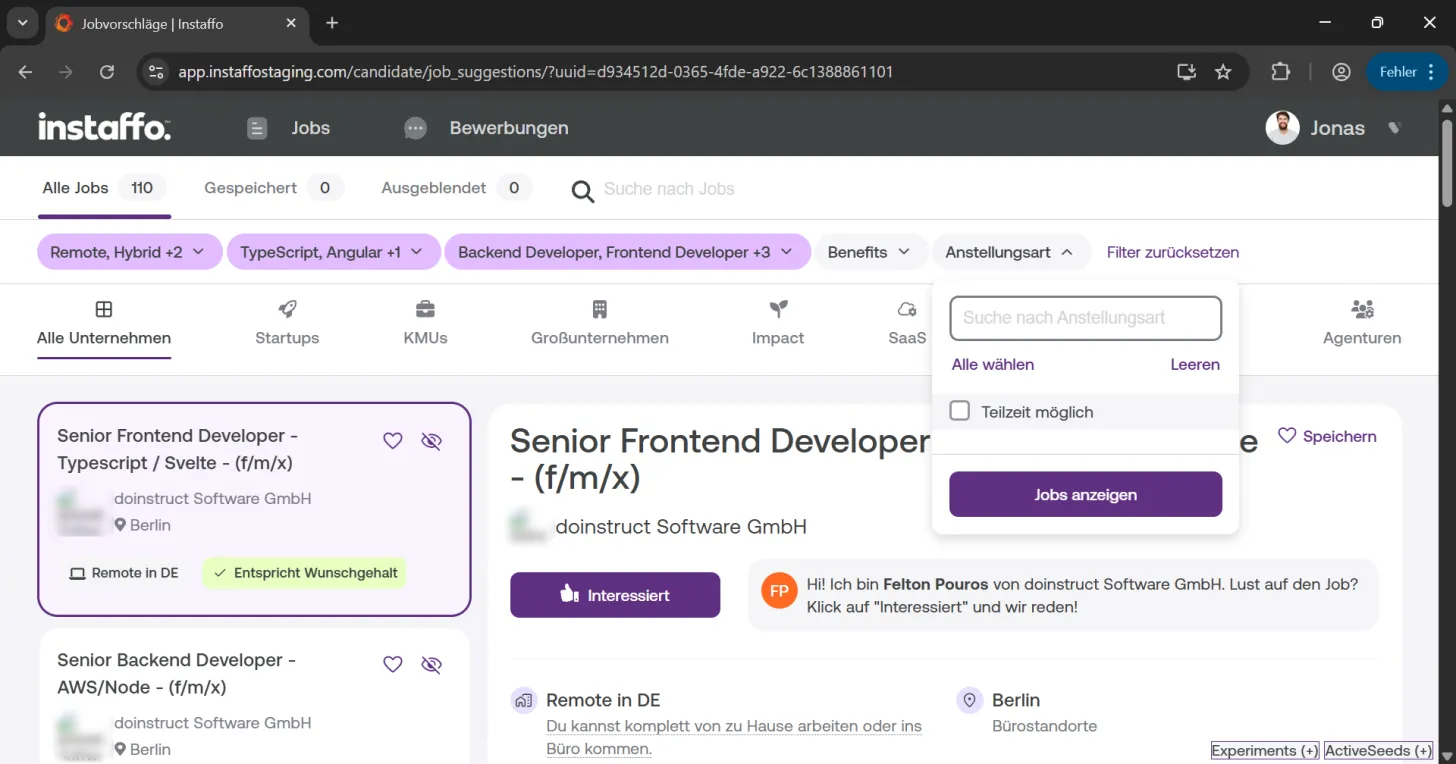
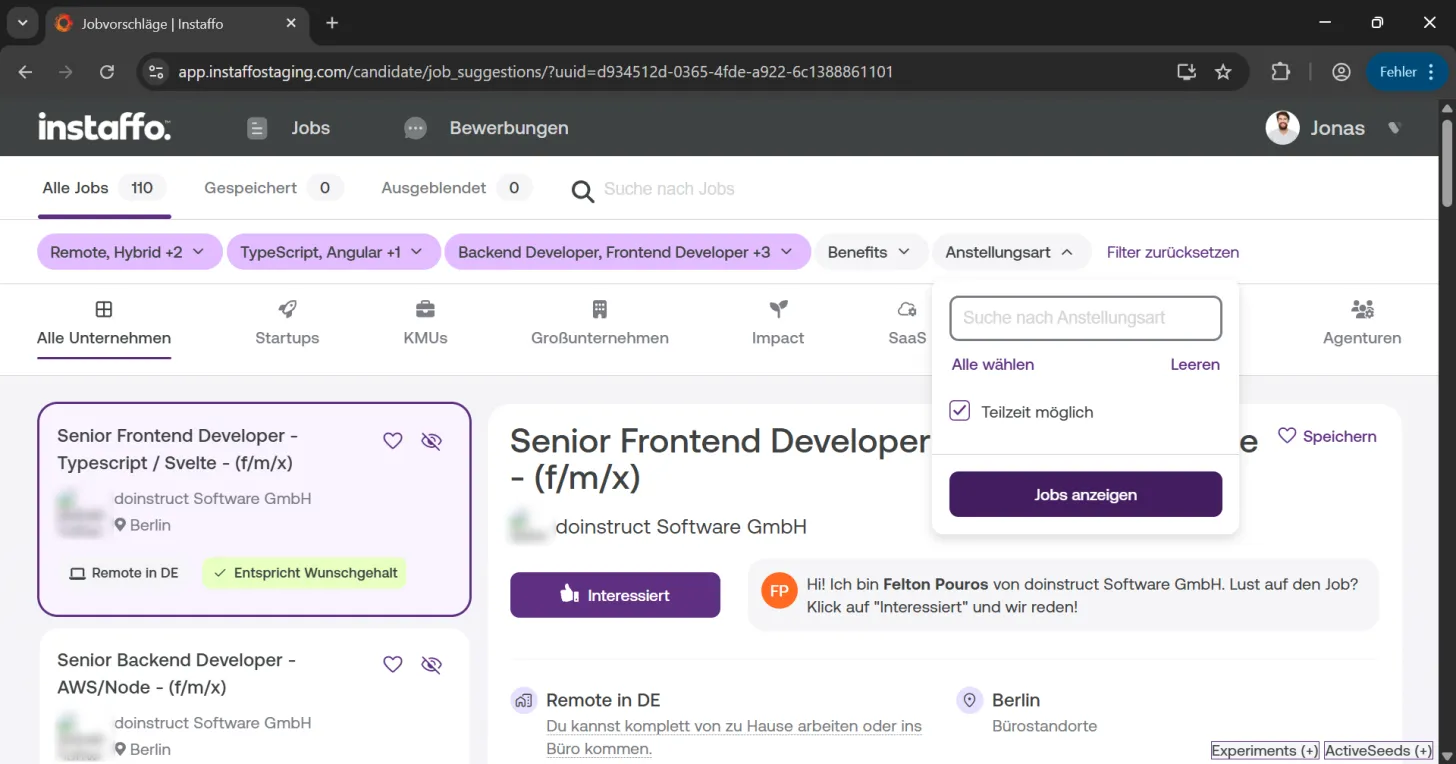
Set employment type
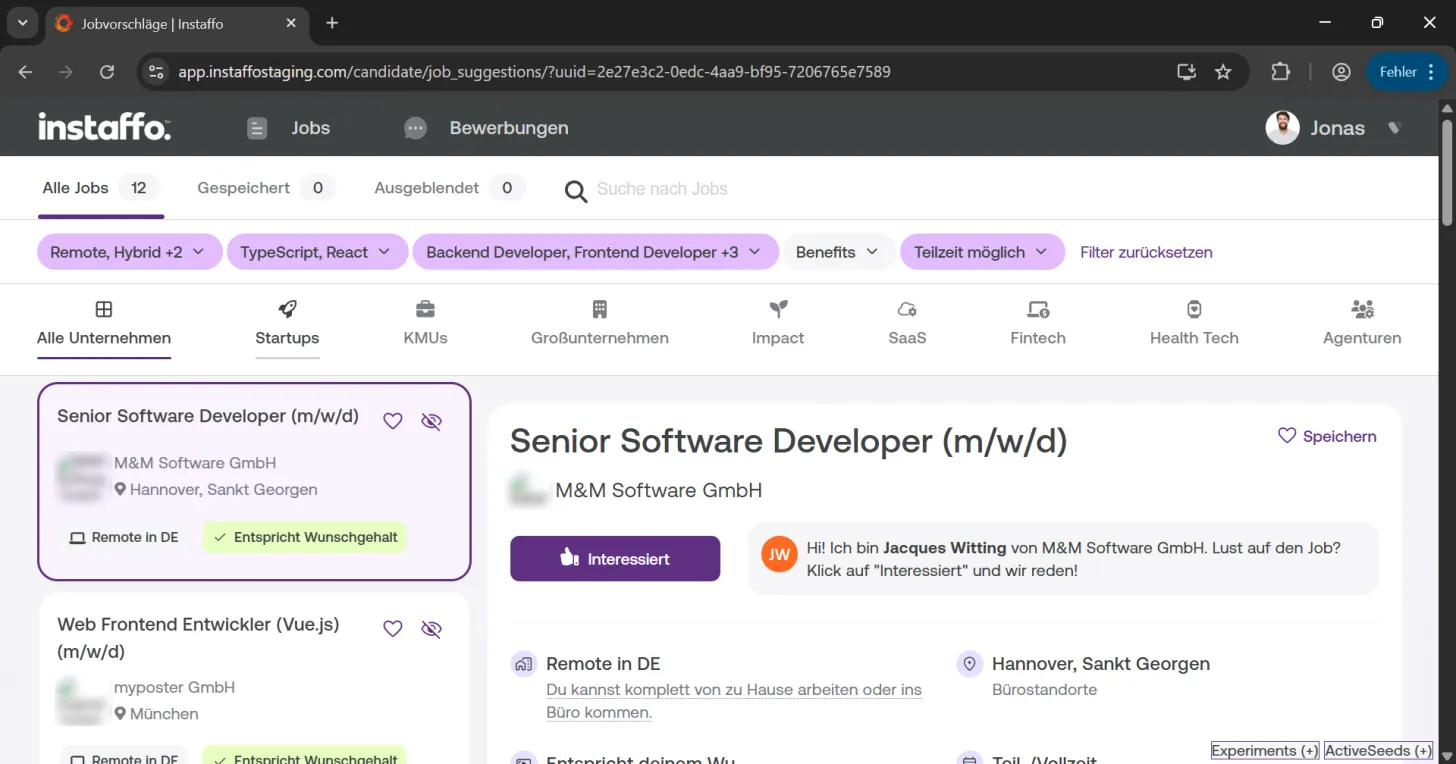
With the "Employment Type" filter, you can search for part-time options. The platform is mainly specialized in full-time permanent positions, but for positions with part-time options, this is clearly indicated.
Filter by company type
-
Choose company category
You can filter between different company types:- Startups: Young, innovative companies
- SMEs: Small and medium-sized enterprises
- Large enterprises: Established, large corporations
-
Select specific industries
Additionally, you have access to industry-specific filters:- Impact: Jobs with social impact
- Fintech: Financial sector
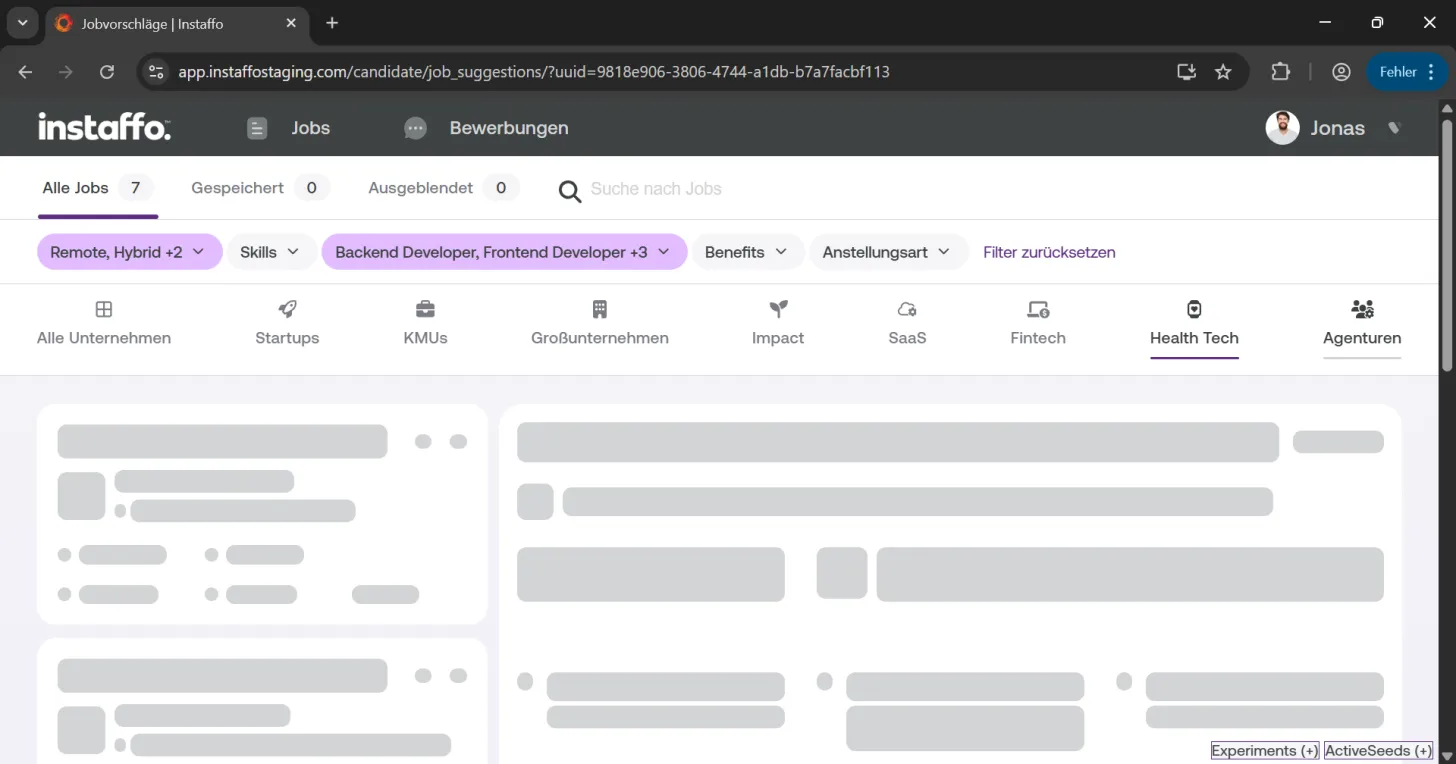
- Health Tech: Healthcare sector
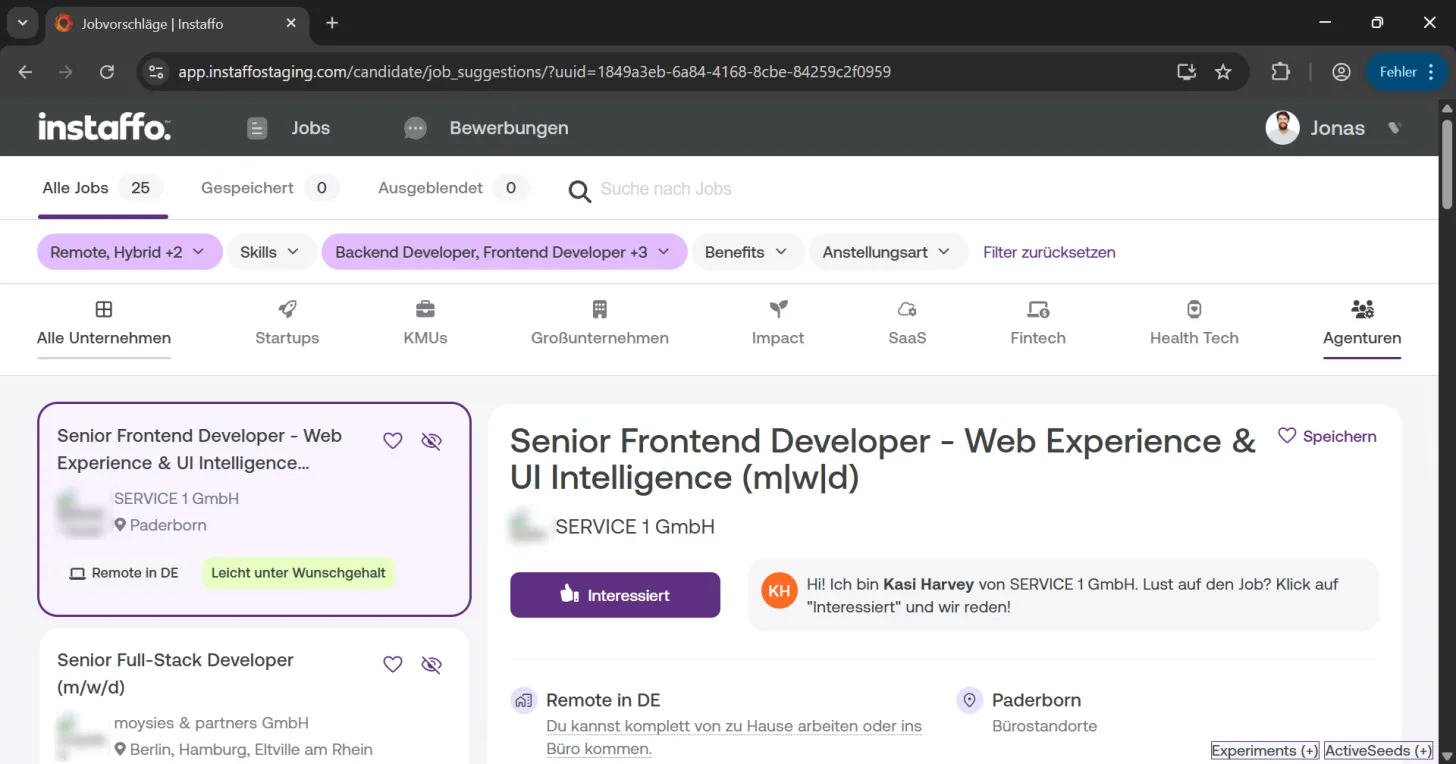
- Agencies: Service companies
-
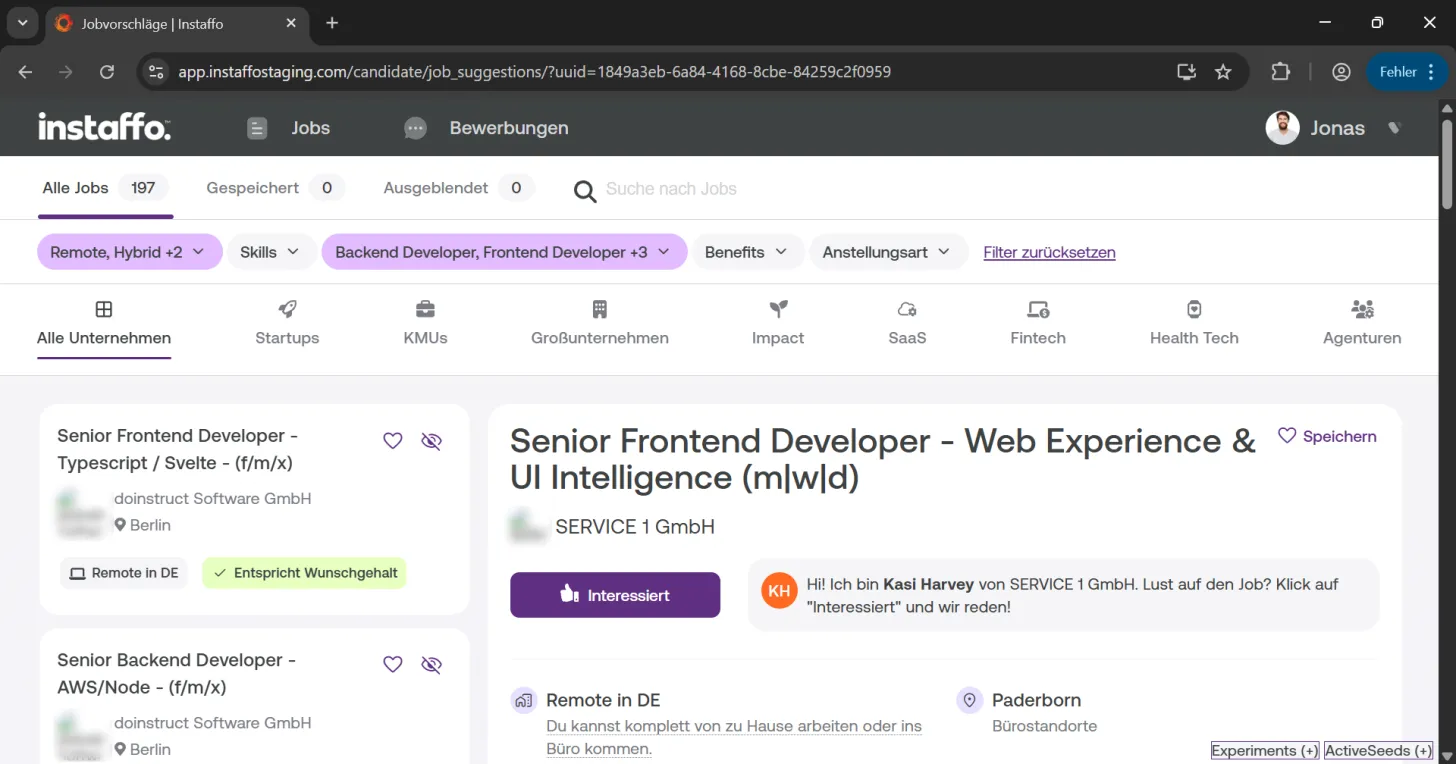
Show all companies
Click on "All Companies" to remove all company filters and see all available options again.
Reset filters
- Remove all filters
Click on "Reset Filters" at any time to clear all your filter settings and see all available jobs again.
With these diverse filtering options, you can optimize your job search on Instaffo to match your individual needs and preferences. The filters can be combined in any way to help you find the jobs that are right for you.
 Powered by happysupport.ai