
How do I change my search preferences and profile?
Customize your search preferences by selecting job roles, experience level, salary, and location to receive personalized job recommendations.
Your search preferences determine which jobs we recommend to you. You can change them at any time.
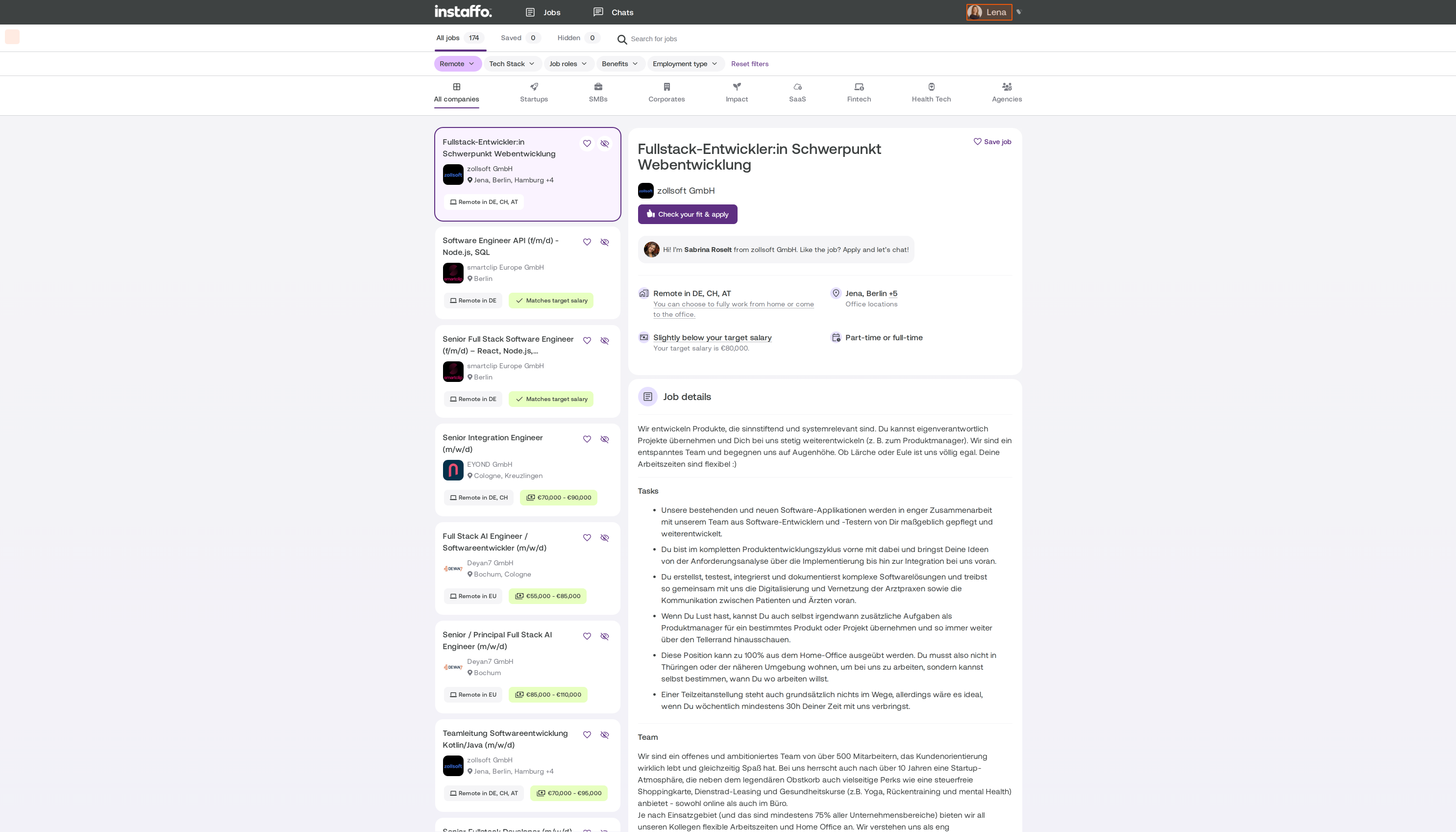
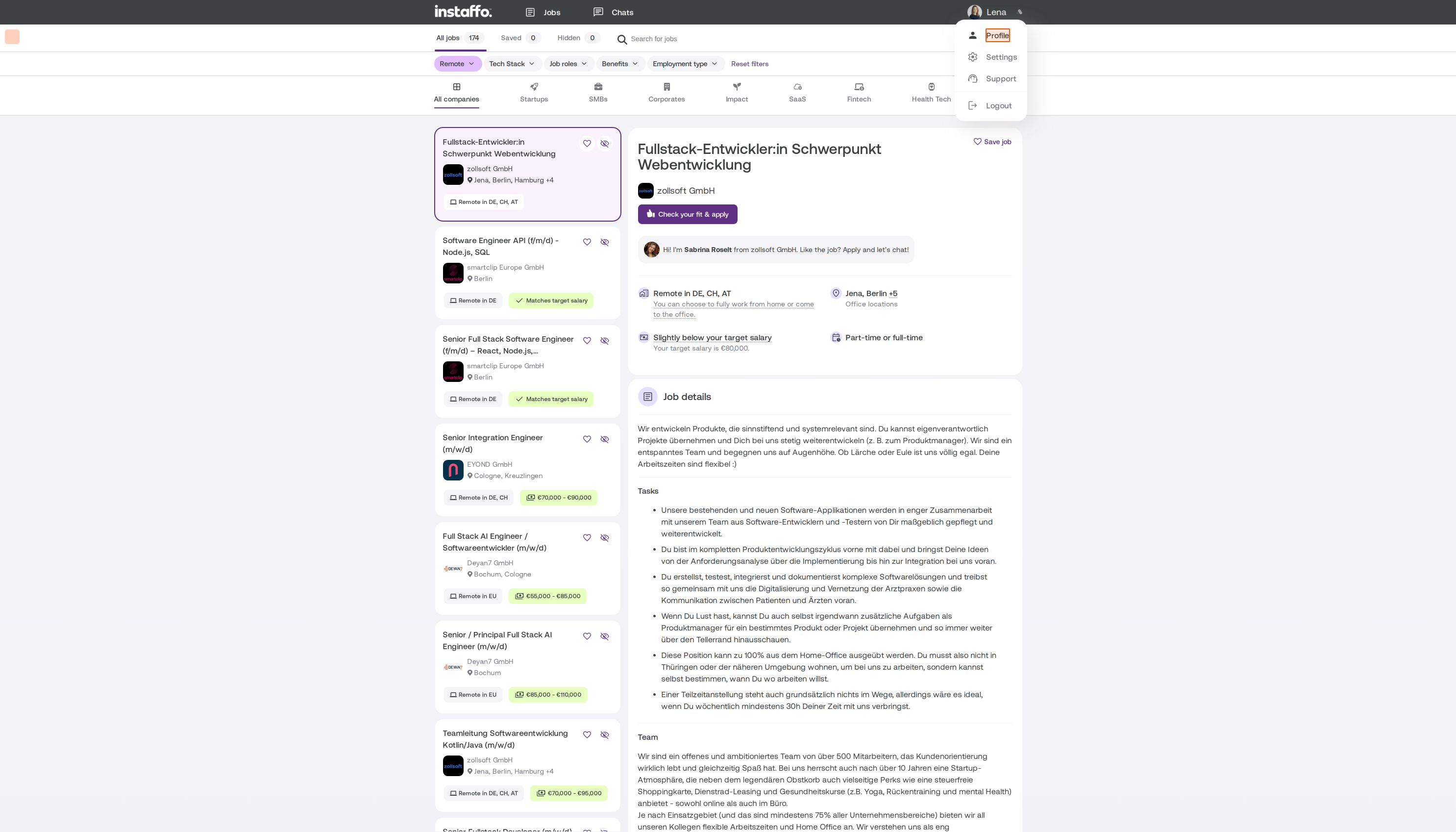
Change your search preferences
Open your search preferences. There are four sections:
-
Job roles: up to 5 roles. If your role isn’t listed, choose the closest match.
-
Experience level: from “Keine relevante Arbeitserfahrung” to “Senior (5+ Jahre)”.
-
Salary expectations: your preferred annual salary.
-
Preferred location: whether you’d like to work remotely, in a hybrid setup, or on-site, and where.

Who can see my salary?
We use your salary expectations in your profile only to show you suitable jobs. Companies can’t see this figure. If a job asks for your salary expectations when you apply, we’ll share that information with the company.
Can I change the search radius?
For hybrid and on-site jobs, we search within a 50 km radius of your home address. You can’t change the radius. However, you can choose “Überall in Deutschland” or add more locations in the filters for your job suggestions. You’ll see remote jobs regardless of where you live.
Can I search for part-time jobs?
Yes, using a filter. There isn’t a field for weekly working hours. In your job suggestions, use the filter Teilzeit möglich. You can let the company know what you’re looking for in the chat.
How do I edit my work experience and education?
In your profile details, you can edit, add, or remove entries.
Important: If you upload a new CV, we’ll import the work experience from it. This will replace your existing entries.
Related articles
Also searched for: change salary expectations, salary, change job role, change location, home address, search radius, remote, part-time, delete work experience, edit profile
 Powered by happysupport.ai