
How do I upload my resume and other files?
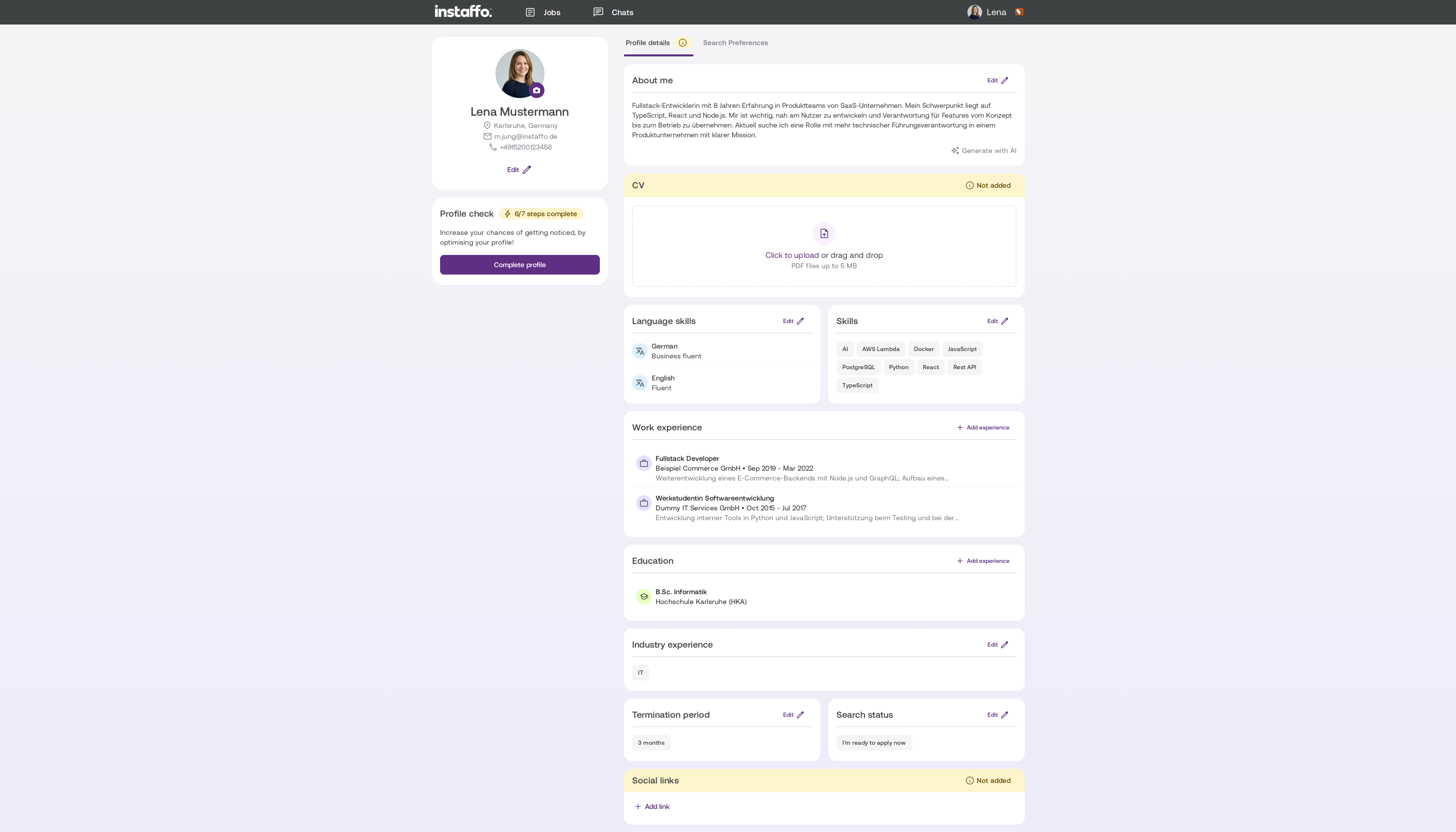
Upload your resume as a PDF file up to 5 MB in your profile's resume section and share certificates or cover letters with companies via chat
Upload your resume as a PDF in your Profil. Send certificates and other documents in your chat with the company.
Upload your resume
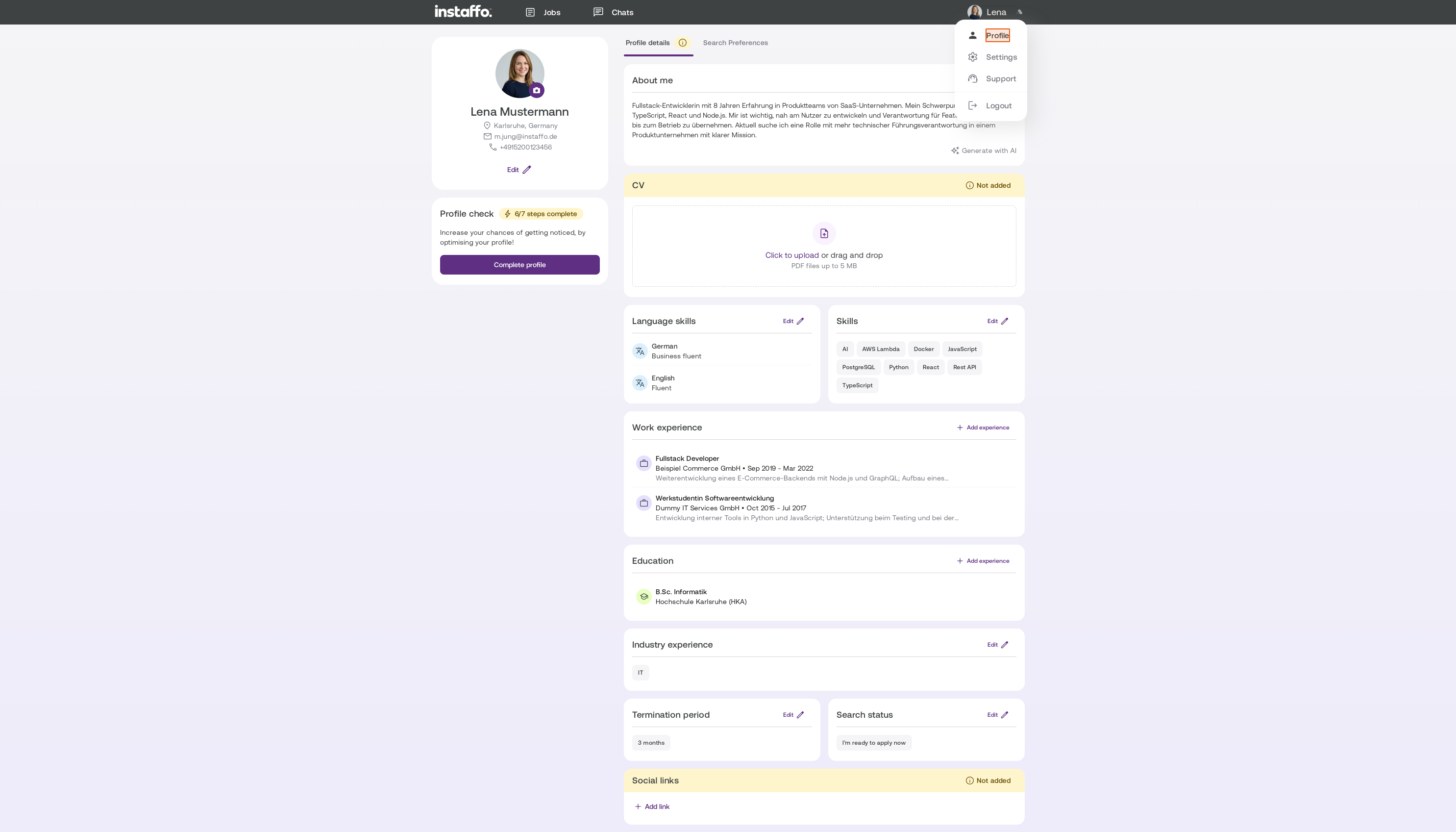
Open your Profil and upload your resume in the Lebenslauf section.
-
You can upload one PDF file up to 5 MB.
-
You can save one resume. Uploading a new one replaces the old one.

Important: We extract information from your resume. The work experience we find replaces the entries in your profile. It’s a good idea to take a quick look over your profile afterward.
Where do I upload certificates and cover letters?
Send certificates, cover letters, or other qualifications in your chat with the company. You can upload JPG, PNG, PDF, Word, Excel, and PowerPoint files up to 10 MB. You can attach up to 5 files per message.
Can I import my LinkedIn profile?
You can only import your LinkedIn profile when you register. After that, you can simply upload your resume as a PDF.
Having trouble uploading?
-
Check the file format and size.
-
Try turning off browser extensions such as ad blockers.
-
Try another browser or an incognito window.
-
If you see “Your session has expired,” sign in again and upload the file once more.
Related articles
Also searched for: upload CV, change resume, application documents, certificate, cover letter, qualification, PDF, upload not working
 Powered by happysupport.ai