
How do I unsubscribe from emails and notifications?
Unsubscribe from job suggestions, newsletters, and notifications by toggling email, call, and WhatsApp settings in your account preferences.
Getting too many emails from us? The quickest way to stop them is to use the unsubscribe link at the bottom of any email. You can manage everything else in your settings.
The quickest way: the unsubscribe link
You’ll find an unsubscribe link at the bottom of our emails. You don’t need to log in. Just enter your email address. After that, you’ll no longer receive job suggestions or our newsletter by email.
In your settings
-
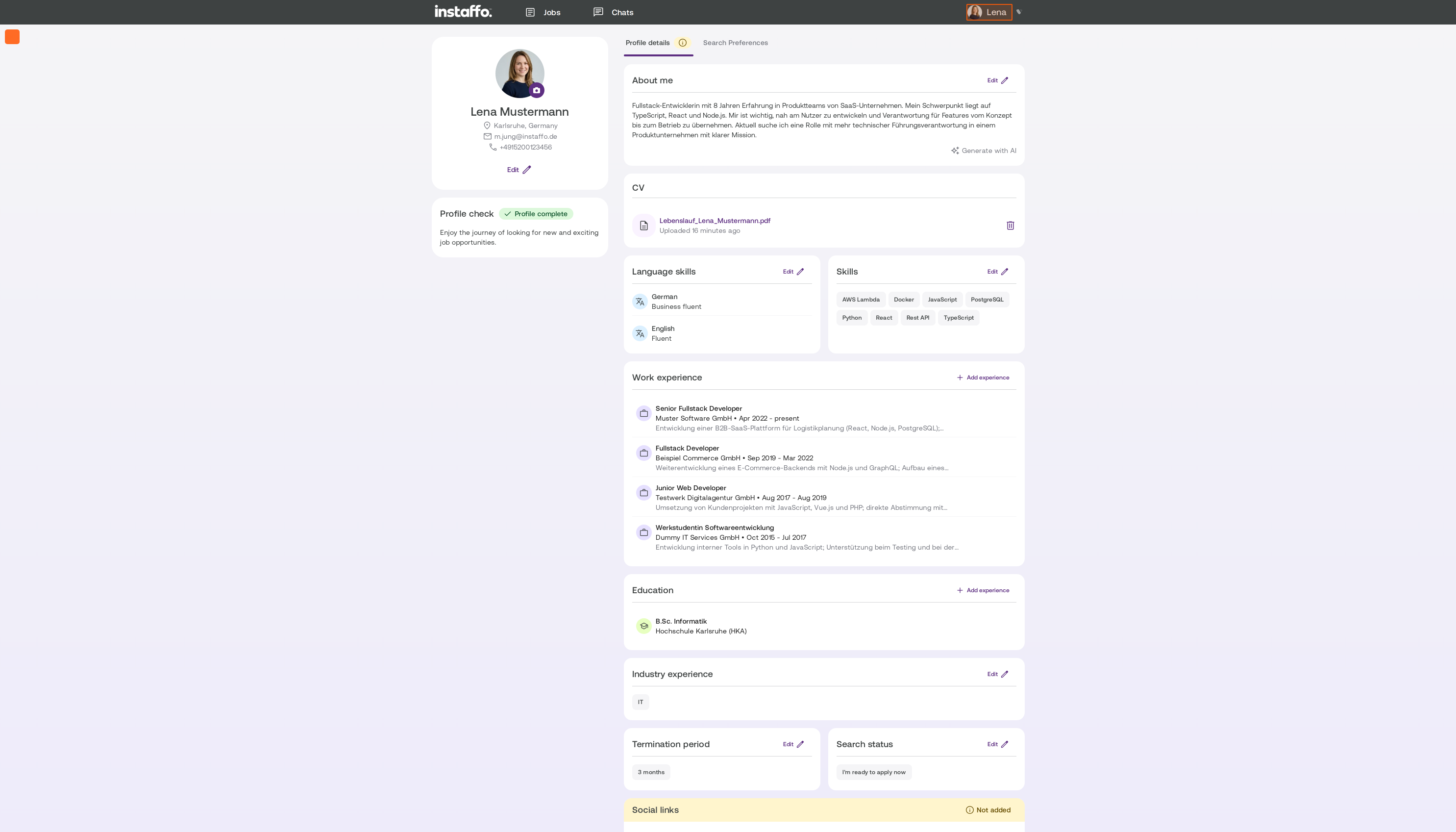
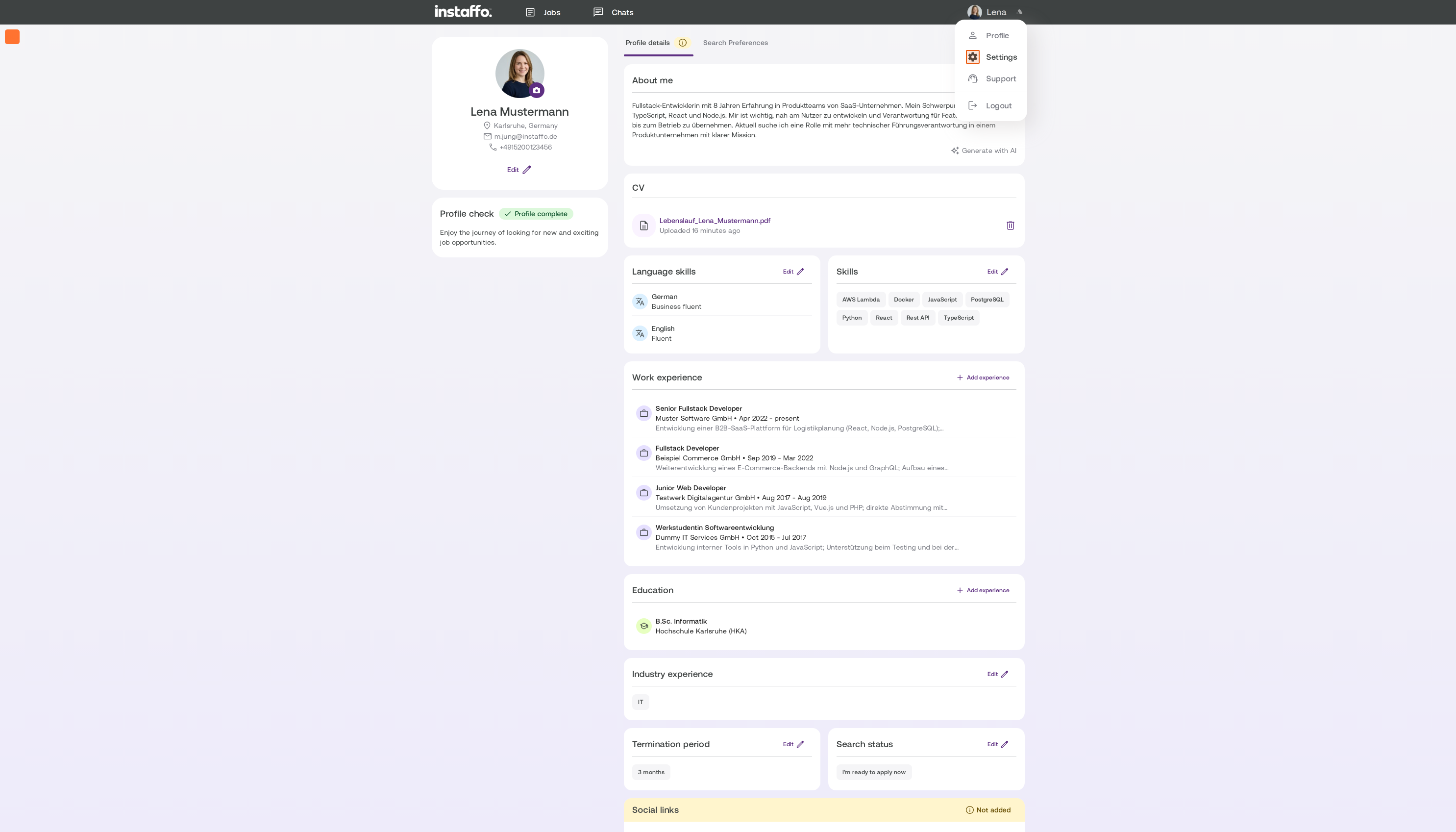
Open your settings.
-
Click Mitteilungen.
-
Under E-Mail, turn off Jobvorschläge and Content / Newsletter.
-
Under Mobile, turn off Anrufe and WhatsApp.

You can turn off browser notifications in your browser settings.
What you’ll still receive
You’ll still get emails about new messages and requests from companies. That way, you won’t miss an important reply to your applications.
Don’t want to hear from us at all? Pause or delete your profile.
Related articles
Also searched for: unsubscribe from newsletter, no more emails, too many emails, spam, unsubscribe, turn off notifications, unsubscribe from WhatsApp, stop calls
 Powered by happysupport.ai