
I want to pause/delete my profile.
Pause or delete your Instaffo profile through settings by selecting your preferred duration or permanent deletion option, with optional reasons for your choice.
If you don't want to use Instaffo for a while or want to delete your profile completely, you can do this through your settings. This guide will show you how to pause or permanently delete your profile.

Pausing your profile
-
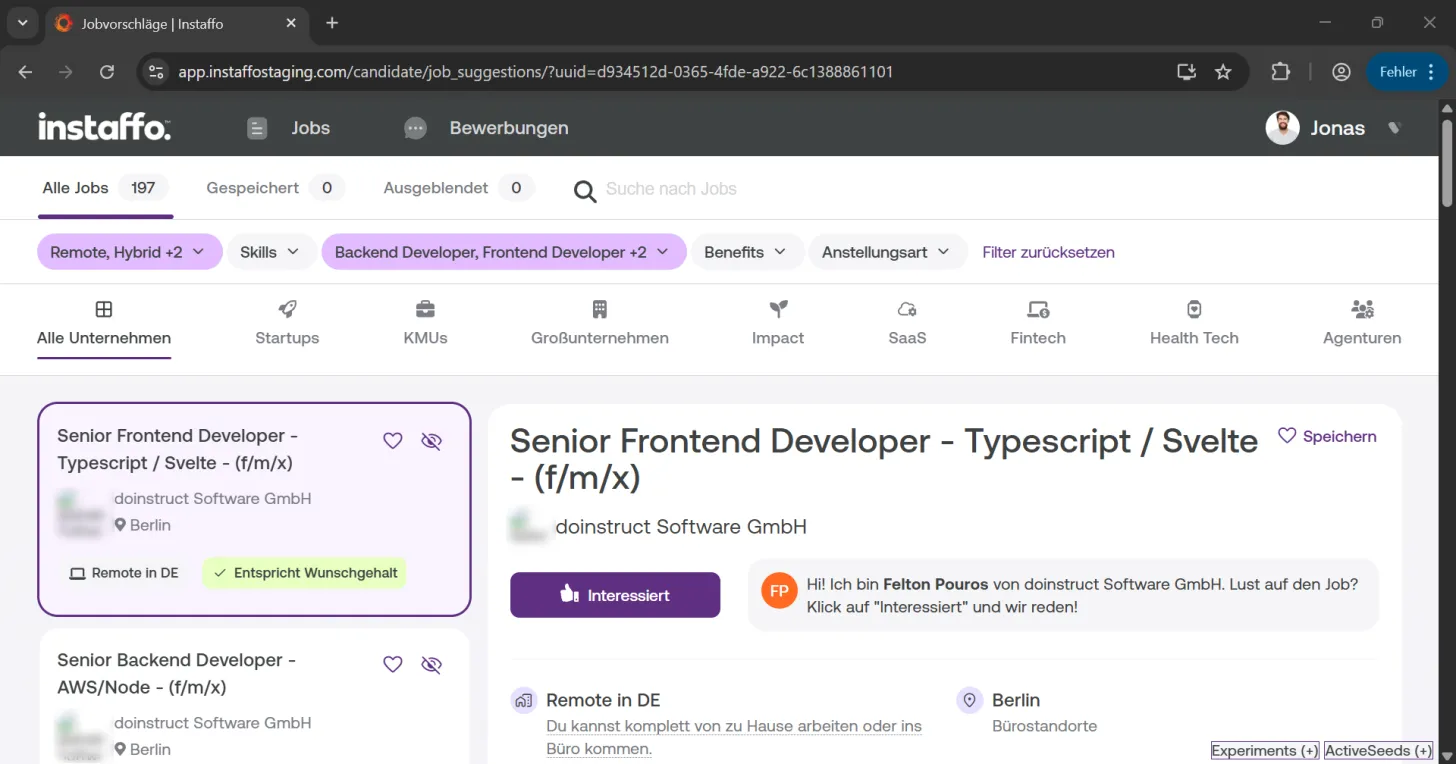
Navigate to settings
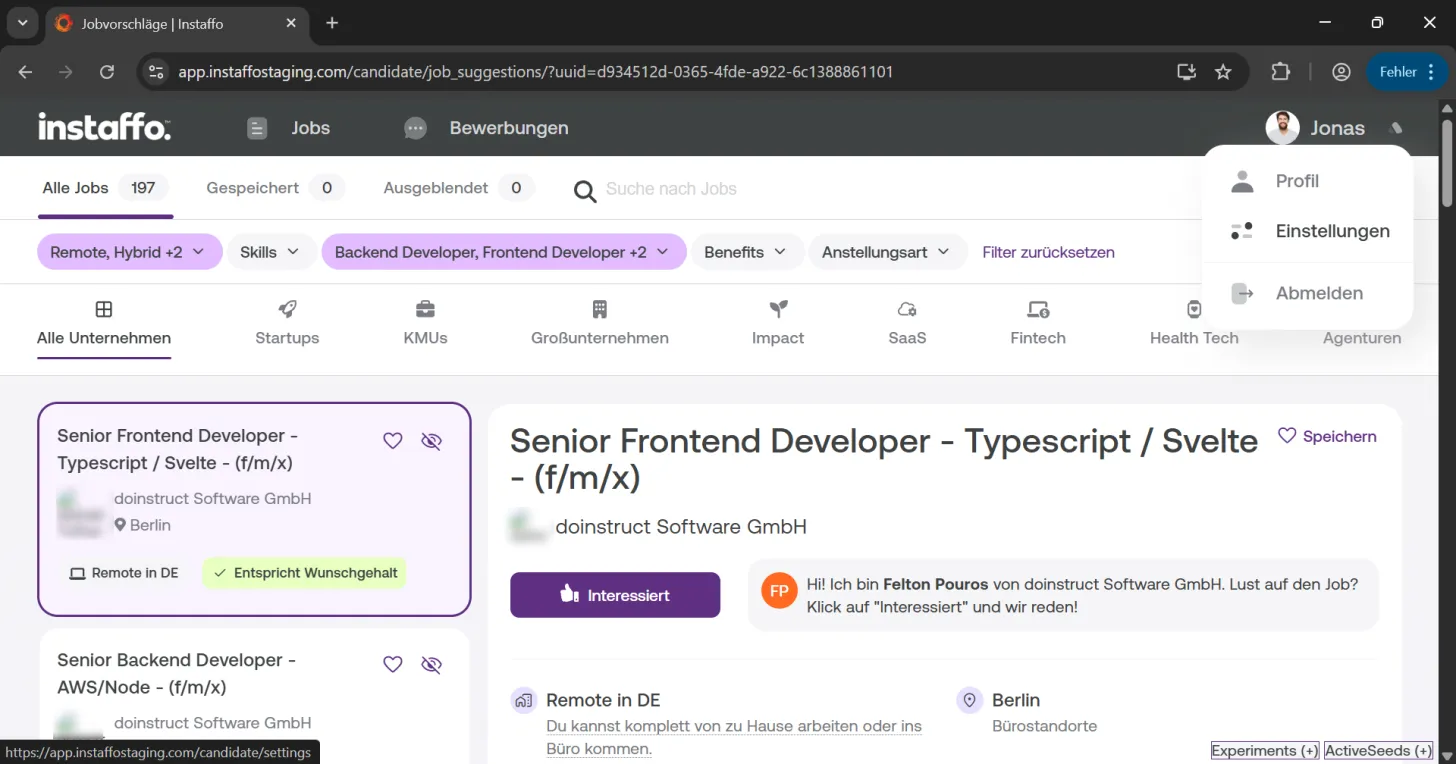
Click on your avatar in the top right corner and select "Settings" from the dropdown menu. -
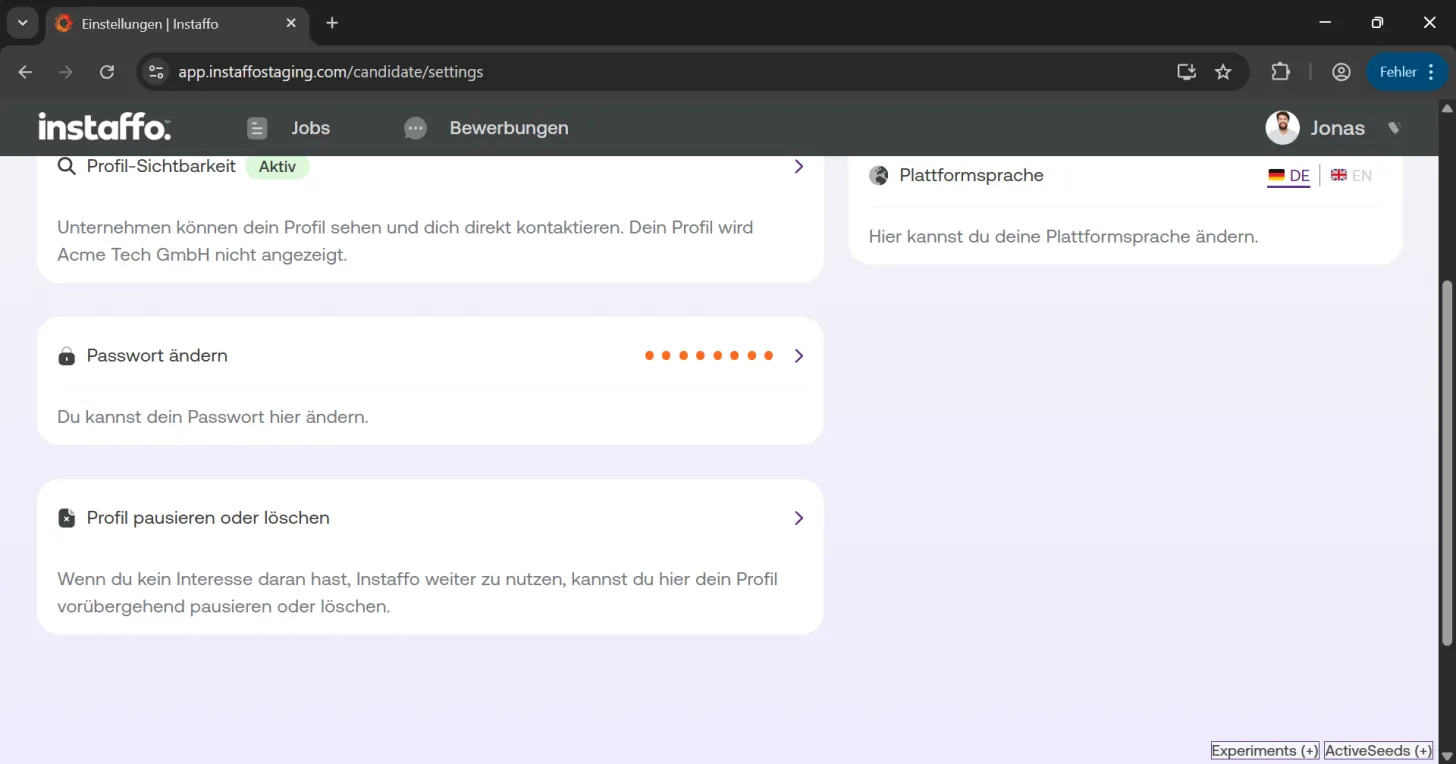
Access pause or delete profile
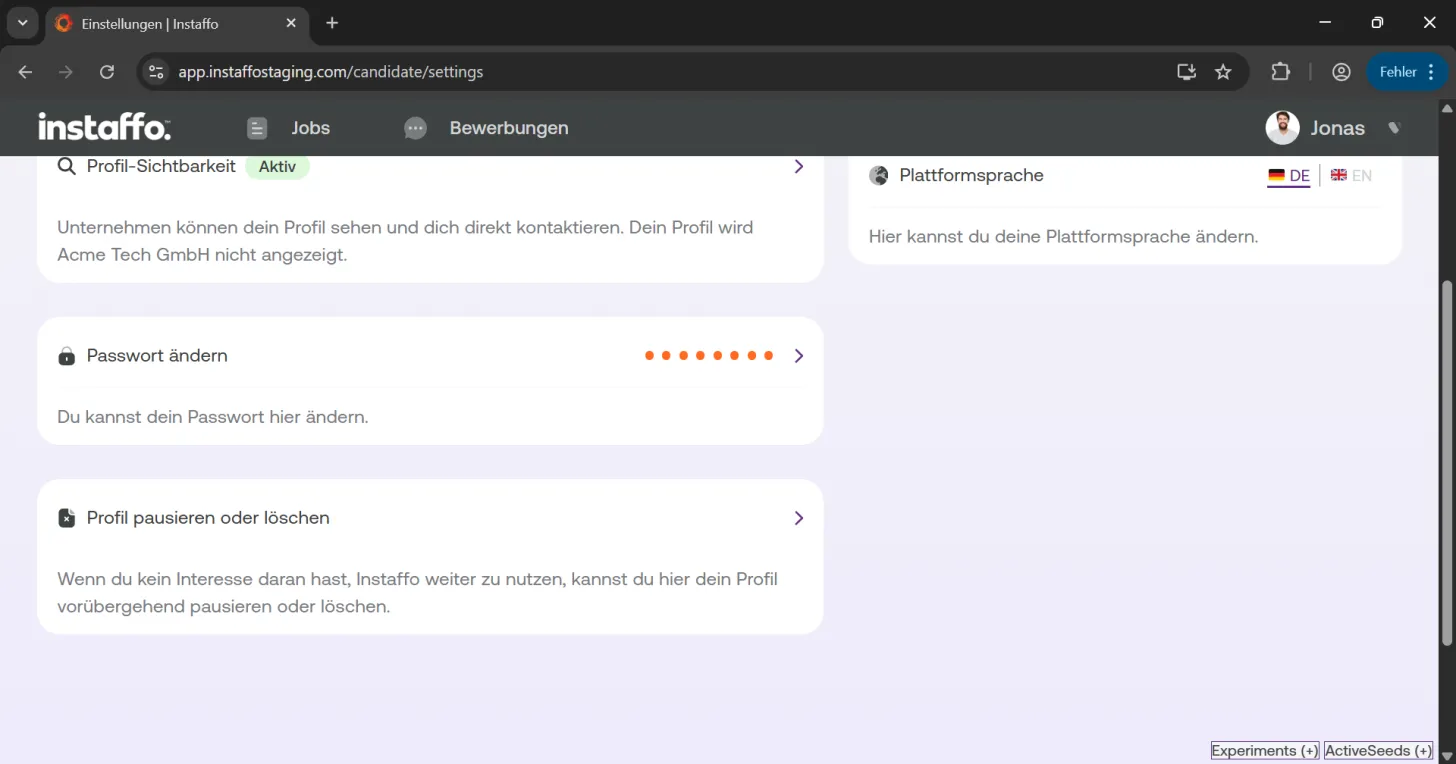
Scroll down in the settings until you find "Pause or delete profile". Click on it. -
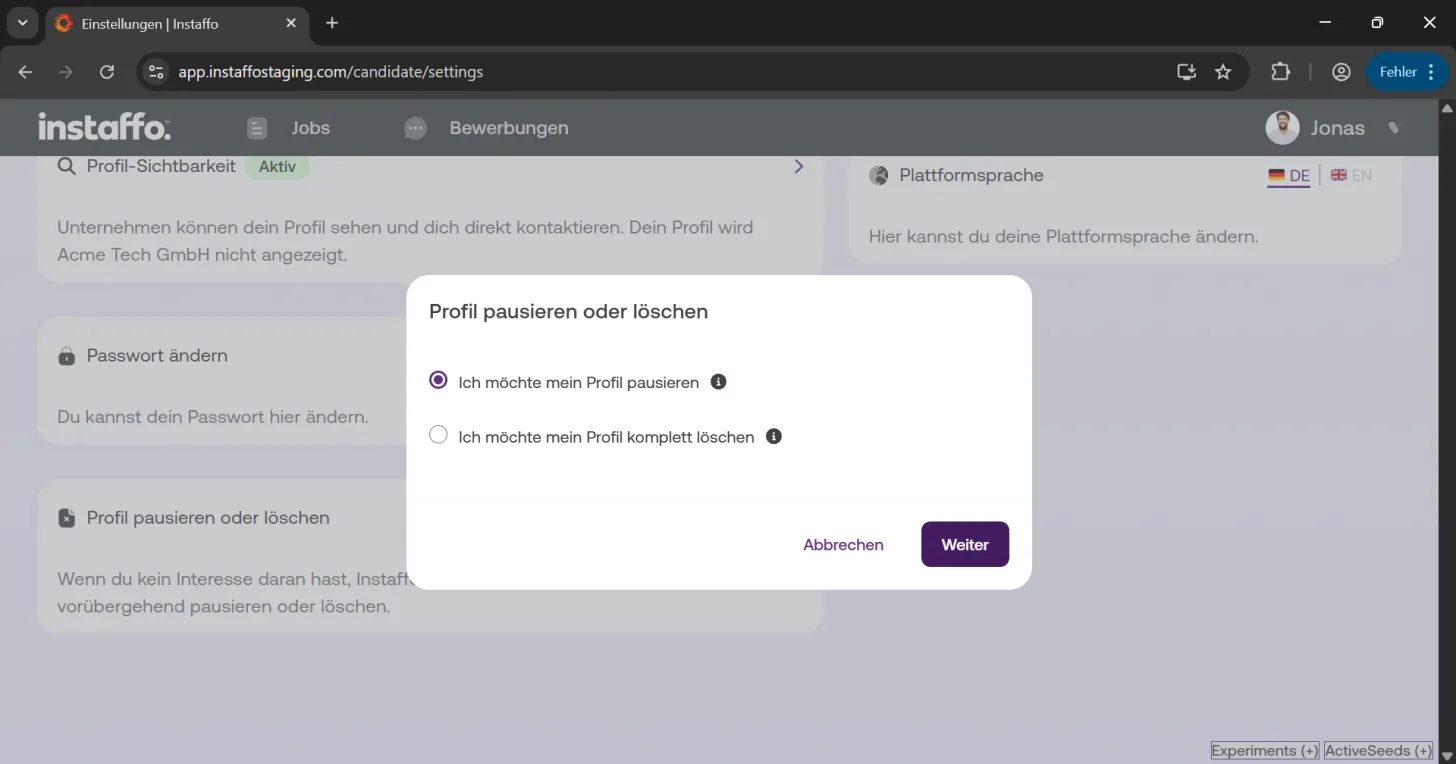
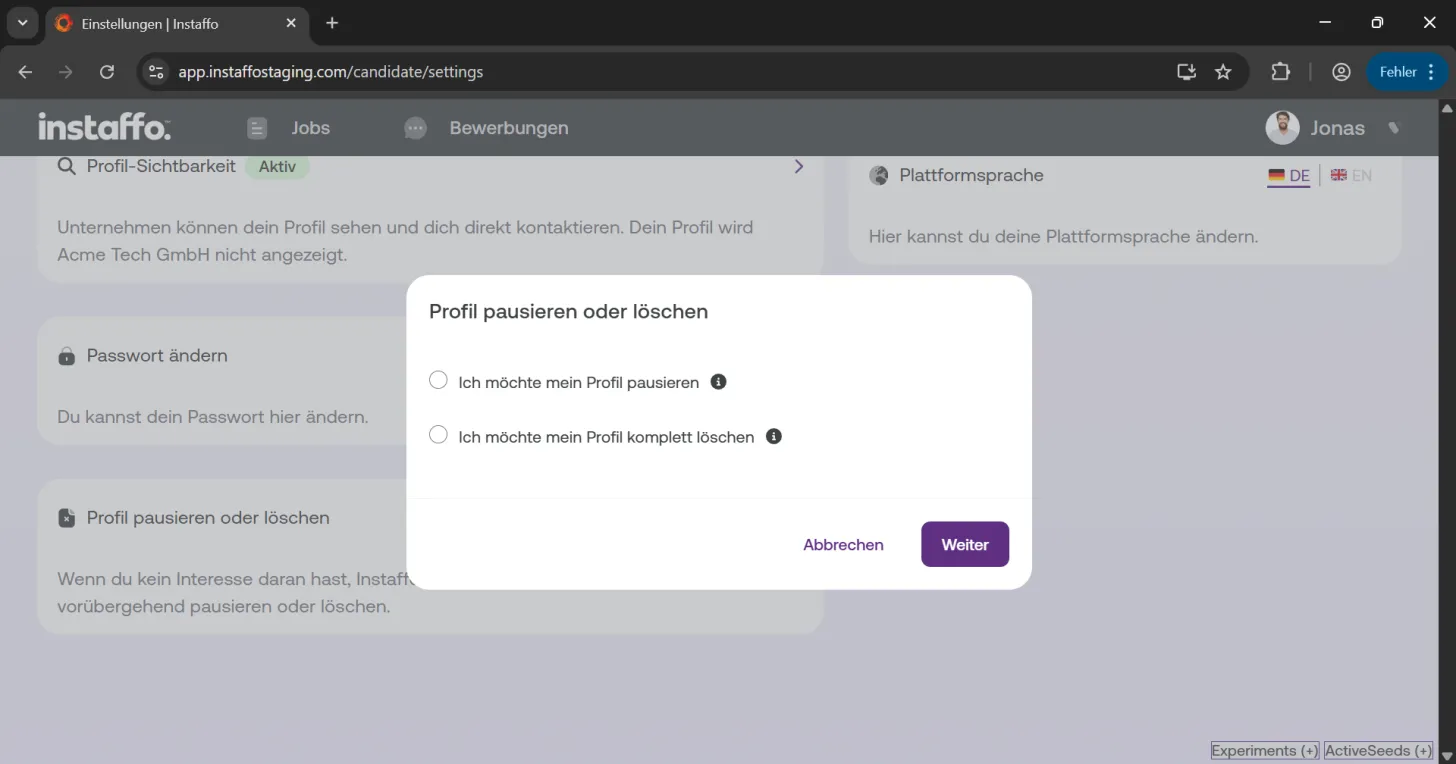
Select pause
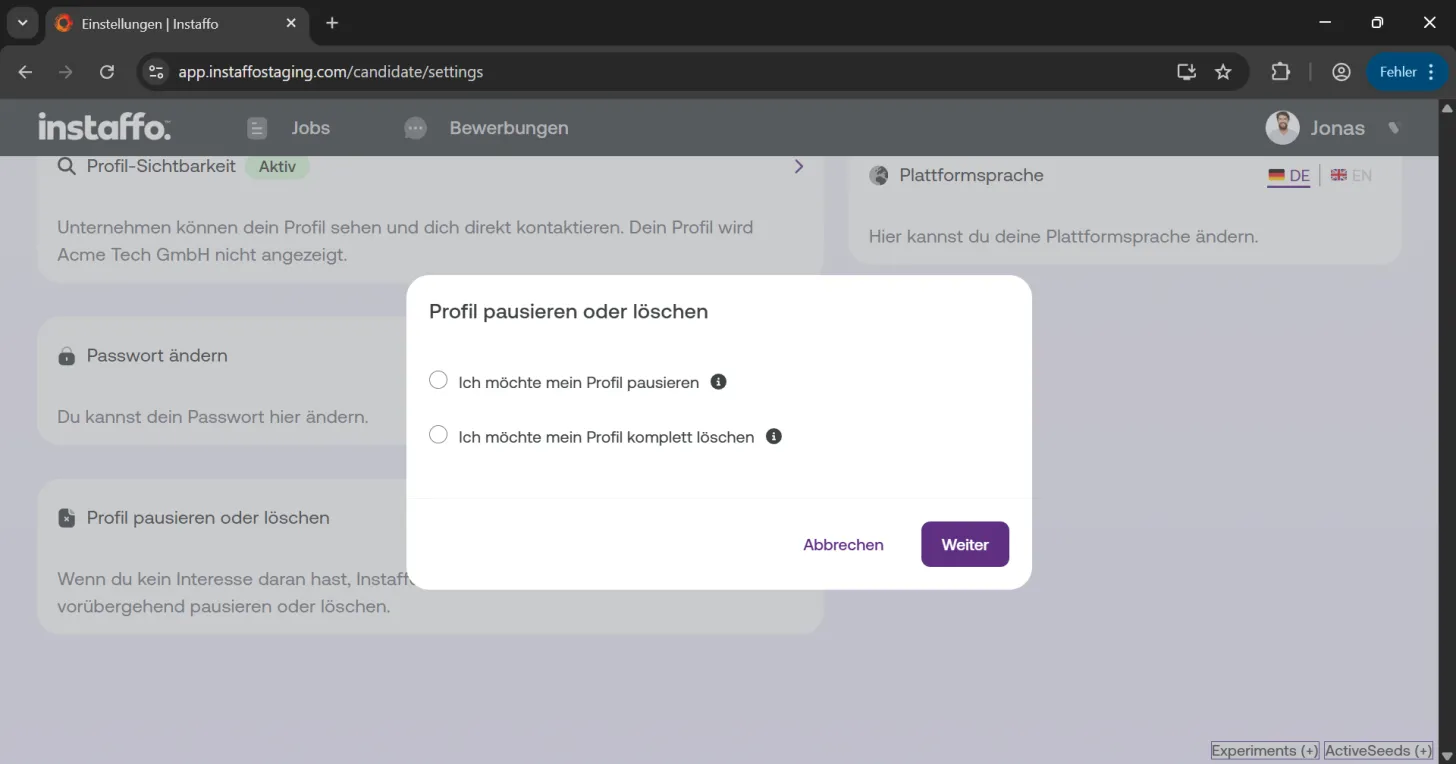
Choose the option "I want to pause my profile" and click "Next". -
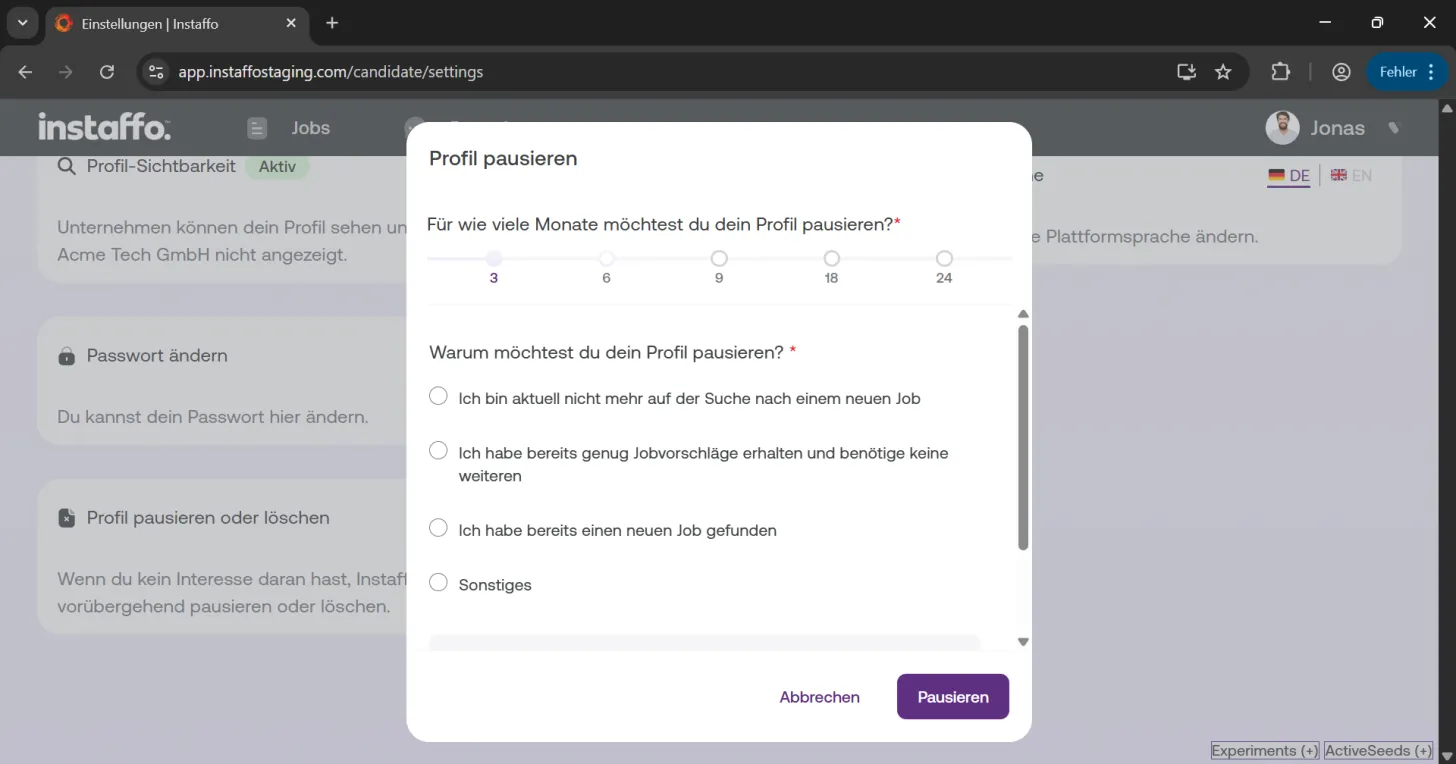
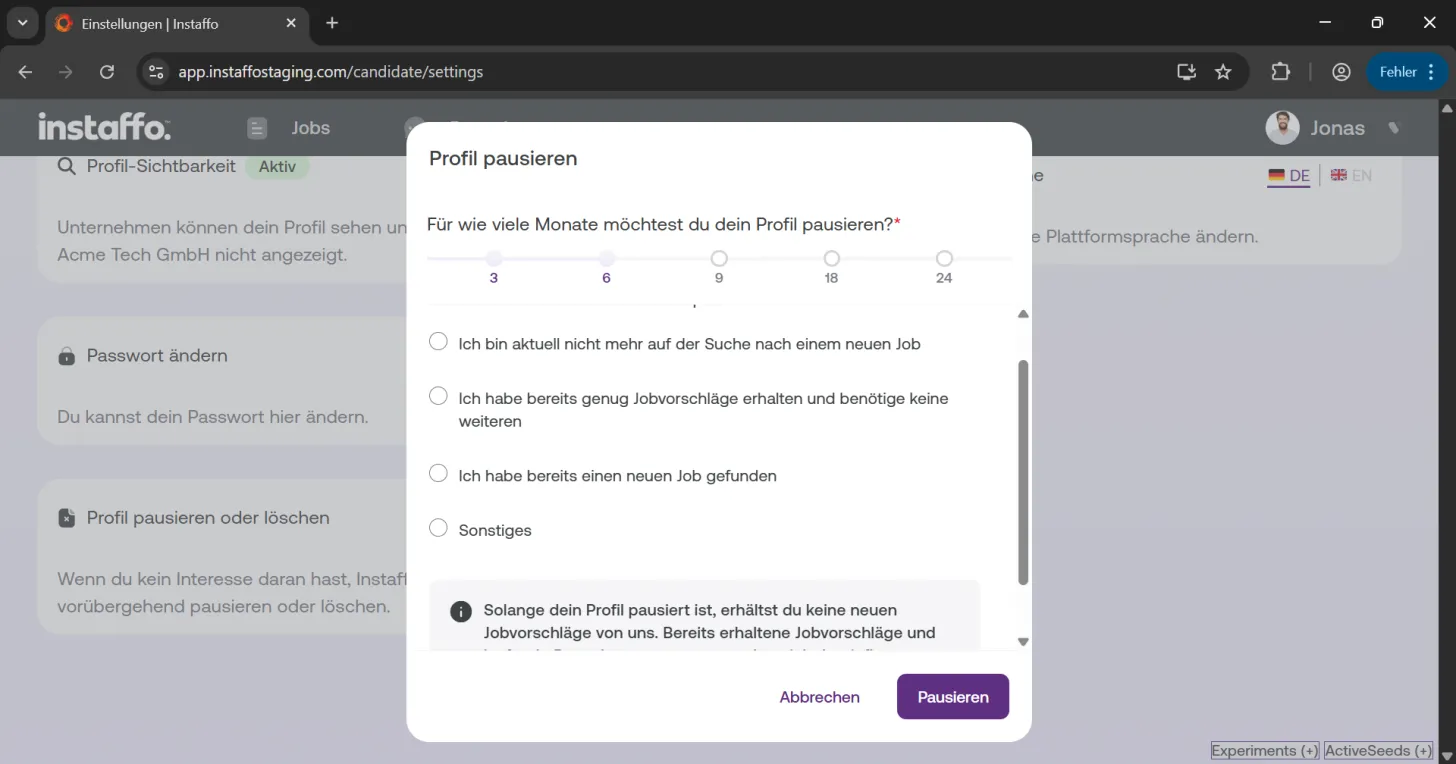
Set pause duration and reason
Decide how many months you want to pause your profile. You can choose between 3, 6, 9, 18, or 24 months. You also have the option to provide a reason:- I'm not looking for a new job right now: If you're not currently searching for a new position
- I've already received enough job suggestions and don't need more: If you've received sufficient offers
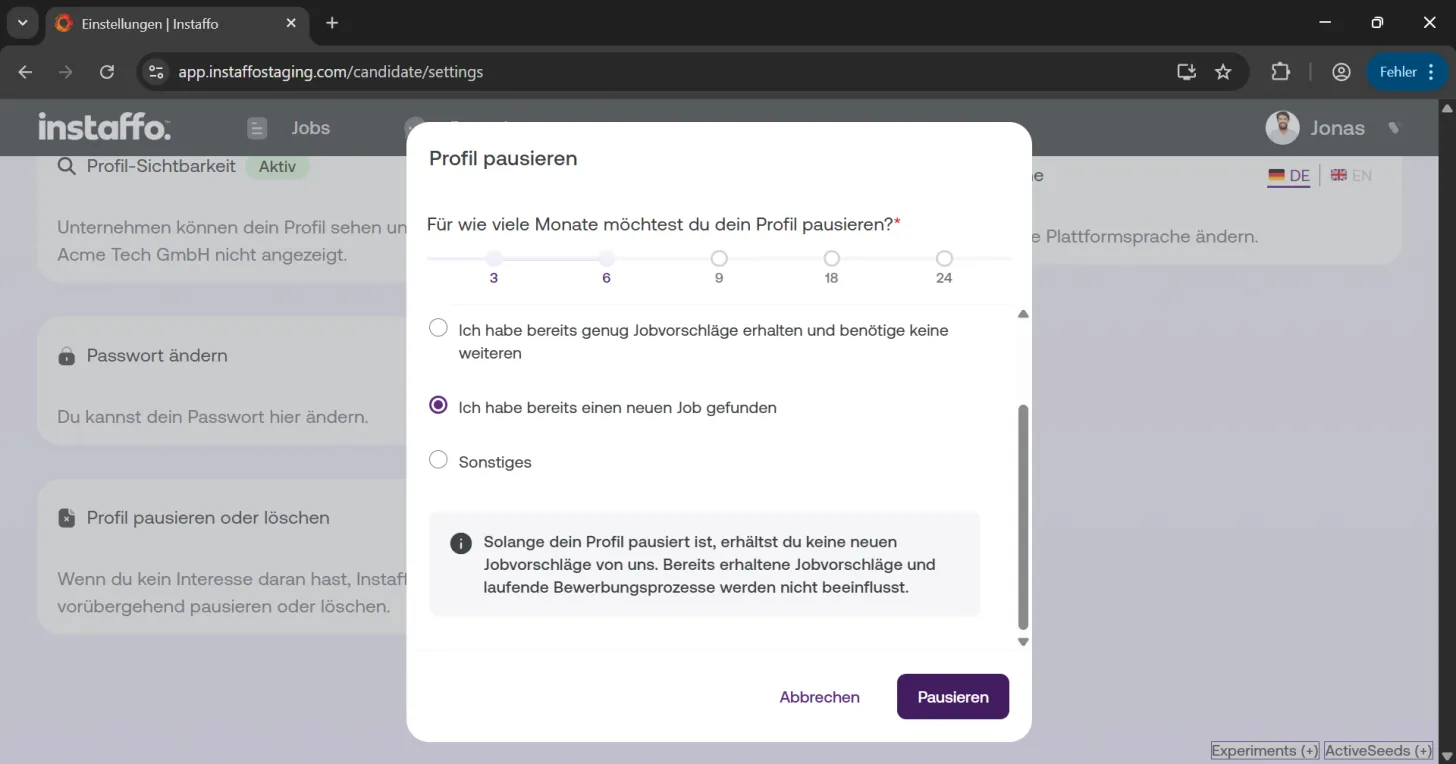
- I've already found a new job: If you've successfully found a new position
- Other: For other reasons
-
Confirm pause
Click "Pause" to pause your profile for the desired period. You won't receive any job suggestions or newsletters in the meantime. Any job suggestions you've already received and ongoing application processes won't be affected. -
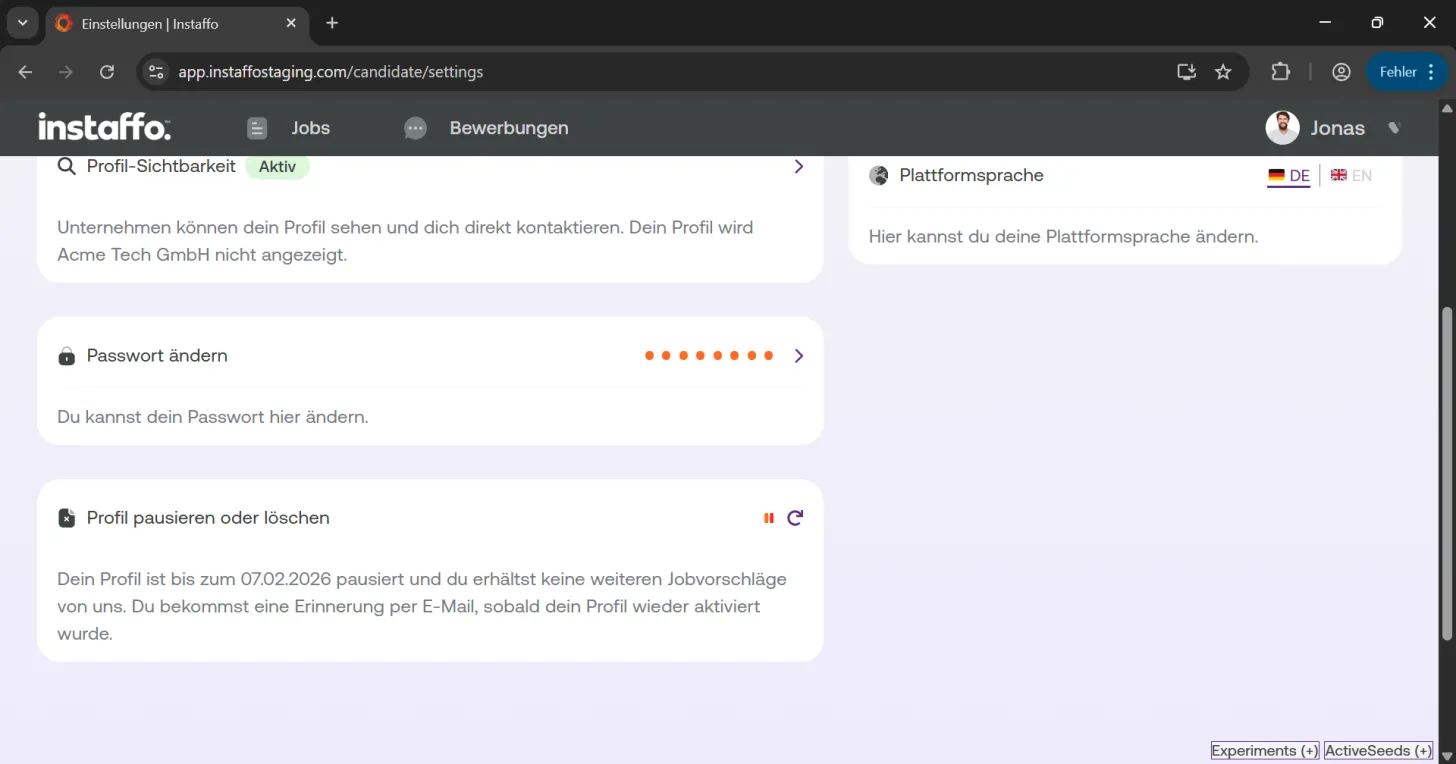
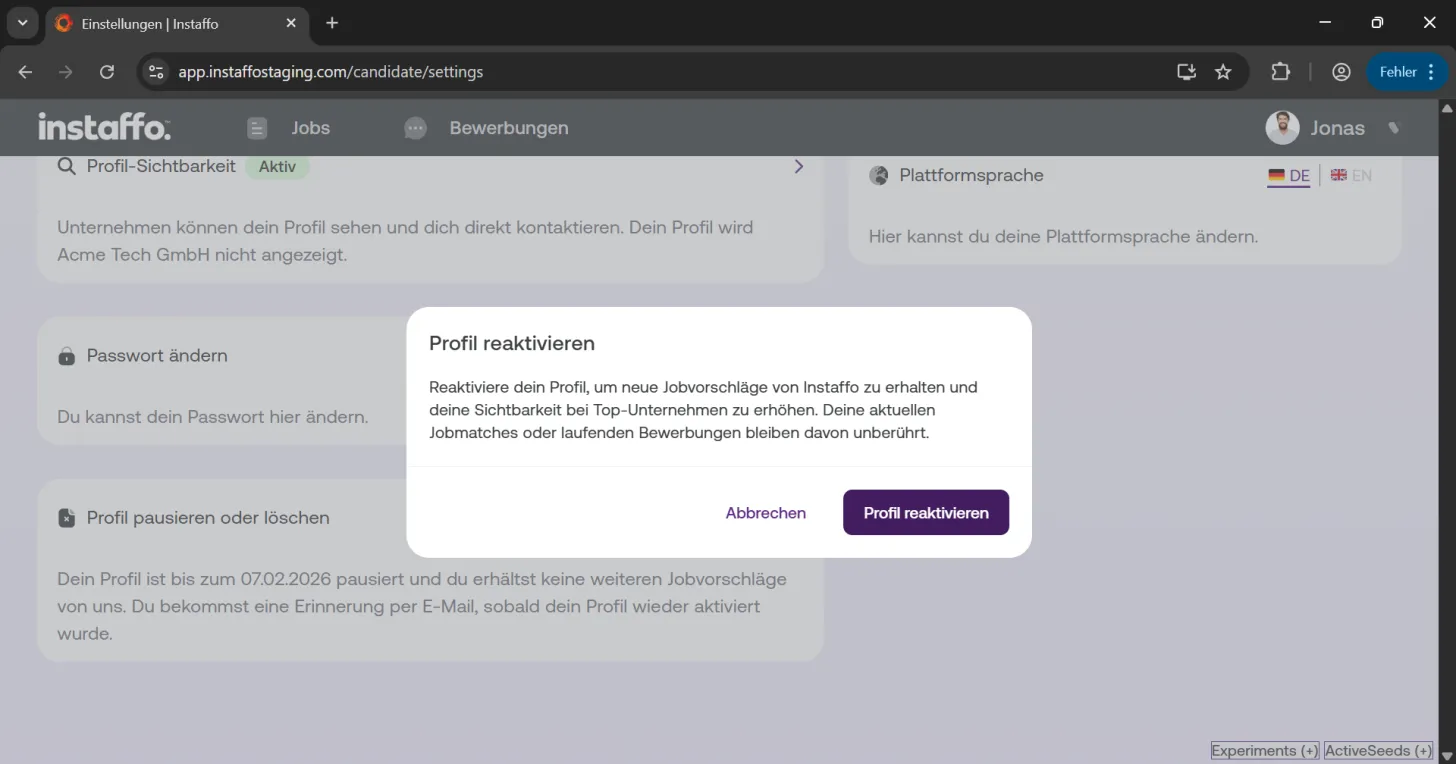
Reactivate your profile early
If you want to reactivate your profile before the pause period ends, you can use the options in your settings to reactivate it directly and use the platform as usual. Click "Reactivate profile" to do this.
Deleting your profile
-
Initiate deletion
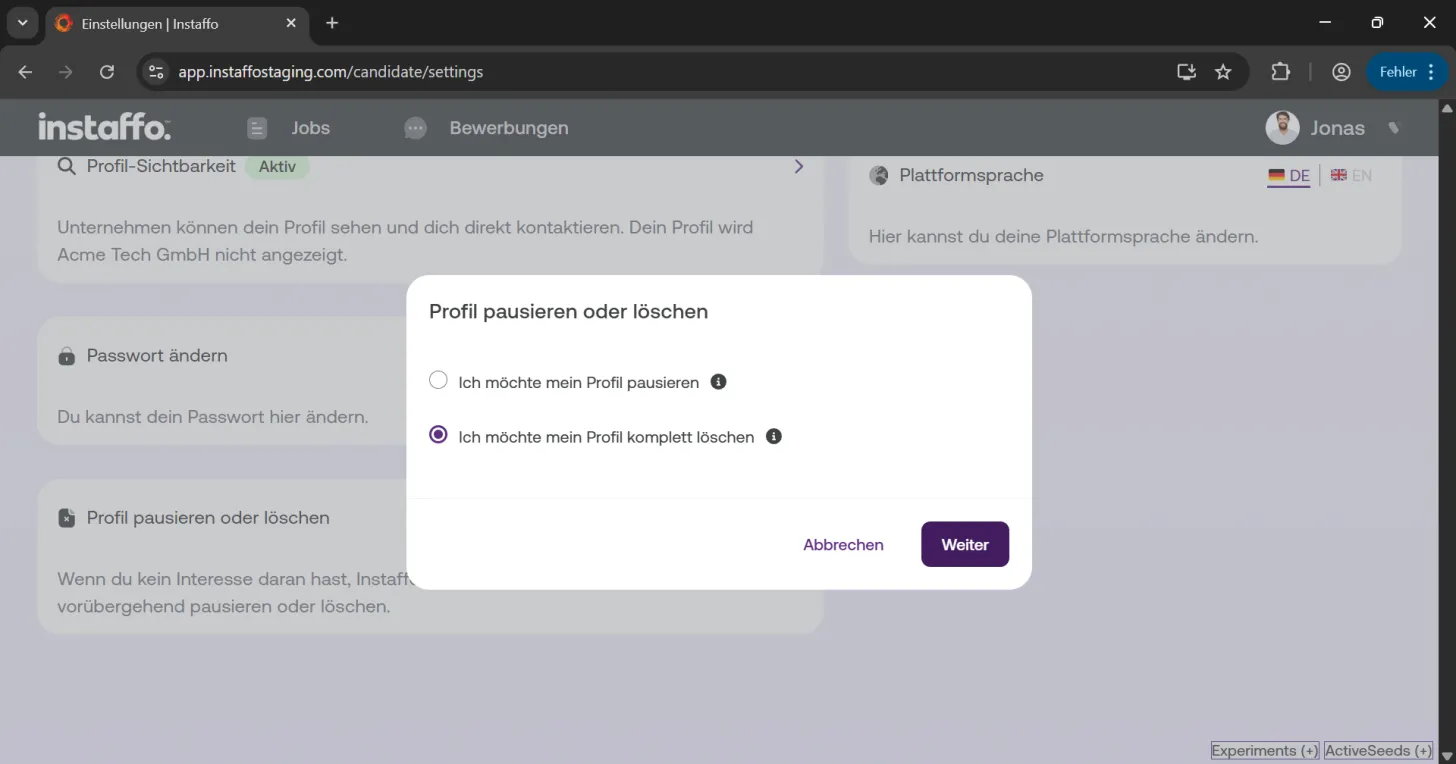
Click "Pause or delete profile" in your settings. -
Select delete
Choose "I want to delete my profile completely" and click "Next". -
Provide reason and confirm deletion
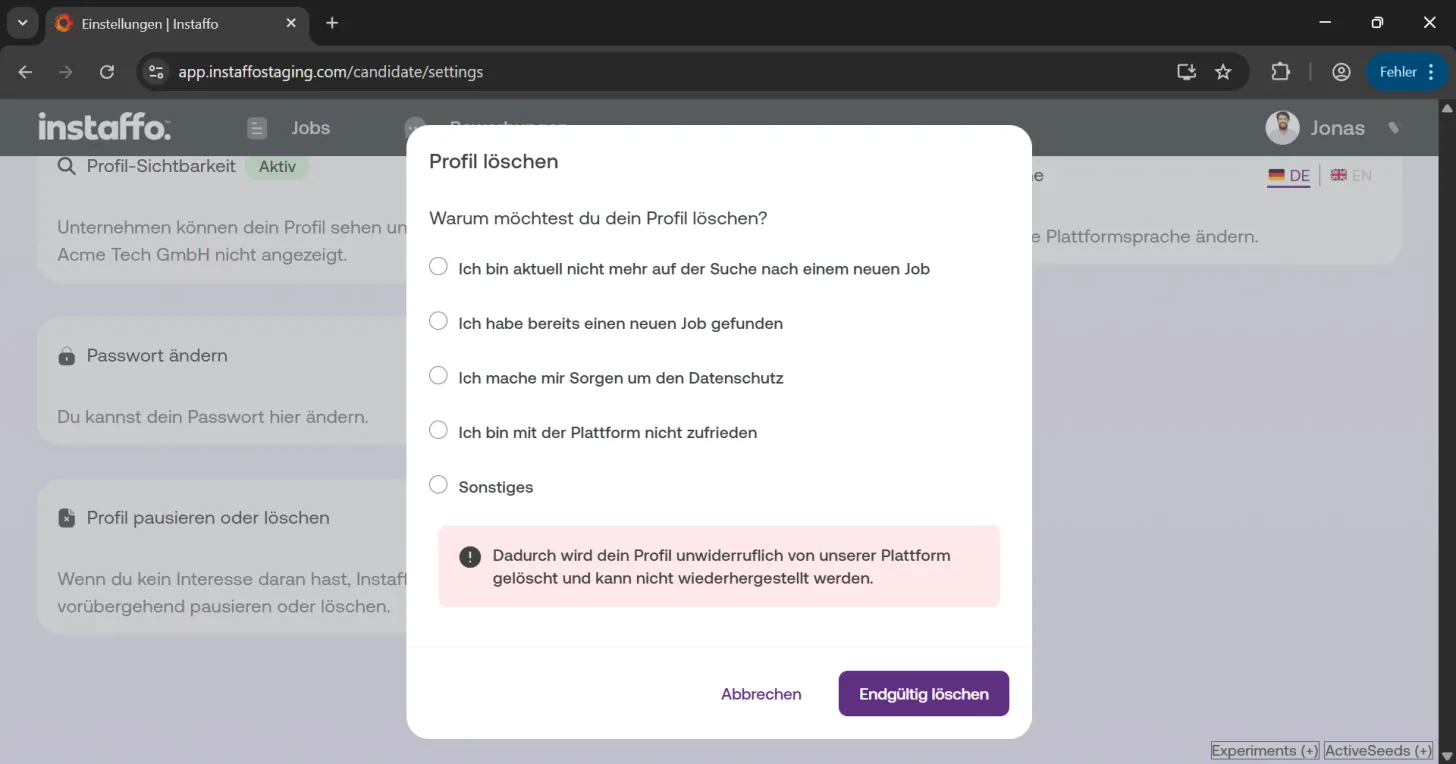
You have the option to provide a reason for the deletion. Keep in mind that this will permanently delete your profile from the platform and it cannot be restored. Click "Delete permanently" to complete the process.
After pausing or deleting your profile, the changes take effect immediately. If you pause your profile, you can return at any time, while deletion is permanent.
 Powered by happysupport.ai